CMP201D User Guide
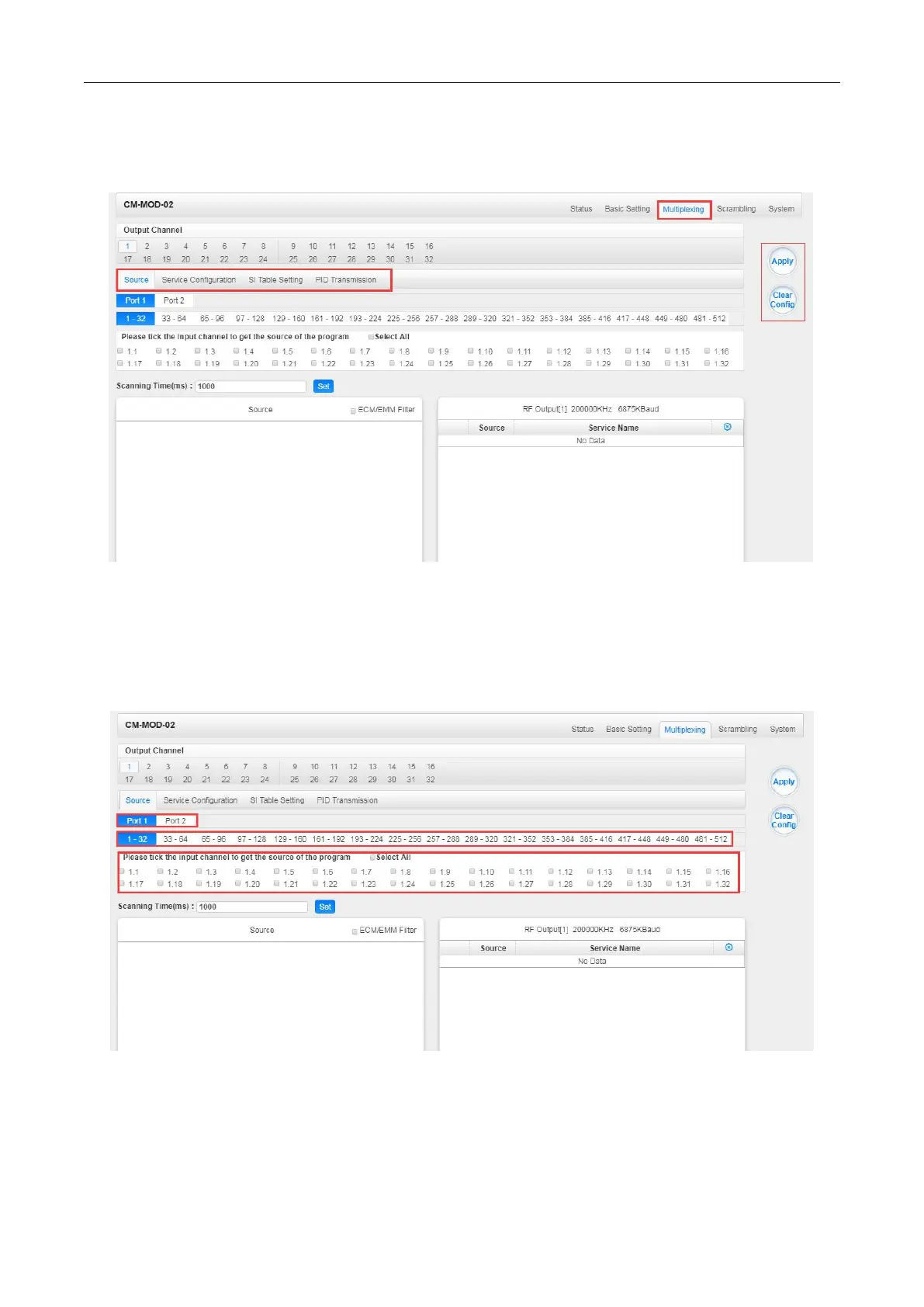
Multiplexing to see 32 modulation output channels. Select a channel you want to configure and you
will see Source setting of this channel.
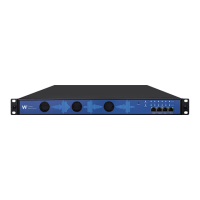
Multiplexing-Source> Source is where you select a source for output. You can chose Port 1 or Port
2 for the source. Each port is divided into 16 groups to complete 512 channels. Select a Port and you
can see service lists of Group and Channel as shown below.
To output the service on the Modulation Output, you can simply put a tick in the box beside the
service you want to output. You can output multiple Service from different Source channels or
bypass the TS to Modulation output.


 To Next Page