CMP201D User Guide
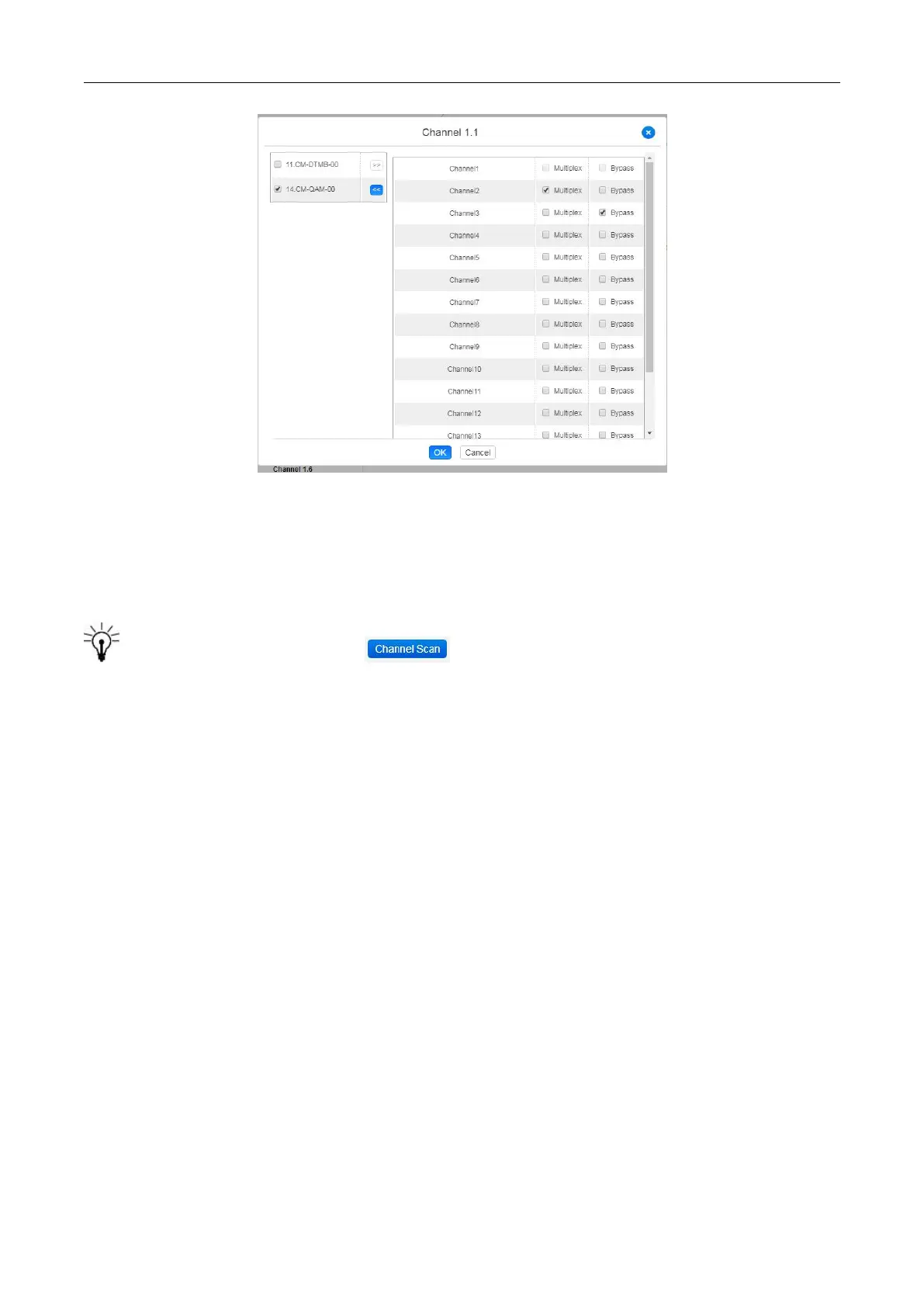
After setting output destination, click Apply to make it take effect. The destination channel will be
displayed in the channel/service line. And you can also click Clear Config to clear all of the
configuration.
There is a channel scan button ( ) on top. Normally the input service list of each
channel will load itself on this page, but when you change the input source, the list could not refresh
immediately. You can refresh the changed channels manually by selecting the channel and clicking
the channel scan button.
4.5 IP output
IP Output >Status
The IP output status information you can check on this page is similar as that of IP input. The TS
analysis and service list function are also available.


 To Next Page