CMP201D User Guide
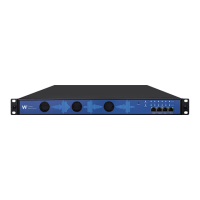
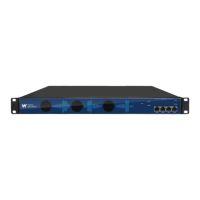
CMP201D has an embedded gigabit switch inside the chassis. You can use it as a switch with
other devices together. The four network ports are respectively used for managing and streaming.
From left to right, port 1 and port 2 are used for management, port 3 and port 4 are used for data
transmission.A good method of checking IP output is to play the IP streams using VLC player
directly.
If you want to connect a switch between CMP201D and PC or other devices, this switch should
support IGMP V2 and IGMP snooping function. If the switch you used is not configured properly, it
could cause some network issue.
4.1.2 Logging into the Web GUI
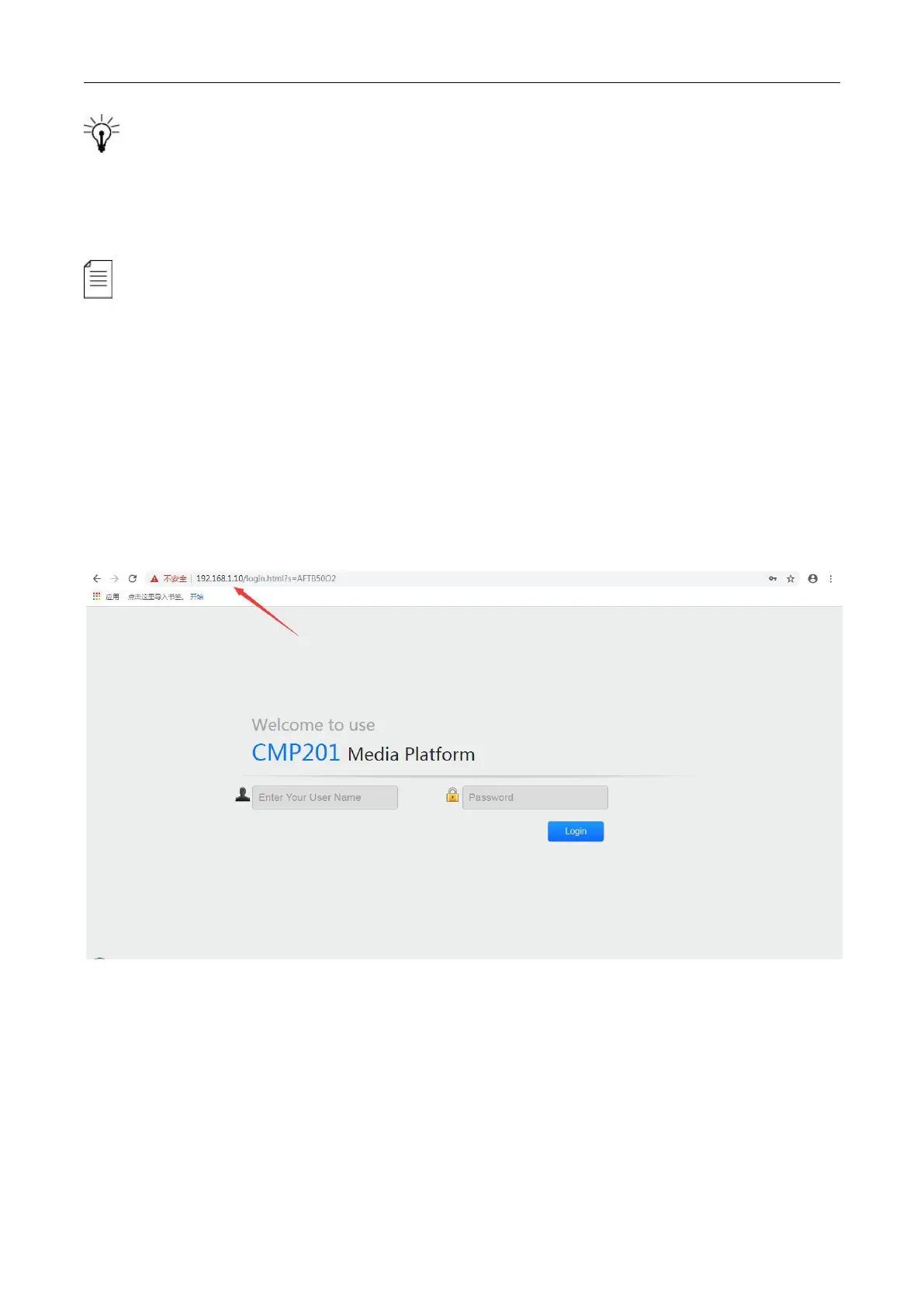
Enter the CMP201D Baseboard IP address into the URL field of any recommended Web browsers
(IE8 or above, Firefox, and Google Chrome) to access the login page. The default user name and
password are both admin. Click Login to log into the GUI.
4.2 Status
Status>Device status
After a successful login, you will always enter the status overview page, where you can check the
device status of:
a)
Module List: it shows the module(s) inserted


 To Next Page