CMP201D User Guide
IP Input >Service Configuration
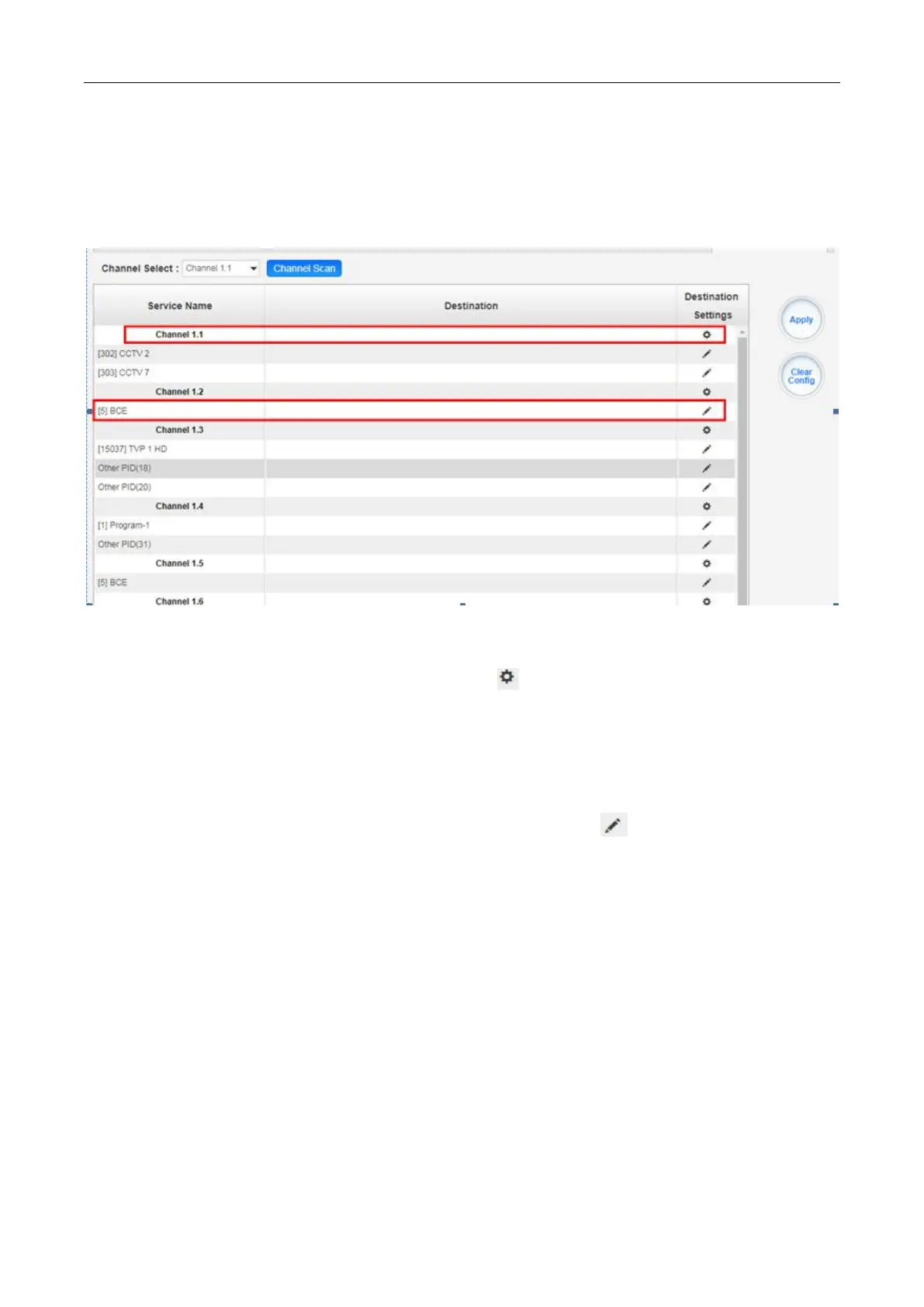
To stream an input source, you can configure the destination in this page.
Multiplex or Bypass stream: Click the setting icon ( ), check the output module, and then you
can set the output channel of this stream. After you select bypass mode, this output channel will
be occupied only by this stream and when you set other stream output channels, this channel
will not be available in this time.
Multiplex services: You should click the service line setting icon ( ) to make the certain service
output from certain channel combining with other services. The operation you can refer to
multiplex stream output.


 To Next Page