DMP900 User Guide
22
Add Logical Channel Number (LCN)
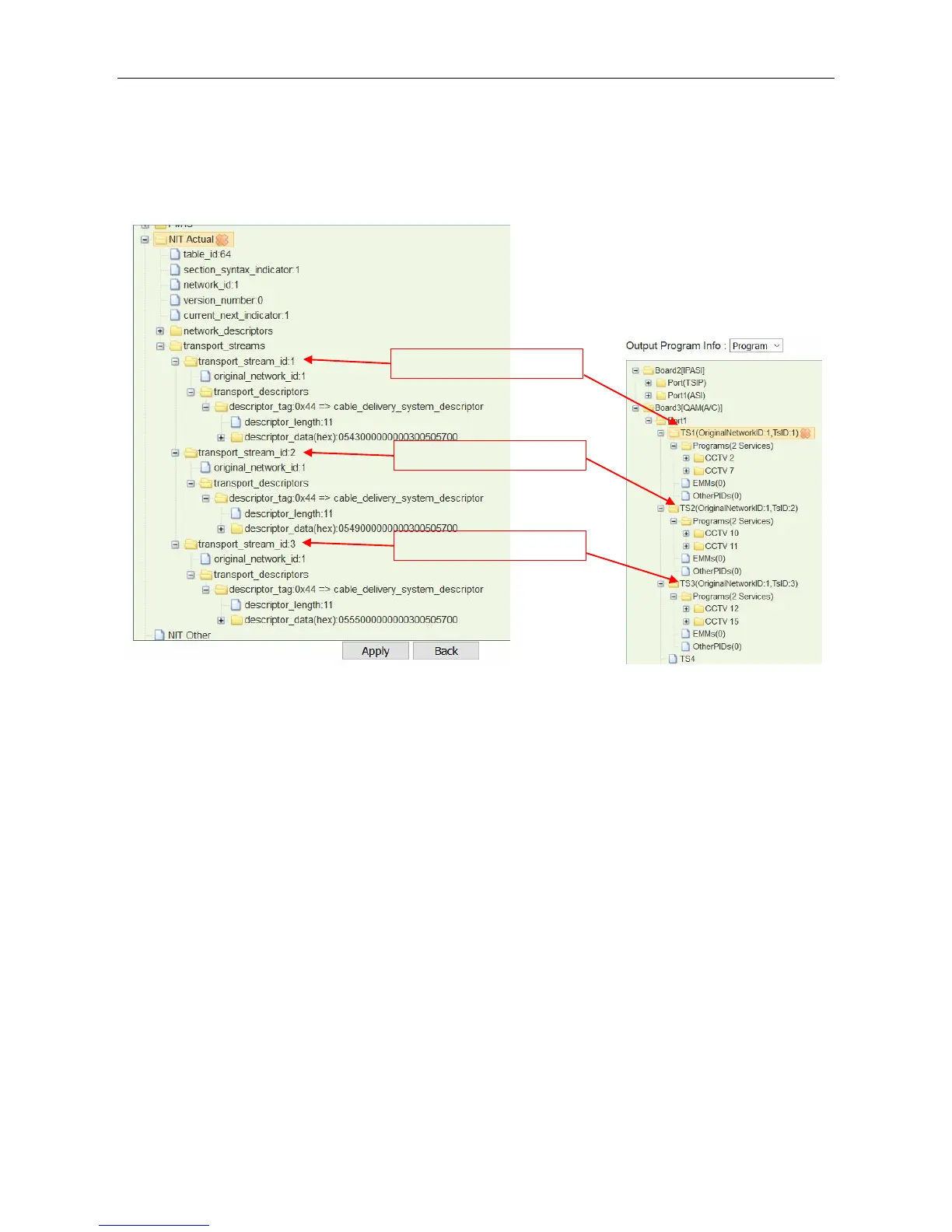
LCN is used to sequence the channels in the Set Top Box. See the following image, we have a NIT
tree with Cable Descriptors added in transport_stream_id:1, transport_stream_id:2,
transport_stream_id:3.
Steps to add LCN for the output services (CCTV2, CCTV7, CCTV10, CCTV11, CCTV 12, and
CCTV15):
1. Right-click transport_descriptors under transport_stream_id:1, then select Add LCN
Description to enter edit page.



 To Next Page