DMP900 User Guide
30
Mbps. Better not enable unemployed channels, since the enabled channels without services still
output null packets at Constant Bitrate.
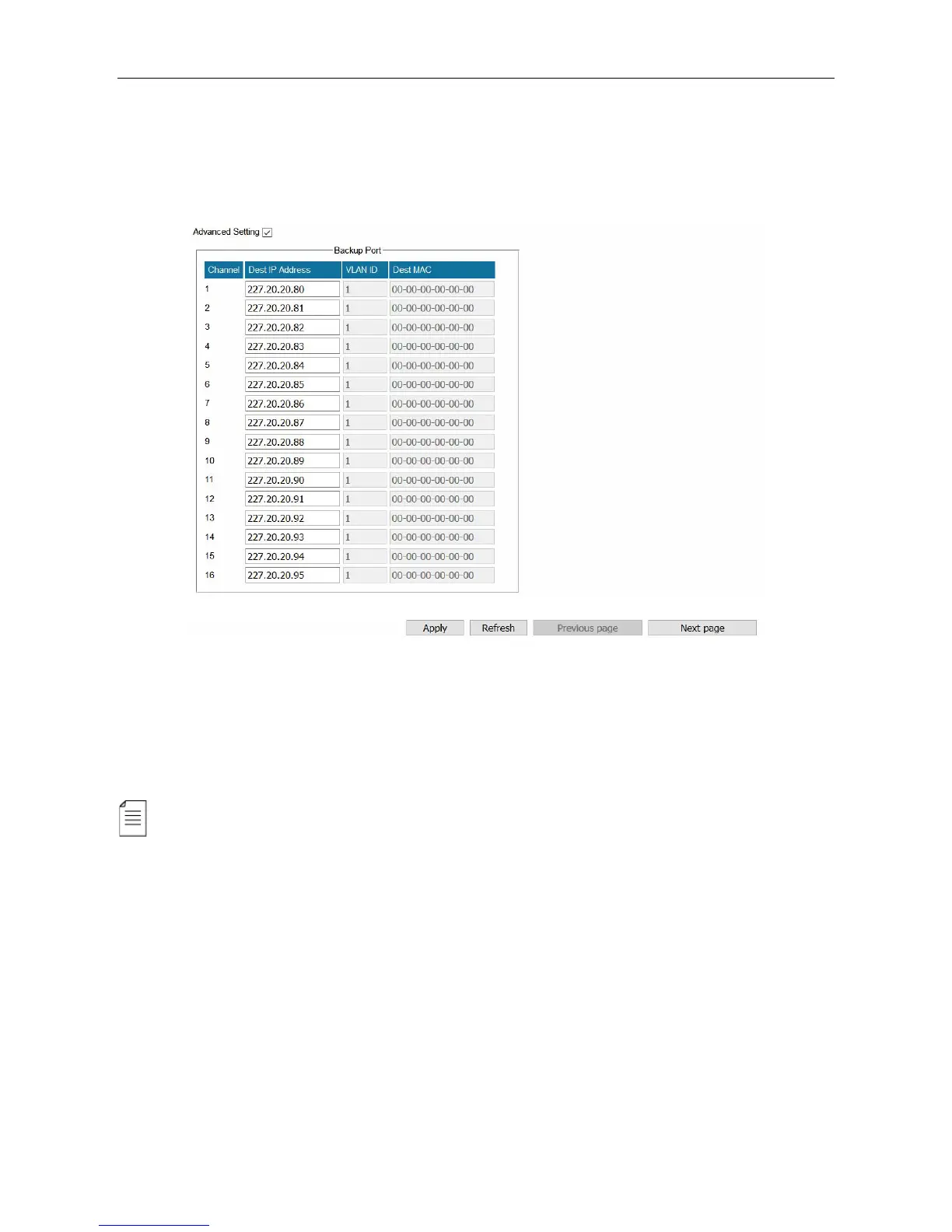
Select Advanced Setting to configure backup port. The backup feature is available only when the
main channels are transferring services.
The backup port duplicates the output streams in the main port respectively. If you set the backup
Dest IP Address the same with the main port, do not connect main port and backup port to the
same VLAN to avoid conflicts.
Constant Rate of any output channel/TS/port ought to be set manually about 2 Mbps higher
than the Effective Bitrate in the corresponding output channel/TS/port, since the Effective Bitrate
might fluctuates a little bit. If you set the Constant Rate much higher that the Effective Bitrate,
there will be lots of null packets in the output transport stream.



 To Next Page