ATA Web user guide
14 / 114 2015/1/8
Item Description
Page Default: Page 1. Select the page, from Page1~Page7.
Index Shows the serial number. 140 entries in total, from Phone
0~139. One page has 20 entries.
Name Set up the user’s name. These columns provide the function of
speed dial by only enter numbers; maximum length is 31 bytes.
Number/URL Set up the user’s number. These columns can enter numbers
and strings; maximum length is 63 bytes. Ex: 0212345678,
0800024365, www.dyndns.info
Action Provide [Delete] button to erase the datas.
Submit [Button] Save the Settings.
Delete All Reset all data.
Acess Phone
Book
Enter “Remote Phone Book Setting” web page.
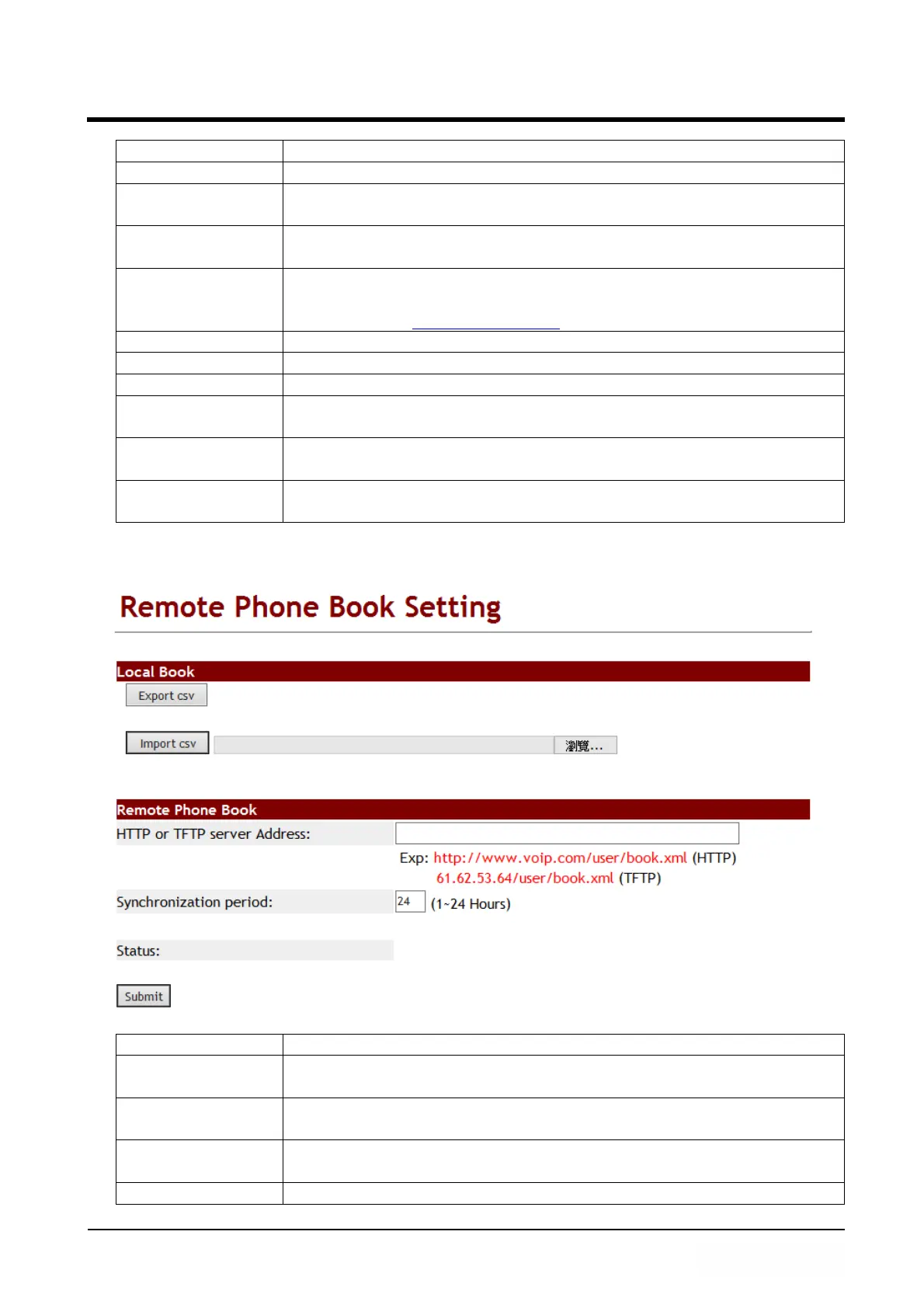
Export csv
[Button]
Export [Phone Book] data, the file format is 『.csv』.
Import csv
[Button]
Import [Phone Book] data, the file format is 『.csv』.
Item Description
Export csv
[Button]
Export [Phone Book] data, the file format is 『.csv』.
Import csv
[Button]
Import [Phone Book] data, the file format is 『.csv』.
HTTP or TFTP
Server Address
Use HTTP or TFTP server to upgrade LP399’s phone book data.
Synchronlzation The LP399 will reference this time to upgrade phone book data



 To Next Page