ATA Web user guide
50 / 114 2015/1/8
Example 3: Manually Setup NTP
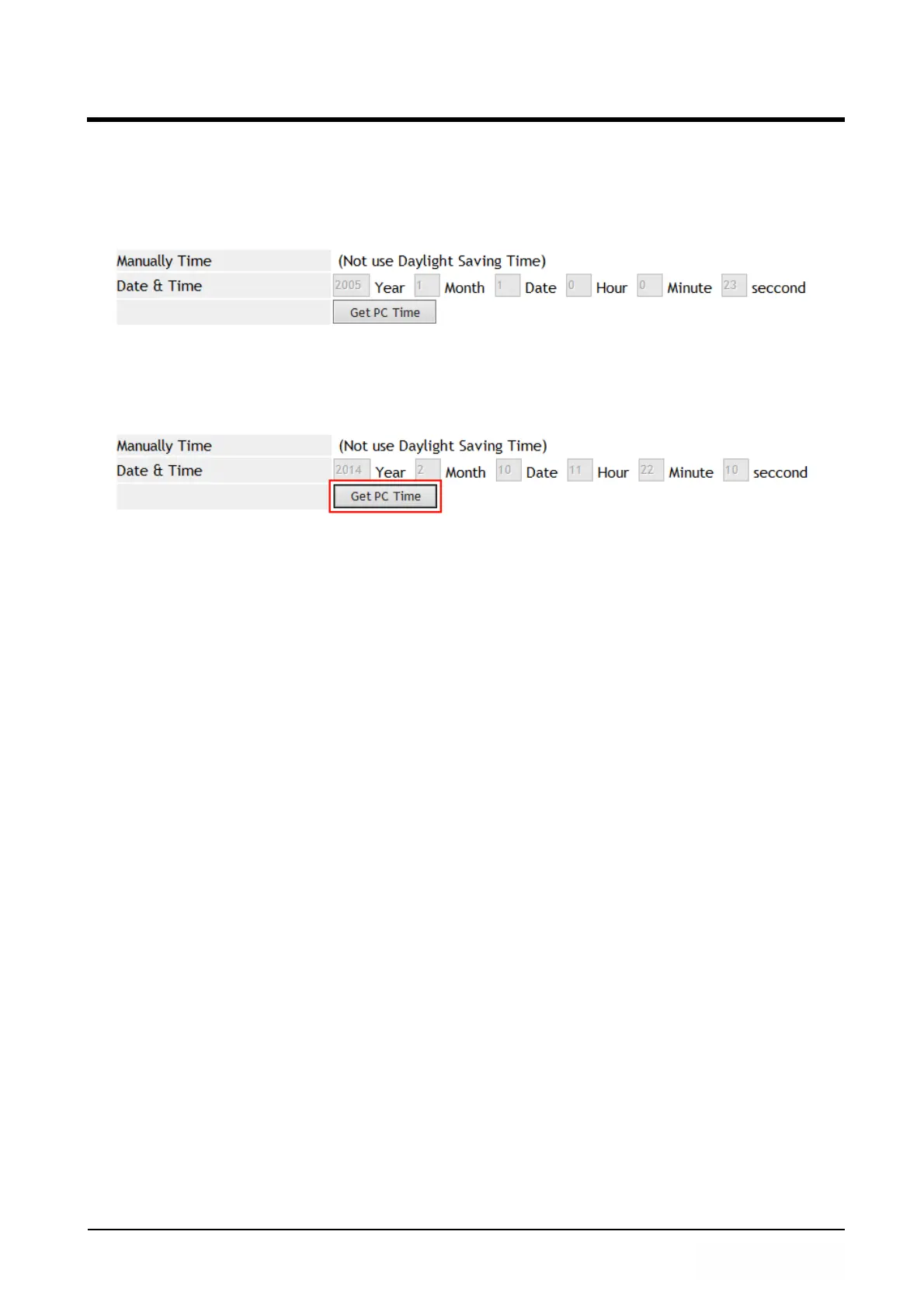
Step 1: In [NTP Setting] web page, Setup [NTP Active: Manual] , Press [Get PC Time]
button to get personal computer’s date and time (For example : Date & Time:
2005 Year, 1 Month, 1 Date, 0 Hour, 0 Min, 23 secondsond) (See Figure4).
(Figure 4)
Step 2: In [System Status] web page, View the [Current Time] field, The field show
[Manually Time] time information (See Figure 5).
(Figure 5)



 To Next Page