18
Williams Serenade Piano
Stopping
Whilearhythmstyleisplaying,presstheSTART/
STOP button to stop the accompaniment
immediately,orpresstheINTRO/ENDINGbutton
to finish with an ending pattern. Pressing the SYNC
STARTbuttonscanalsostoptheaccompanimentand
the synchronized start mode will be on standby.
Note: If you want the selected rhythm style to continue
after the ending pattern has been completed, press the
FILL IN button while the ending pattern is playing.
Auto-Harmony
With the Harmony feature engaged, a single note on
the right-hand section of the keyboard will sound
with additional auto harmony notes. The note played
in the right-hand section of the keyboard determines
the root key of the harmony. It is recommended that
only one note be played at a time. If more than one
note is played, only the highest note will add harmony.
Note: Auto Harmony is only available when the auto-
accompaniment is playing.
TheAuto-HarmonyfeaturecanbeturnedOn/Offin
the Setup menu. The default status is Off. There are
four harmony types that can be selected: duet, close
harmony, open harmony, and octave. The harmony
type selection is assigned in the Setup menu. Please
see the Setup section for more information.
Adjusting the Tempo
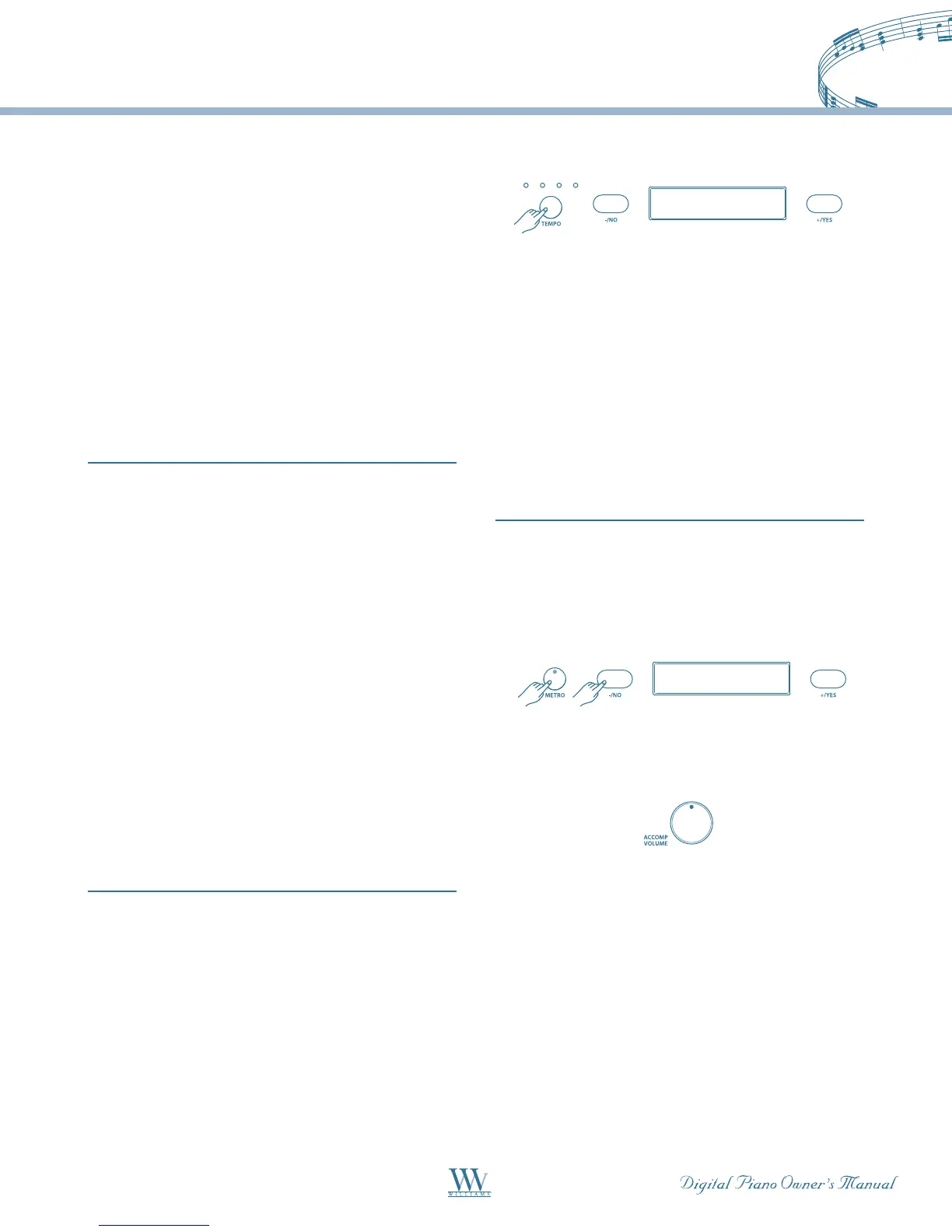
Thefour-dotindicatorabovetheTEMPObuttons
indicates the tempo and the beat for accompaniment
playing. Each style has its own preset tempo. The
tempo can be adjusted before or during rhythm style
playbypressingtheTEMPObuttons.Thecurrent
tempo will be shown on the display.
Use the -/NO or +/YES button to change the tempo
range from 40 -240. If you press and hold down
either the -/NO or the +/YES button, the tempo will
change continuously until you release the button.
ALL: Demo Song
A11: Demo Song
d-9: Samba Time
002: Bright Piano
018: Reed Organ
Layer Level 12
021: Slap Bass
Lower Level 14
004: BroadWay
023: Slow Swing
Tempo 120
When you change the style before you play, the tempo
will be set to its default value. If you change style
during play, the tempo will keep its current value. Press
the -/NO and the +/YES buttons simultaneously to
reset the tempo to the default value of the current style.
To Exit this mode press any control button except
-/NO +/YES, or if you wait for 5 seconds, the display
will return to show the selected voice or style.
Metronome
The Serenade includes a built-in metronome. Press
theMETRObuttontostartthemetronomeandits
LED indicator will light up. Use the +/YES and -/NO
to change the beat pattern in sequence of 1/4, 2/4, 3/4,
4/4,5/4,6/4,6/8or12/8.
ALL: Demo Song
A11: Demo Song
d-9: Samba Time
002: Bright Piano
018: Reed Organ
Layer Level 12
021: Slap Bass
Lower Level 14
004: BroadWay
023: Slow Swing
Tempo 120
Metronome 3/4
UsetheACCOMPVOLUMEknobtoadjustthe
metronomelevel.PresstheMETRObuttonagainto
stop the metronome.
If you select a new accompaniment style or play a
practice song, the beat and tempo of the metronome
will be set automatically to the beat and tempo of that
style/song.
Note: If the metronome is enabled while the auto-
accompaniment is playing, the metronome sound will
replace the Drum part of the accompaniment style.
Note: Reverb and Chorus sound effects do not apply to
the metronome sound.















 To Next Page