19
Temp o
PresstheTEMPObuttontochangethemetronome
tempo using the +/YES and –/NO buttons.
You can use the +/YES and –/NO buttons to change
the tempo value range from 40 to 240 bpm (beats
per minute). Press the +/YES and –/NO buttons
simultaneously to recall the default tempo setting.
Afterthreeseconds,thedisplaywillreverttothe
selected voice. There is a four-dot beat indicator above
the tempo buttons. It indicates the tempo and beat.
DEMO
Playing Demo Songs
The Serenade has 13 different demonstration songs
that showcase the voices that are available. The
display will show the song name and its number with
a“d”prex.Whenplayingallthesongs,“ALL”will
appear on the display initially, and will change to
thedemosongnumberandnameasitplays.After
exiting the demonstration mode, the display will
revert to its initial data.
1.PlayAllDemoSongs–PressDEMO,theindicator
lightsup.Therstdemosongwillplayinstantly.All
songswillplayrepeatedlyuntilyoupresstheDEMO
button again to stop the demonstration.
A11: Demo Song
d-9: Samba Time
002: Bright Piano
018: Reed Organ
Layer Level 12
021: Slap Bass
Lower Level 14
004: BroadWay
023: Slow Swing
Tempo 120
Metronome 3/4
2.PlayASingleDemoSong–Usethe+/YESorthe
-/NO buttons to change songs while the demo is
playing. The next song will play consecutively until
you press the demo button again to stop.
ALL: Demo Song
A11: Demo Song
d-9: Samba Time
002: Bright Piano
018: Reed Organ
Layer Level 12
021: Slap Bass
Lower Level 14
004: BroadWay
023: Slow Swing
Tempo 120
Metronome 3/4
There are 55 songs for the musical training course
that can also be played back for demonstration. Please
seethePlay-AlongSongsectionofthismanualfor
more information.
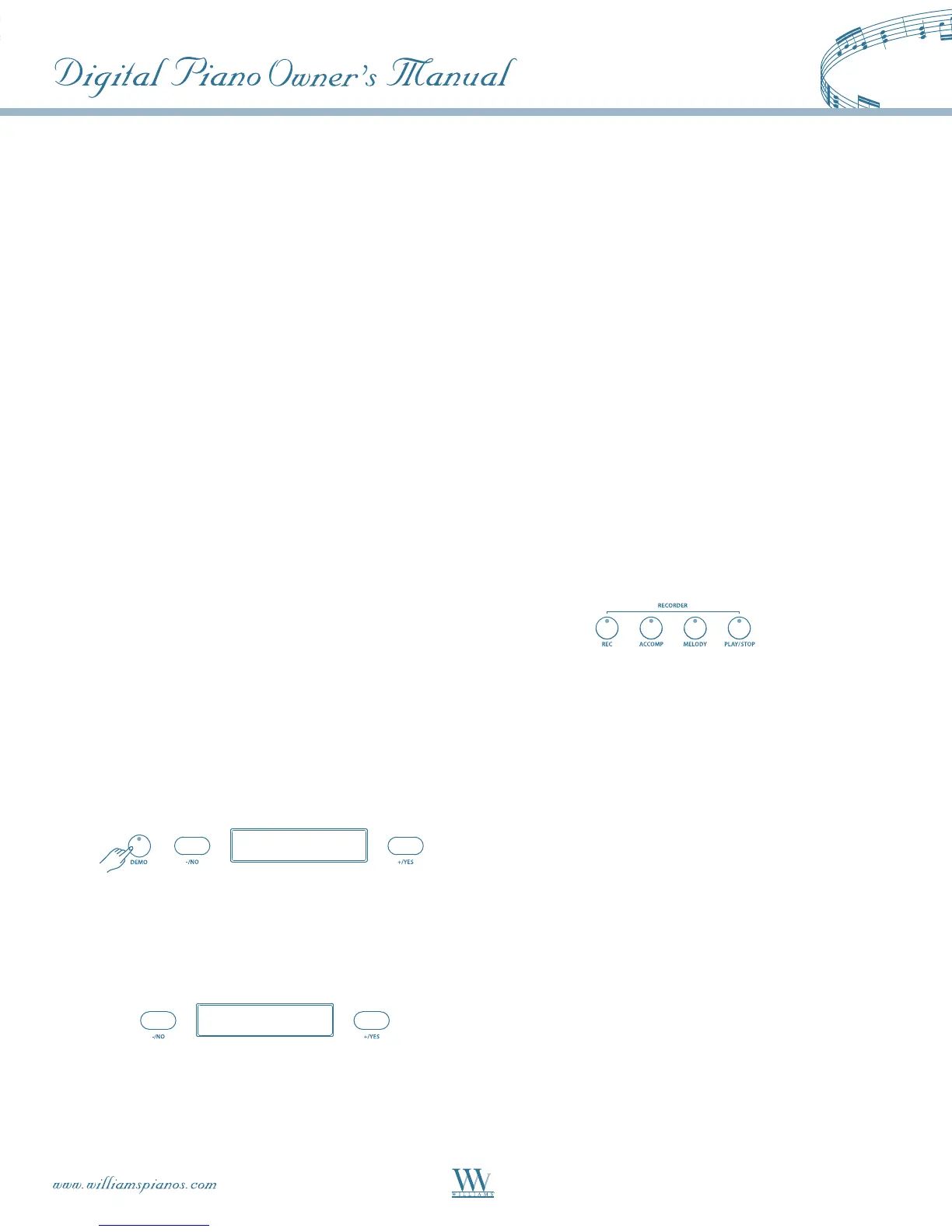
RECORDER
The Serenade features a two track recorder that
allows you to record what you play on the keyboard
and then play it back. Two tracks mean that you
can“overdub”onepartontopofanother,usinga
different voice if you like. The recorder feature is
a useful addition to any keyboard study program
since it lets you hear exactly how you sound from
the listener’s perspective. It can also be just plain
fun. This recorded information is nonvolatile and
therefore will not be lost when the power is turned
off. Both tracks can playback separately or together
as a complete song. The record function records all
settings exactly as you selected and performed them.
Recording Prepare
Prepare to record by setting the voice, style, tempo
and reverb level and other parameters as desired.
Select A Track
TheMELODYtrackwillrecordallnotes.TheACCOMP
track will record all the auto accompaniment events
just as they are played.
Press and hold down the REC button, then press
the track button that you want to record in. The
corresponding track indicator and the REC indicator
will blink and immediately erase the existing
recording in this track. The four dots of the beat
indicator will blink with the current tempo to show
that the recorder is on standby. If you already have
another recorded track, that indicator will also be lit
and the recorded music will play as a reference for you
while you record the new track. If you do not wish
for previously recorded tracks to play while you are
recording, press the corresponding track button to
turn the indicator light off.















 To Next Page