21
Erasing Track
To erase the music recorded on the tracks, Press and
hold the REC button down. Then, press the track
button that you wish to erase while you continue to
hold down the REC button. This will immediately
erase the existing data from your previous recording.
Release the REC button (the track and REC indicators
are blinking). Press the track button again (the
indicators will go off).
Repeat Steps above until all the tracks that you desire
are erased.
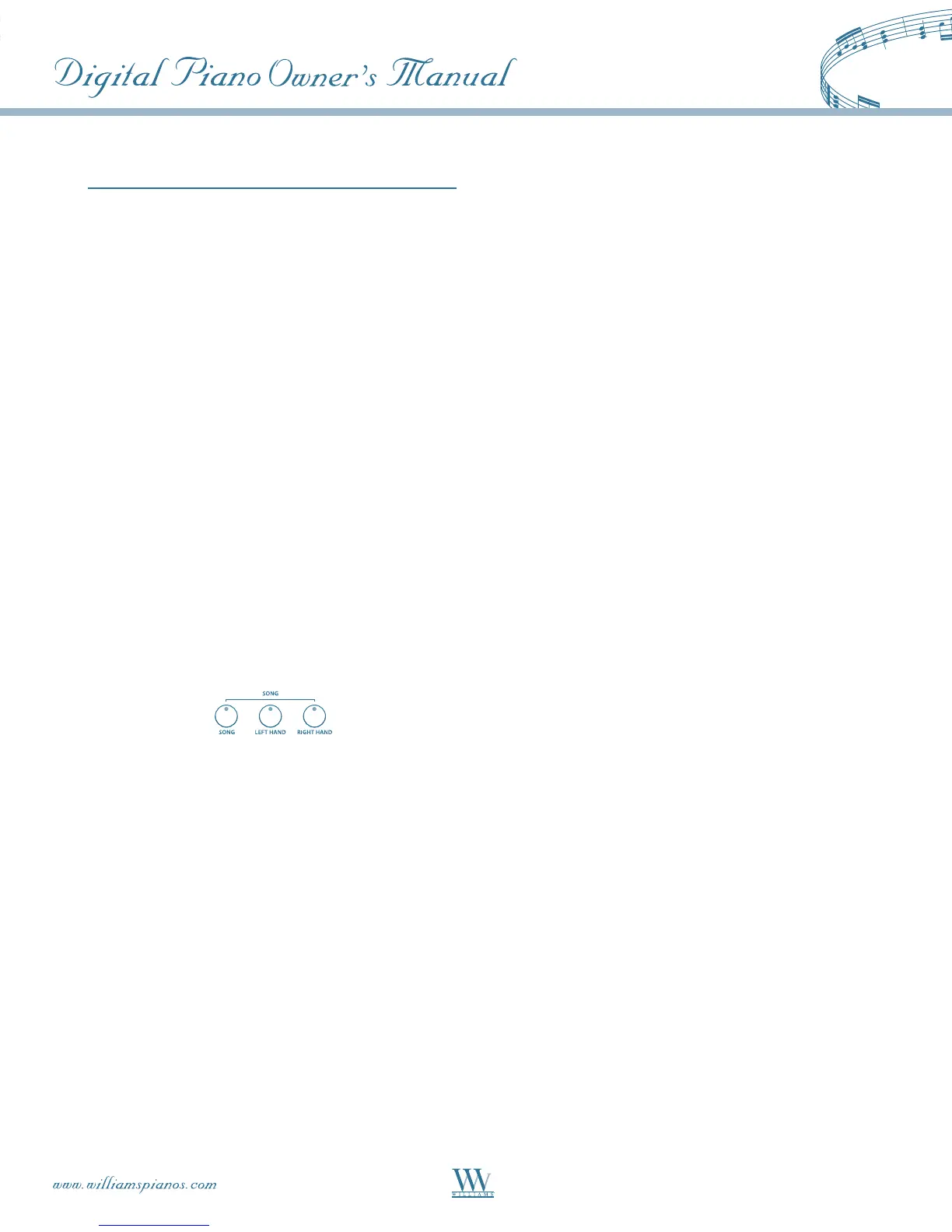
PLAY-ALONG SONGS
There are 55 songs built into the Serenade. These
songs have separate left and right-hand parts that can
be turned on and off as required so you can practice
the corresponding part on the keyboard.
Selecting A Song
PresstheSONGbutton.Thesongindicatorwillturn
on and the song number will appear on the LCD
display. Use the -/NO +/YES buttons to select a song.
If you want to play slower or faster than the preset
tempo,presstheTEMPObuttonandusethe-/NO+/
YES buttons to set the tempo based on the original
tempo of the song. Press the -/NO +/YES buttons
simultaneously to recall the default Tempo for the
selected song.
Listening To The Entire Song
PressthePLAY/STOPbuttontohearbothhand
parts.PressthePLAY/STOPbuttonagaintostop.
Otherwise, playback will stop automatically at the
end of the song.
Practicing The Right Hand Of The Selected Song
1.PresstheRIGHTbuttontomutetherighthand
part. The right indicator lights up,
2.PresstheDEMObuttonifyouwanttohearonly
the right-hand part before practicing it. Press the
DEMObuttonagaintostop.
3.PressthePLAY/STOPbutton.Itsindicatorwill
lightupandyouwillhearthemetronome“count
in”thesong.Youwillthenheartheleft-handpart.
Note: The default status of the metronome is ON.
PresstheMETRObuttonifyouwanttodisablethe
metronome sound in the Right / Left hand mode. In
the "both hands" mode, it cannot be turned off.
4. Play the right-hand part of your selected song
while the left-hand part plays.
5.PressthePLAY/STOPbuttonagaintostop.
Otherwise, playback will stop automatically at the
end of the song.
Practicing The Left Hand Of The Selected Song
Follow steps 1-5 listed above, substituting the LEFT
buttonwhenevertheRIGHTbuttonismentioned.
You will hear the right-hand part of your selected
song. Play the left-hand part of your selected song
while the right-hand part plays.
Practicing Both Hands Of The Selected Song
1.PresstheRIGHTandLEFTbuttonssimultaneously.
The right and left indicators will both turn on.
2.PressthePLAY/STOPbutton.Itsindicatorwill
lightupandyouwillhearthemetronome“countin”
the song.
3. Play the left-hand and right-hand parts of your
selected song. The metronome will continue to play
to assist you in keeping time.
4.PressthePLAY/STOPbuttonagaintostop.
Otherwise, playback will stop automatically at the
end of the song.















 To Next Page