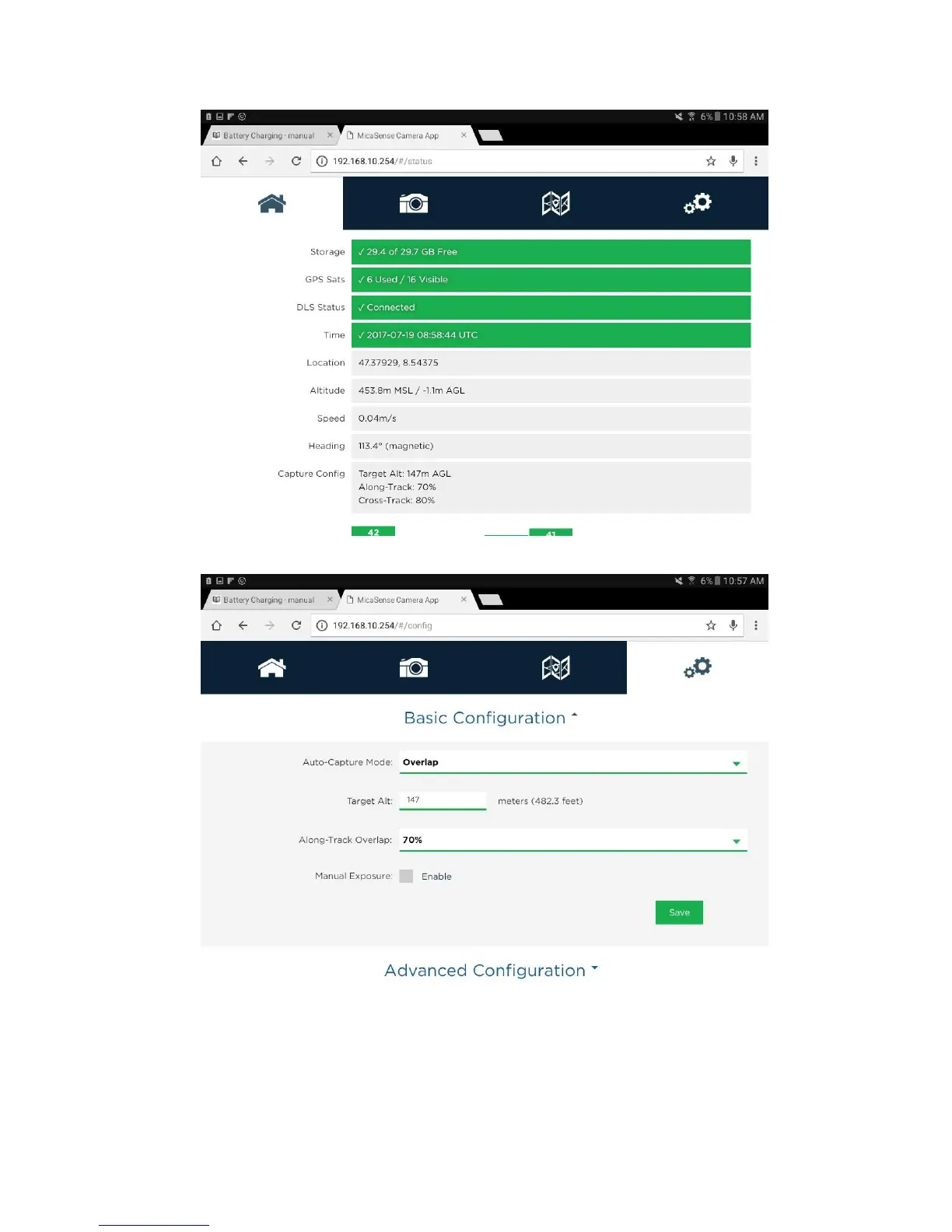
5. Go to configure tab (gear tab). Set Auto-Capture Mode to Overlap. Set target altitude to flight altitude of your planned Flight Plan. Set Along-Track Overlap to frontal
overlap of your planned Flight Plan. Press save
Calibrate RedEdge Camera
Before and after each flight the RedEdge camera needs to be calibrated with the provided reflectance tag. Only a timely calibration guarranties reliable spectral
information of your covered flight area
To calibrate RedEdge camera:
1. Make sure a SD-card is inserted in the Rededge camera



 To Next Page