Step 5: Open the Manual
Go to My Files app and open the Manual_v1.X.Y.pdf located in /device storage/WingtraPilot/Releases/v1.X.Y/ make sure you use Adobe Acrobat Reader App to open
the manual.
Add a shortcut on Home screen if you wish to access the manual more easily.
Step 6: Verification
Open WingtraPilot freshly (click on tablets menu button left of home button and close the app, restart the app).
On the Welcome menu: Check if version number is 1.X.Y
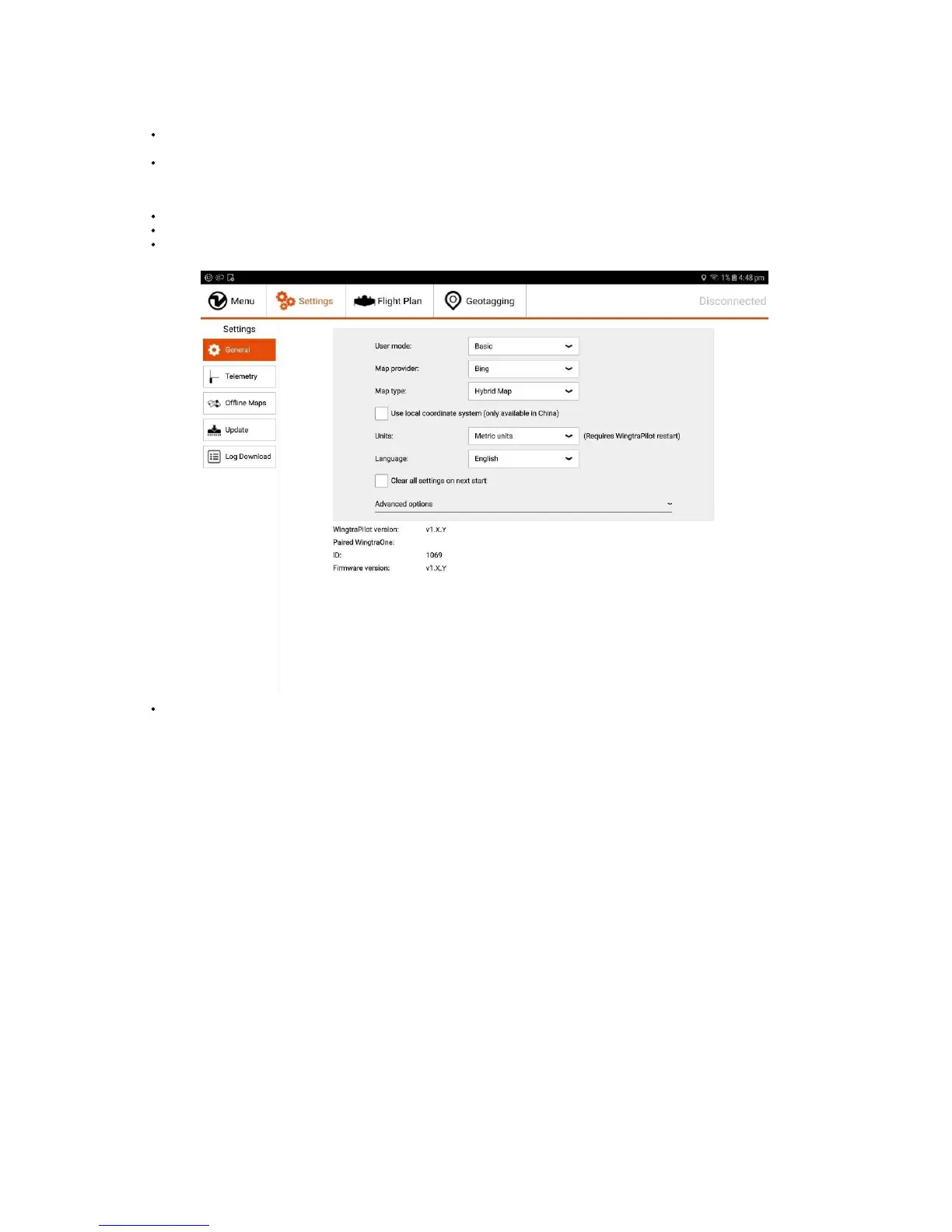
Power on WingtraOne, connect telemetry to the tablet, go to the Settings tab, then General and check under "Paired WingtraOne:" if there is "ID:xxxx" and
“WingtraOne Firmware Version: v1.X.Y”.
Open the Manual from the home screen.
Troubleshooting
I get a warning about non-compatibility of WingtraPilot and Firmware versions
In order to ensure safety, we introduced a check if the version of WingtraPilot and WingtraOne are compatible. In the case that the versions are not, you will be forced to
update the oldest version of the two. The message that you will see, will look like the image below. You will not be able to use WingtraPilot anymore until you disconnect
WingtraOne or you update one of the two.



 To Next Page