Charging WingtraOne Flight Batteries
The following chapter is relevant for all customers with a WingtraOne that have a serial nummer bigger than 1135. The other customers please follow the instructions of
the charging chapter in the Manual 1.6. PDF
Before going to the field you have to charge the flight batteries, the remote control (RC) and the tablet. The following sections describe how to charge the flight batteries.
Li-Ion Batteries
The WingtraOne is powered by a pair of 4S3P Lithium-Ion batteries. For a charging manual see below.
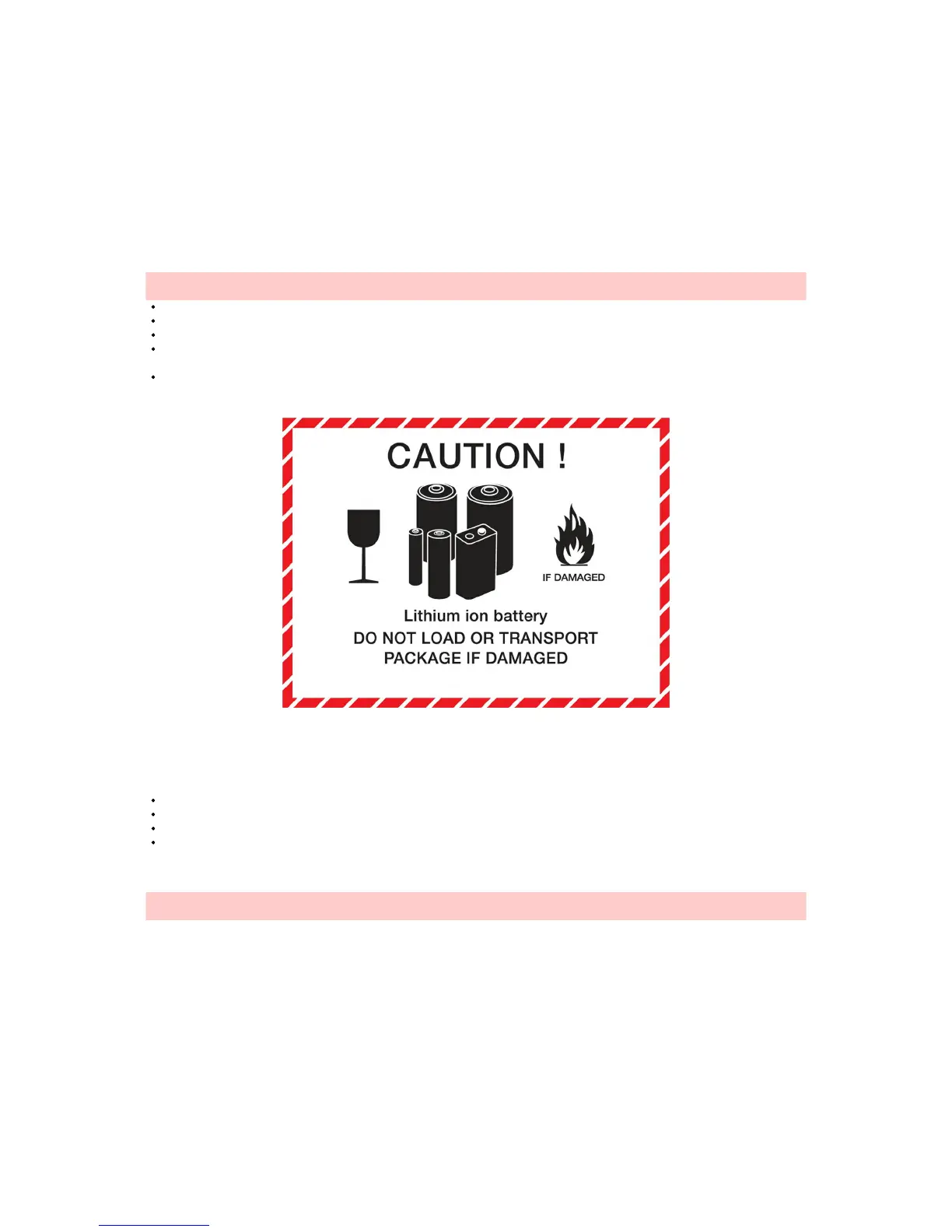
Caution: Lithium-Ion battery packs may get hot, explode or ignite, and cause serious injury if exposed to abusive conditions. Be sure to follow the safety warnings listed
below:
Do not pierce the battery with nails, strike the battery with a hammer, step on the battery, or otherwise subject it to strong impacts or shocks.
Do not expose battery to water or salt water, or allow the battery to get wet.
Always use the correct charging mode (LiIo CHARGE).
Do not leave battery packs unattended during charging and make sure to place the batteries away from easily flammable environments such as wood or carpet. It is
recommended to charge batteries in a fire proof container.
Keep batteries within 10°C to 40°C (50°F to 104°F) before they are used. Do not leave them in the sun or in a hot car.
We expect all users of Lithium-Ion batteries to be professionals and to have the capability to handle emergency cases.
Charging Li-Ion 4S3P Batteries
You can use the included charging system either on a power plug or on the field using car battery for charging. Set up your charging system as shown below and follow
the following instructions:
Select the mode by clicking on “Batt Type”, navigate to LiIo mode with the “Dec” and “Inc” buttons, and confirm with the “start/enter” button.
Set the charging current to 7.5A, which corresponds to 1C. To start changing this setting and to confirm press “enter”.
Confirm your settings by pressing the “enter” button for 2 seconds.
Check the settings (LiIo CHARGE mode, 7.5A), and confirm by pressing “enter”.
Charging of empty batteries takes approximately 1 hour. Once the charging is finished you get an audio confirmation and you can see the message "finish" on the display
(16.4 Volt corresponds to fully charged batteries). Press "stop" before you disconnect the batteries.
Caution: Use and charge the 4S batteries always in pairs as they are labeled (pairs have the same number and color), i.e. do NOT fly with two batteries with different
color labels.
Charger Setup (Office)



 To Next Page