Charging Accessories
Operating WingtraOne safely requires fully charged accessories. In particular the tablet running WingtraPilot and Remote Control need to be sufficiently charged to allow
for monitoring WingtraOne during flight and to trigger the appropriate failsafe actions if necessary.
Charging WingtraPilot Tablet
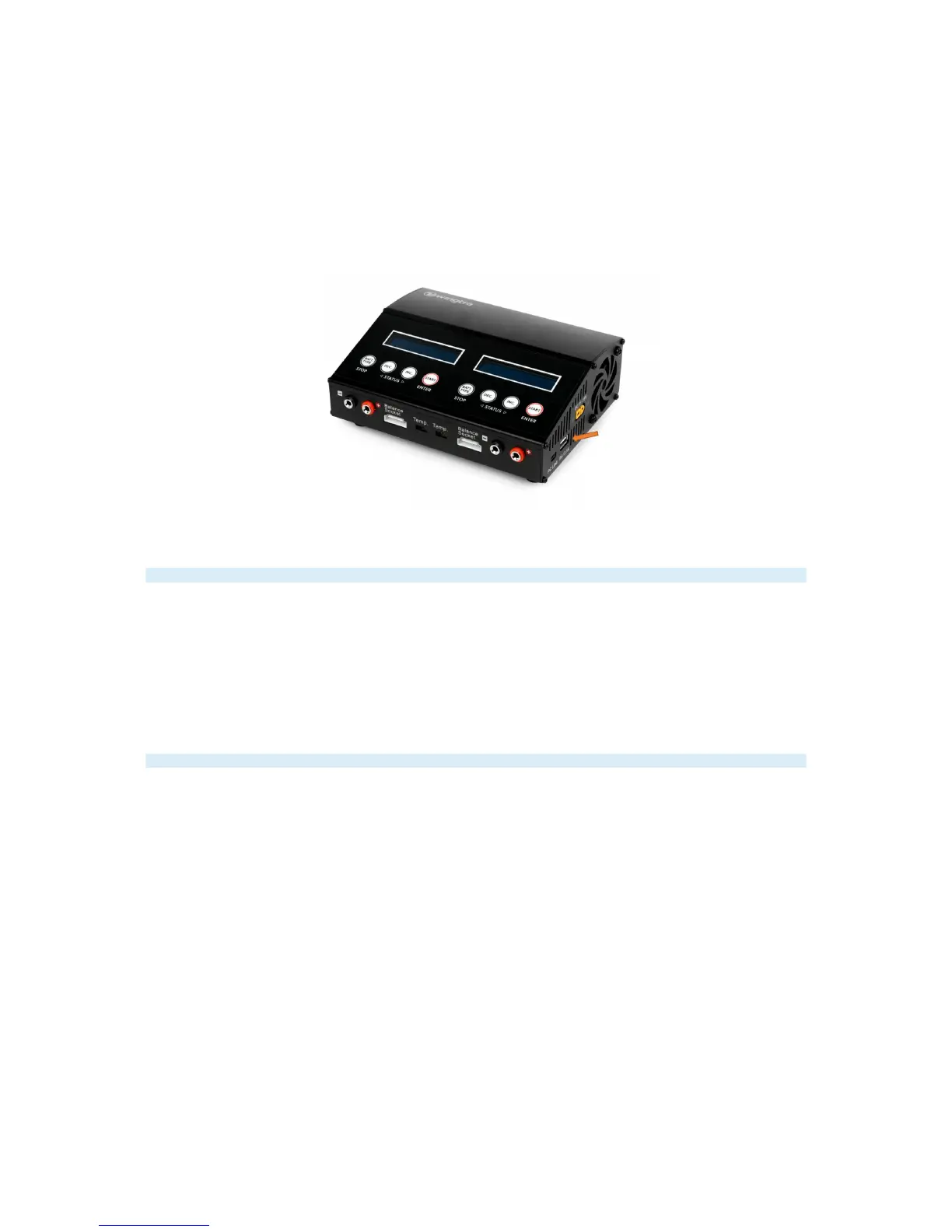
The tablet can be charged at any standard USB port via the supplied USB-A to micro USB cable. The shipped flight battery charger has a USB-A port on its right side.
Plug in the USB cable into the tablet and connect it to the charger. Make sure that the charger is connected to a power supply. Using the flight battery charger you can
charge WingtraPilot tablet as well on the go with a 12V power supply. For further information how to connect the flight battery charger please check the Charging
WingtraOne Flight Batteries. If you use any other USB charging equipment make sure that the used charger can supply at least 2A to achieve satisfying charging speeds.
Fully charged the tablet running WingtraPilot app lasts up to 4 hours continuous WingtraOne operation.
Charging External Camera Battery
To charge the external camera batteries, the USB-A to micro USB cable (same as for the tablet) can be used. The QX1 camera is charged by putting the battery into the
camera and connecting the camera to any standard USB port. The external camera battery of the RX1 is charged using the intended charging device in combination with
the cable mentioned above.
Charging Remote Control (RC)
The remote control is charged with the included 12V power adapter. Plug in the power adapter and connect it to the RC. Make sure the RC is turned off. A small green
LED on the backside should be on. If the LED turns off and the power adapter is still connected the battery of the RC is fully charged.
Fully charged, the RC lasts up to 8 hours continuous WingtraOne operation.
Battery Replacement of Anemometer
The batteries of the anemometer last for at least half a year if operated at a normal rate. Please make sure to check the battery charge indicator on the display of the
anemometer regularly. If battery runs low please replace the batteries with 3 new standard AAA batteries. To do that you need to open the lid on the back side using a
default cross tip screwdriver.



 To Next Page