Flight Modes and In-Flight Interactions
The flight regime of WingtraOne is either hover or cruise. Hover is the vertical mode that is used during takeoff and landing, cruise is the horizontal, forward flight mode,
where WingtraOne flies like a fixed-wing aircraft.
WingtraOne flies in the following three flight modes:
Auto Mode
This is the normal mode in which WingtraOne flies the planned flight autonomously from takeoff to landing.
Return-to-Home (RTH)
If RTH is engaged, WingtraOne flies back to the Home point and lands autonomously. For more details, see the Return-to-Home chapter.
Assisted Mode
You can fly WingtraOne manually in Assisted Mode. For a detailed description of how to fly with the remote control (RC) see chapter Assisted Mode.
Possible Interactions
The following table summarizes your options to interact during flight in order to switch between the flight modes and regimes. Make sure to observe WingtraOne and be
prepared to interact especially during the landing.
Action Consequence
Emergency Stop: Kill all motors and spiral down.
Return-to-Home: The plane flies back autonomously, performs the planned landing procedure and lands.
Assisted Mode: Gives the pilot authority via the RC. Engage only if you know how to fly the WingtraOne!
Transition (Only works
in Assisted Mode):
Lets WingtraOne transition between hover and cruise.
You can take all described actions from the RC by pressing the respective buttons. To trigger Emergency Stop you have to click the red button 3 times within 2 seconds.
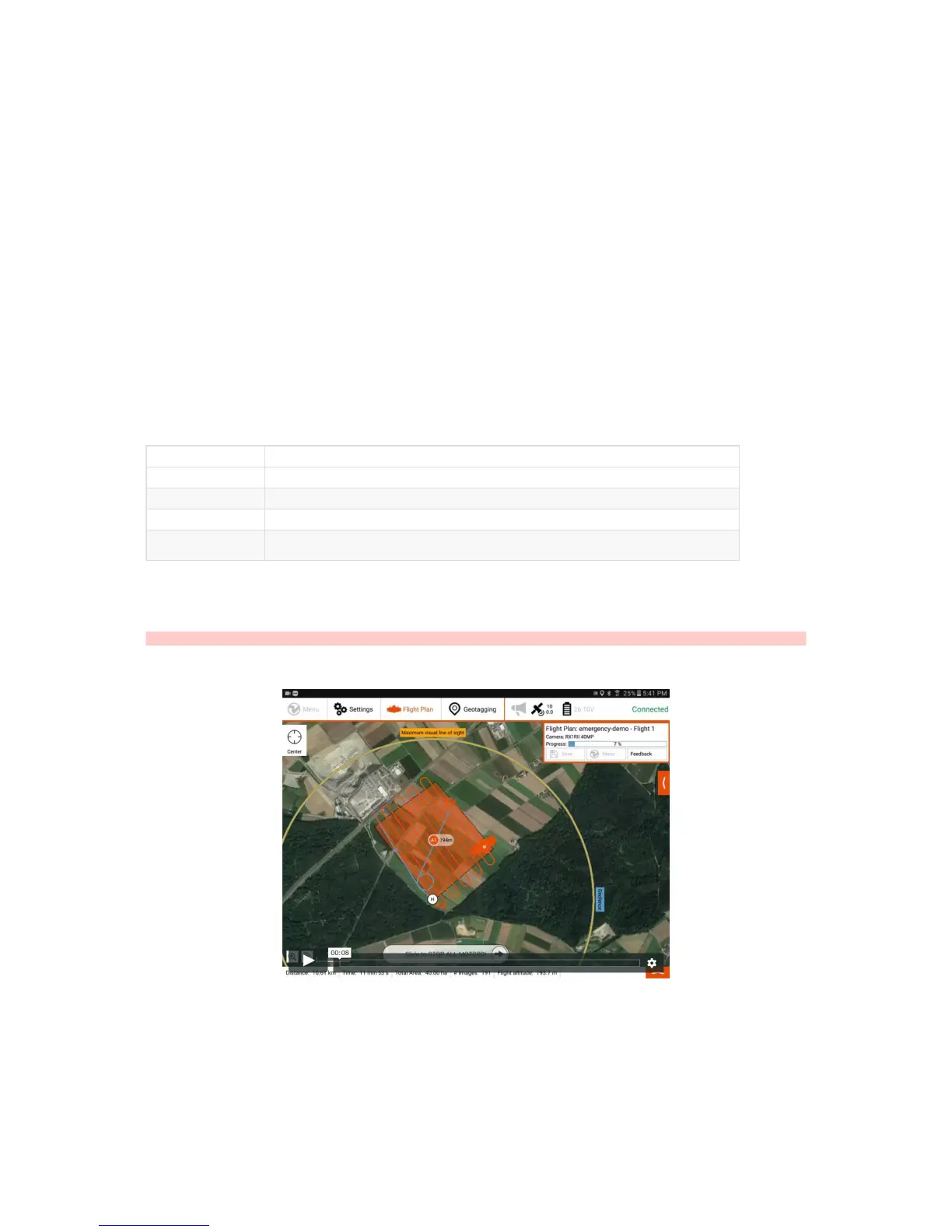
You can engage Return-to-Home (RTH) and trigger Emergency Stop also from tablet by clicking on the respective buttons and moving the slider from the left to the right
as shown in the videos below. Emergency Stop can be useful when landing to enforce motor shut off. This can be used when landing on shiny surfaces that are hard to
detect by the distance sensor.
Caution: THERE IS NO WAY TO REGAIN CONTROL ON EMERGENCY STOP!
Emergency Button Triggered from the Tablet
RTH Engaged from the Tablet



 To Next Page