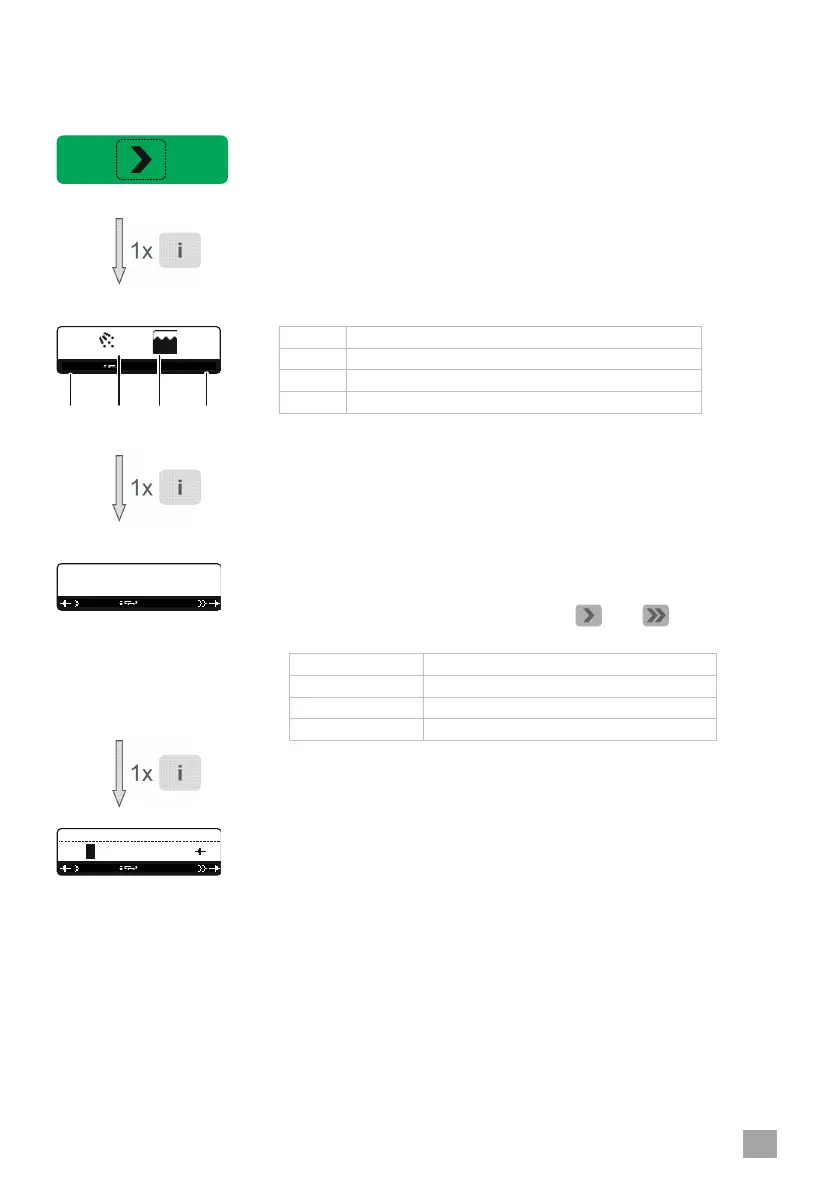
10 Menu levels
The following levels are available:
Main level
The preselected rack conveyor speed or error pictograms
will appear in the display ( 17).
Temperature in the boiler
Temperature in the main washing tank
Error memory
All errors with an error code are saved in the error
memory. The error that occurred last is displayed first.
You can go through the list using the and buttons.
Access to the PIN Menu
In the PIN menu you can programme the terminal strip for
the connection of an external dosing device ( 22).
Further functions see ( 11).
85° 60°
C50 10030308
(A) (B) (D)(C)
int.0 23 4 56 78 9
PIN:PIN:
_ _ _ _
1




 To Next Page