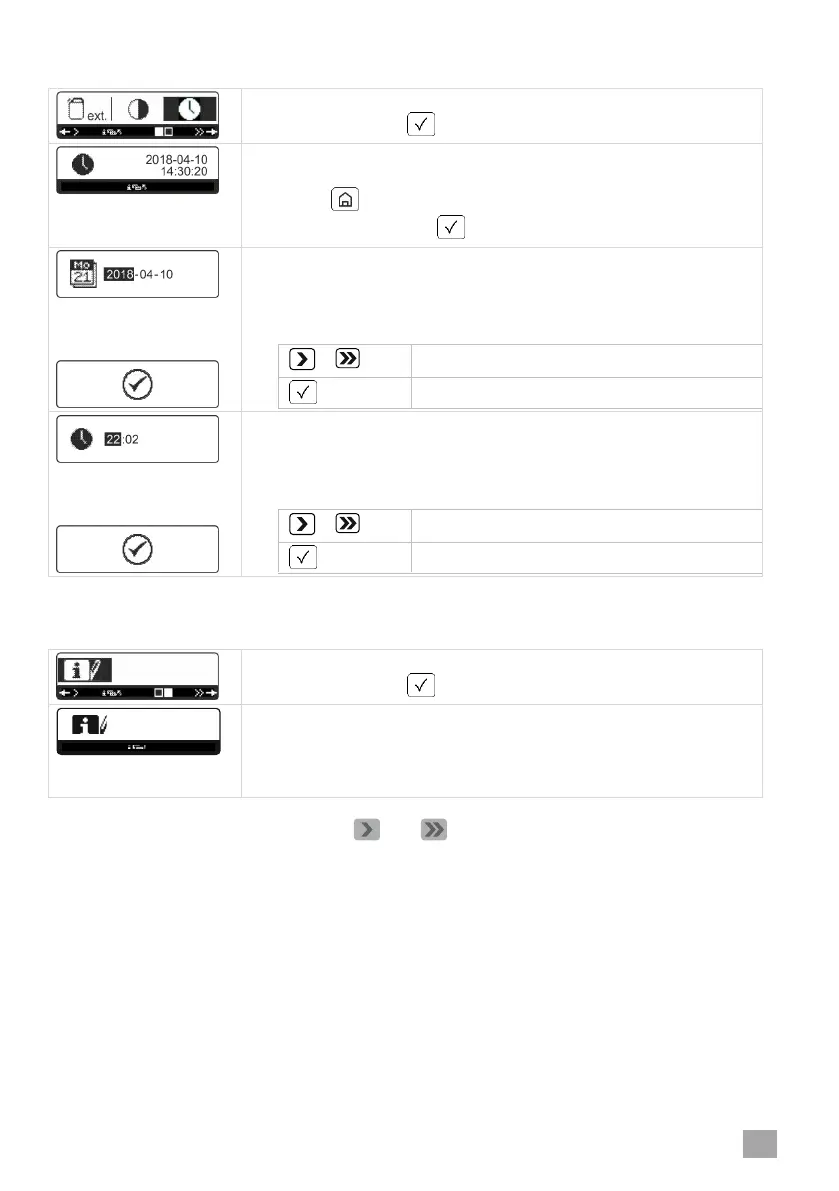
Date and time
= Start screen
Confirm with the button.
The current date (YYYY-MM-DD) and time are shown.
If date and time are correct, leave the menu by briefly press-
ing the button.
Otherwise press the button.
The current date is shown.
If necessary, change the date.
The inverted part can be edited. Change the value by press-
ing the following buttons:
The current time is shown (24 h mode).
If necessary, change the time.
The inverted part can be edited. Change the value by press-
ing the following buttons:
Operating data
= Start screen
Confirm with the button.
The following data are shown:
Total water consumption
Operating hours with activated rack conveyor
Total time when machine is switched on
You can go through the list using the and buttons.




 To Next Page