22 / 47
Note: 4)* to 13)* settings are only for DEFAULT battery type.
System time format is “20YY-MM-DD-HH-MM-SS”, press “Up” or “Down” to change the 1
st
digit, press “OK” to
switch to next digit, press “Ok” to complete setting. When system time setting is complete, “Set country” will pop up.
Press “Up” or “Down” to select a country, press “Ok” to complete the country setting. When country setting is
complete, “Set battery type” will pop up.
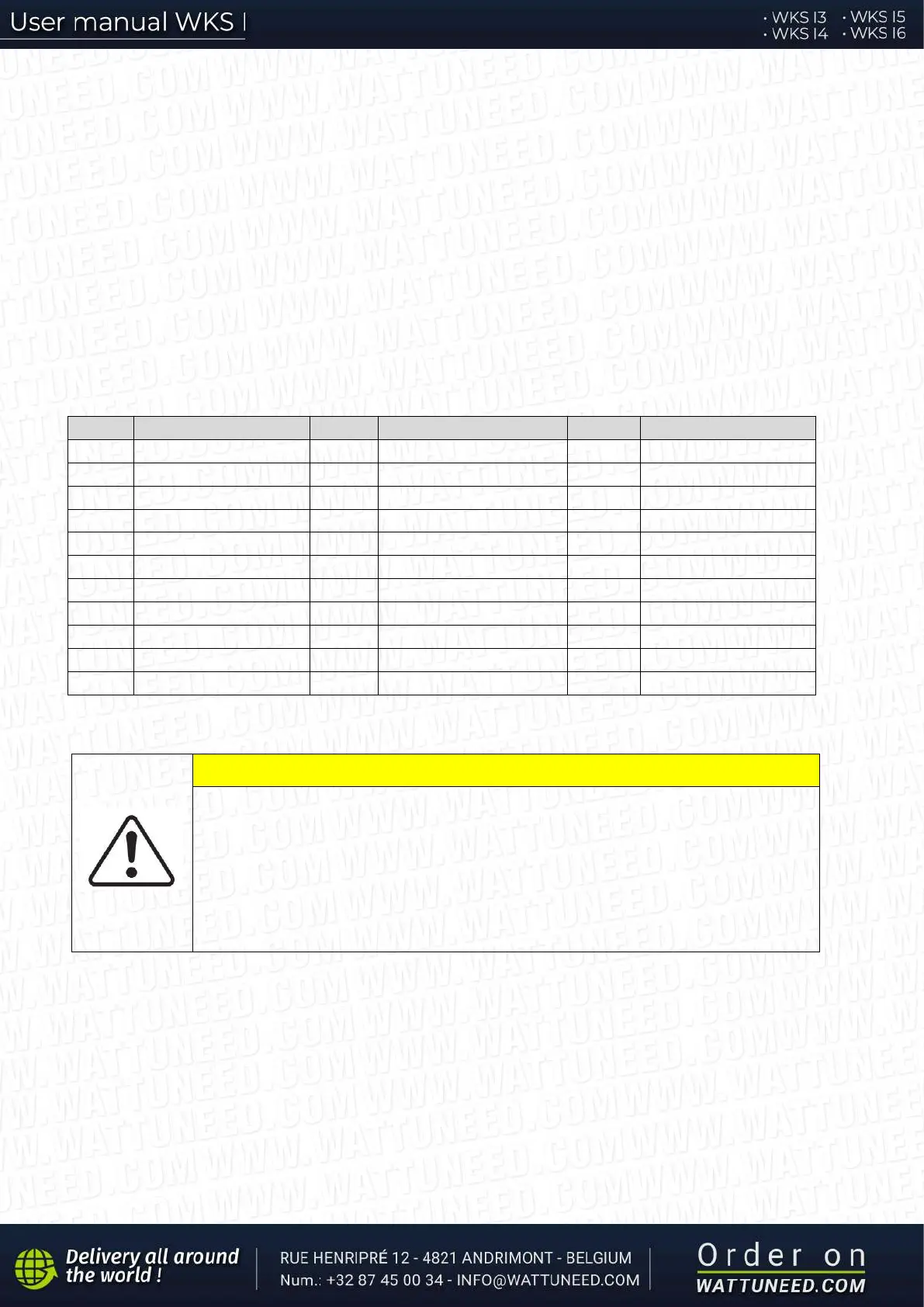
Code Country Code Country Code Country
00 Germany VDE4105 11 France 22 Europe General
10 China 21 Sweden 32 CEI0-21 In Areti
CAUTION
It’s very important to make sure that you have selected the correct country code
according to requirements of local authority.
Please consult qualified electrical engineer or personnel from electrical safety
authorities about this.
Shenzhen WATTUNEED, Ltd. is not responsible for any consequences arising out
of incorrect country code selection.
Press “Up” or “Down” to select your battery type, then press “Ok” to complete the battery type setting.
If you’re using “1. PYLON”, “2. DARFON”, “4. General Lithium”, “5. Alpha. ESS” or “6. SOLTARO” battery types,
congratulations, inverter’s first-time setup is complete. Please press “OK” to enter the main interface.


 To Next Page