Initial setup
11
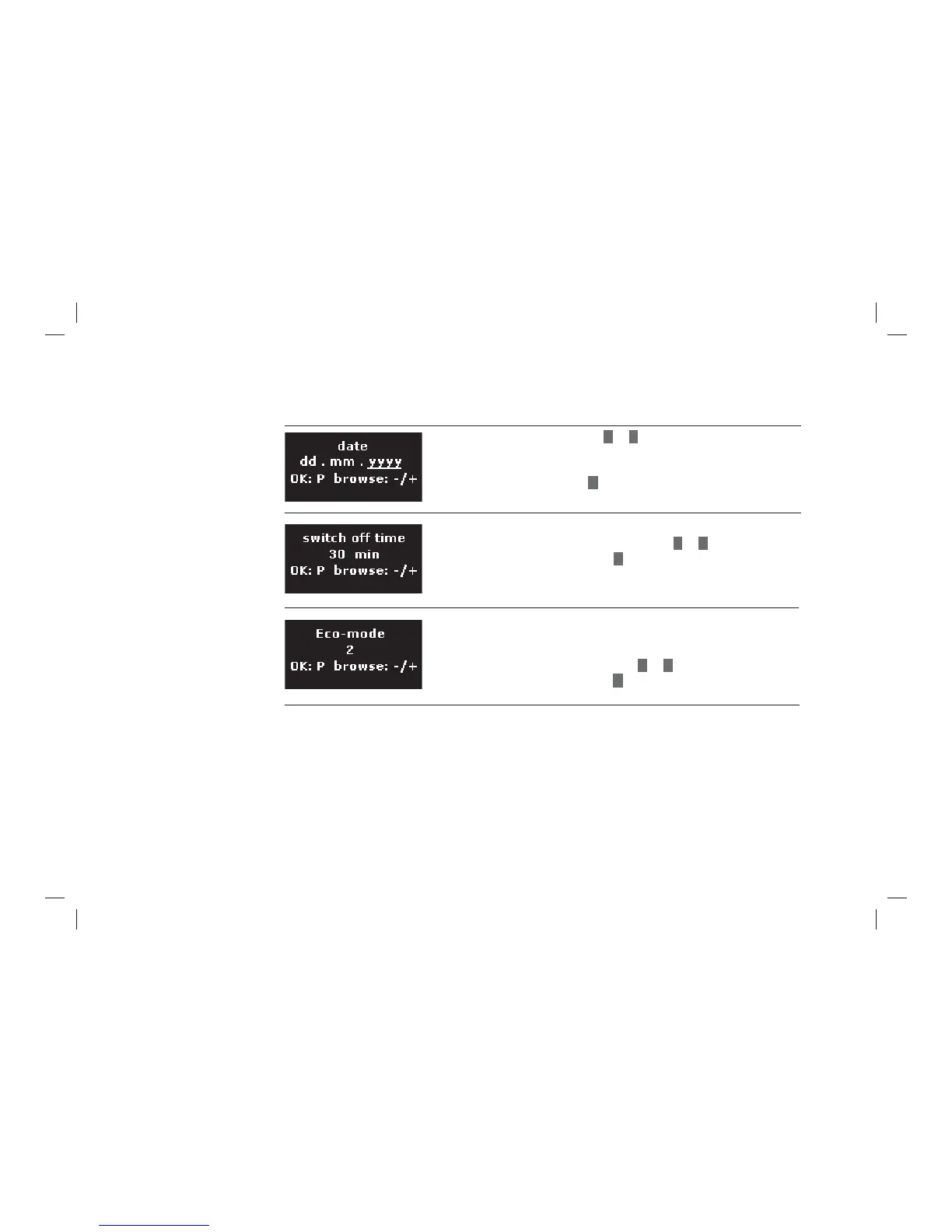
> Set the current date with
–
or
+
(dd = day in two digits, mm = Month in two digits,
yyyy = Year in four digits).
> Confi rm the date with
P
button.
> Set the time after which the machine automatically switches off
after the last beverage preparation with
–
or
+
.
> Confi rm your selection with
P
button.
For a setting at "0 Minutes" the machine does not switch off
automatically.
You can choose between 4 energy saving modes.
> Please note the following information.
> Set the energy saving mode with
–
or
+
.
> Confi rm your selection with
P
button.
Setting the date
Switch off time
Energy saving modes



 To Next Page