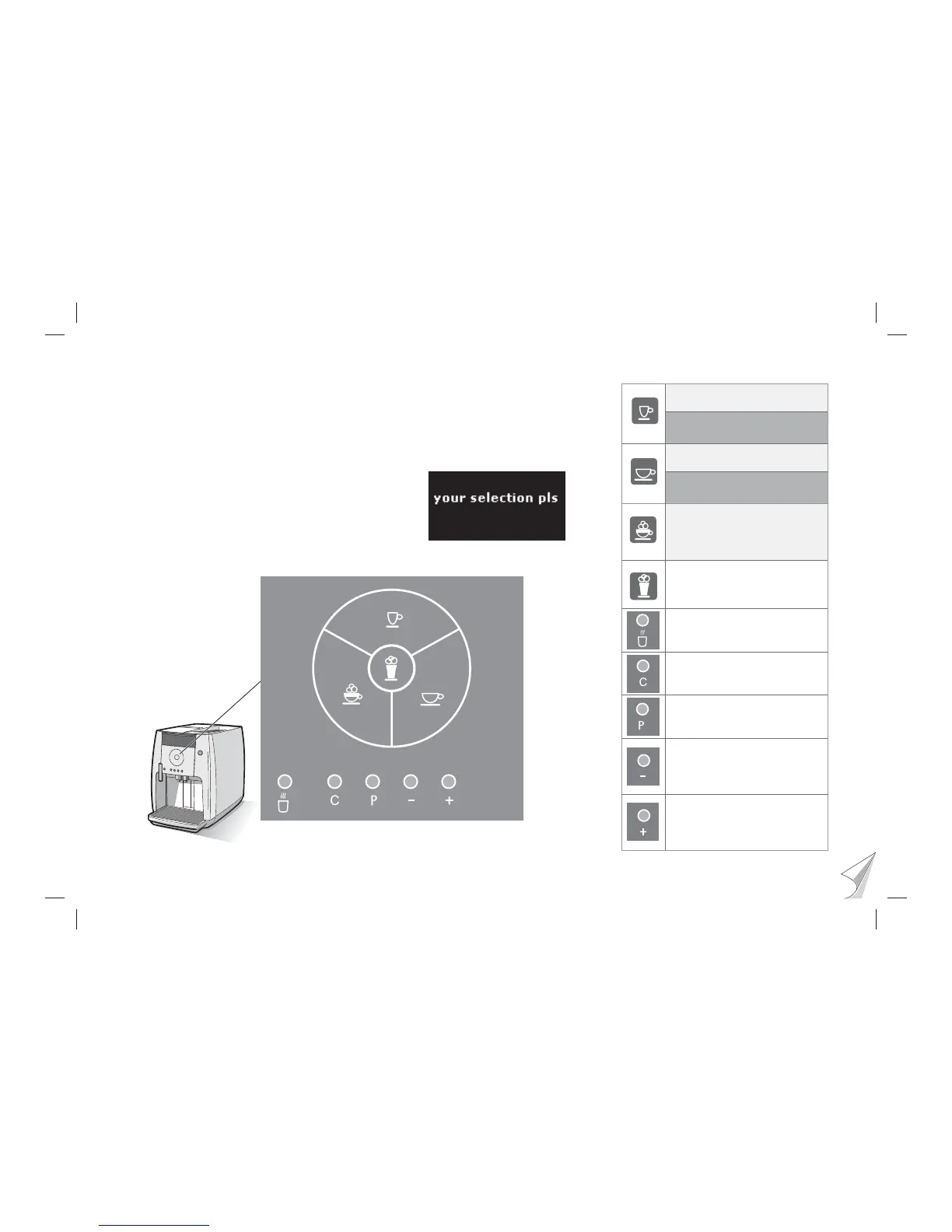
Press briefl y: 1x Espresso
Keep pressed down:
2x Espresso
Press briefl y: 1x Café Crème
Keep pressed down:
2x Café Crème
Press: 1x Capuccino
Preparing milk
Start: Press button
Stop: Press button
Preparing hot water
Start: Press button
Stop: Press button
C-button
Stop the procedure
Back without change
P-button
Call up programs
Confi rm selection
Minus-button
Browse backwards
Reduce value
Reduce strength of coffee
Plus-button
Browse forwards
Increase value
Increase strength of coffee
Ready-to-operate display
The descriptions in this user manual always assume
that coffee-machine is ready to operate.



 To Next Page