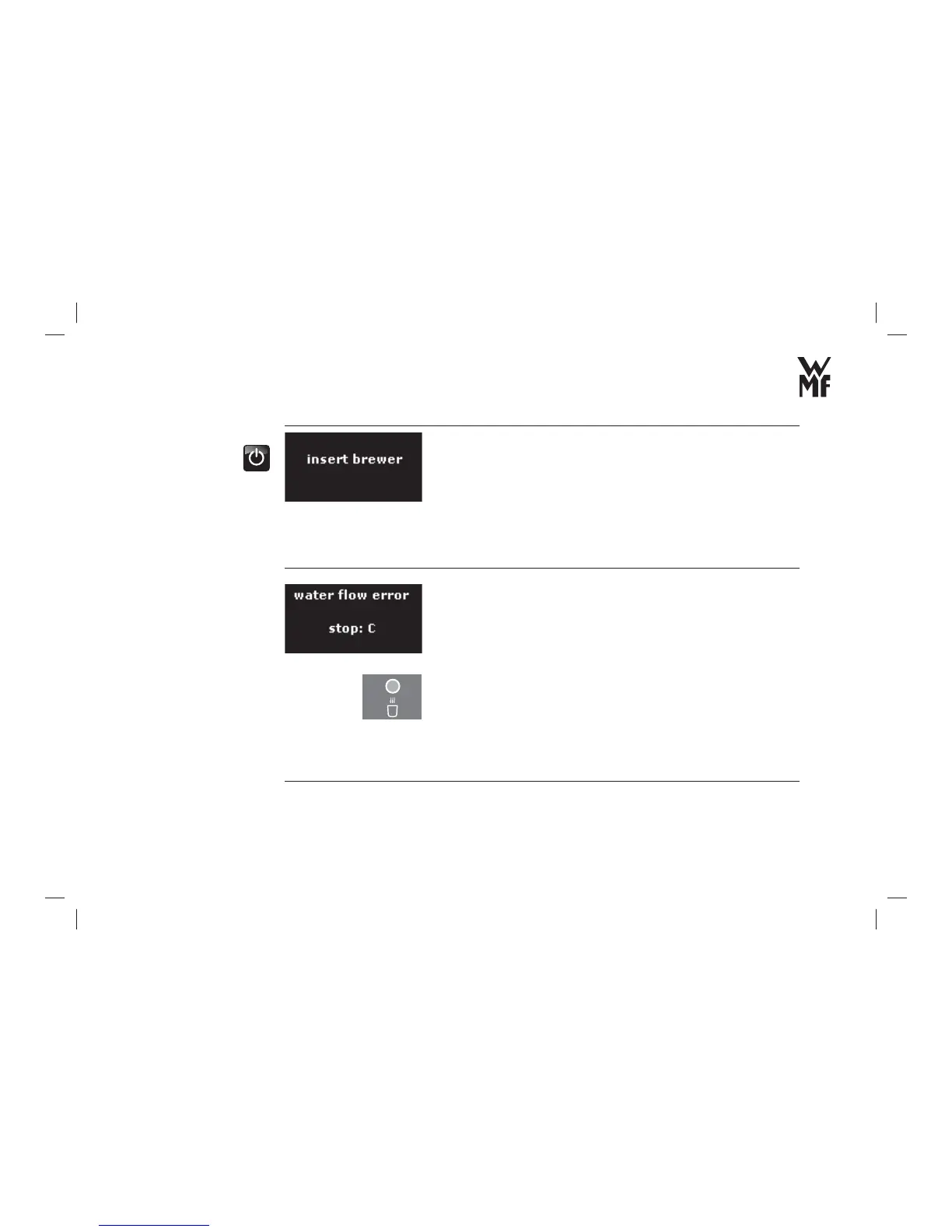
Display messages and malfunctions
58
The brewing unit is not inserted.
> Switch off the WMF 500 with the On/Off switch.
> Insert the brewing unit.
> Check if the brewing unit is inserted correctly.
The brewing unit can only be inserted with diffi culty or it cannot be
inserted at all:
> Remove the brewer.
> Apply a thin layer of grease from the accessories to the sealing
rings (see Chapter 4.4.2).
> Fill the water tank.
> Bleed the automatic coffee machine by dispensing hot water
until a constant stream of water comes out.
Loud pumping noises?
> Check whether the water tank is completely pushed in.
> Bleed the automatic coffee machine by dispensing hot water
until a constant stream of water comes out.
Is the water fi lter or sieve clogged?
> Change the water fi lter (see Chapter 4.2.5).
> Clean the sieve.
Is the check valve spout of the water tank dirty?
> Clean the water spout of the water tank from behind with a small
brush from the accessories.
Replace brewer
Flow fault



 To Next Page