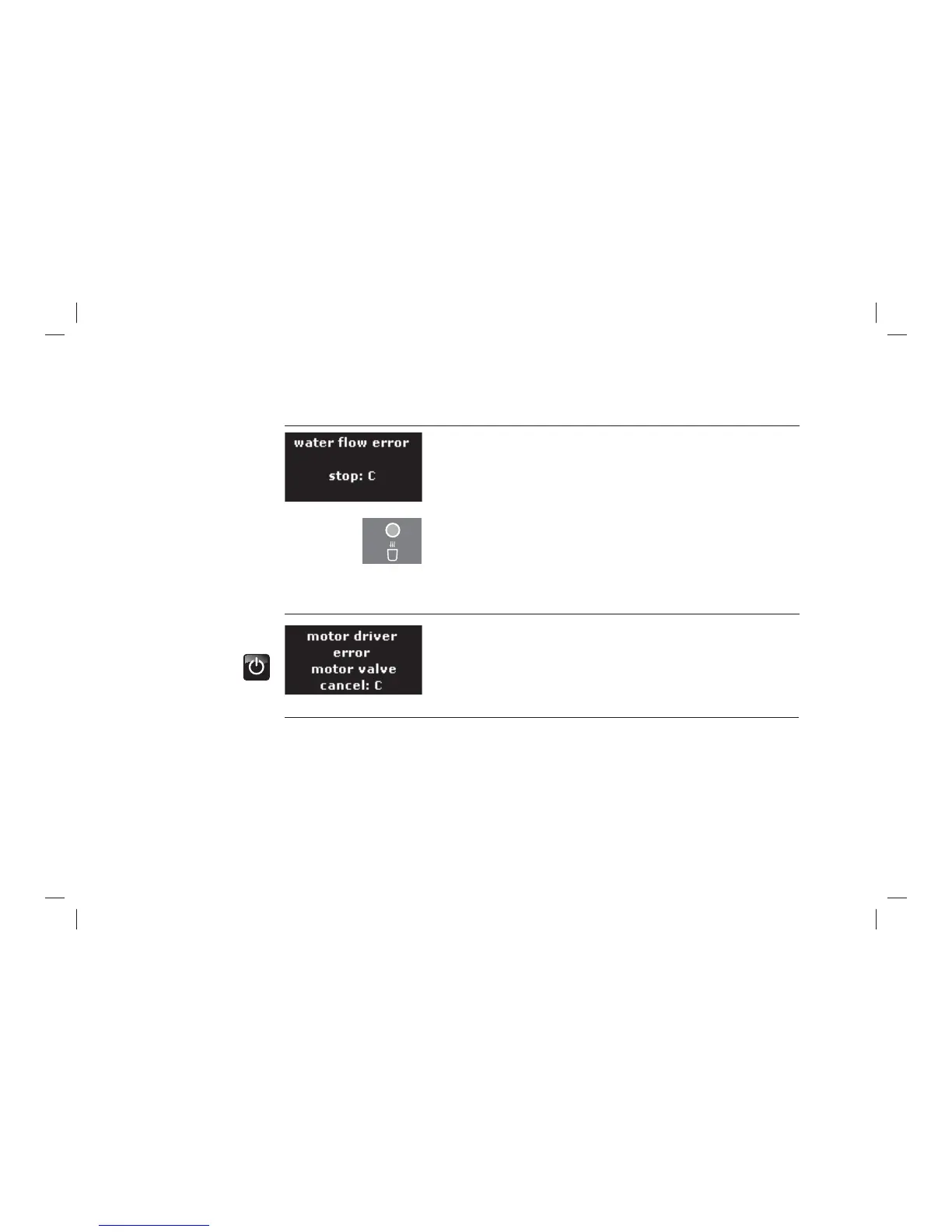
Display messages and malfunctions
59
No hot water delivery?
> Remove the water fi lter and the sieve from the water tank and
try again.
> Replace the O-ring on the water drain spout supports.
Brewing unit clogged?
> Remove the brewing unit.
> Clean the brewing unit (see Chapter 4.3.3).
> Carry out the cleaning programme (see Chapter 4.2.4).
Grinding too fi ne?
> Set the degree of grinding to be coarser by one step
(see Chapter 3.5).
> Remove the grinding dust with a vacuum cleaner.
> Switch off WMF500 with the On/Off switch
(press for about 3 seconds).
> Switch on the WMF 500 with the On/Off switch.
On recurrence, the malfunction must be rectifi ed by the
WMF Service-Center.
Motor driver



 To Next Page