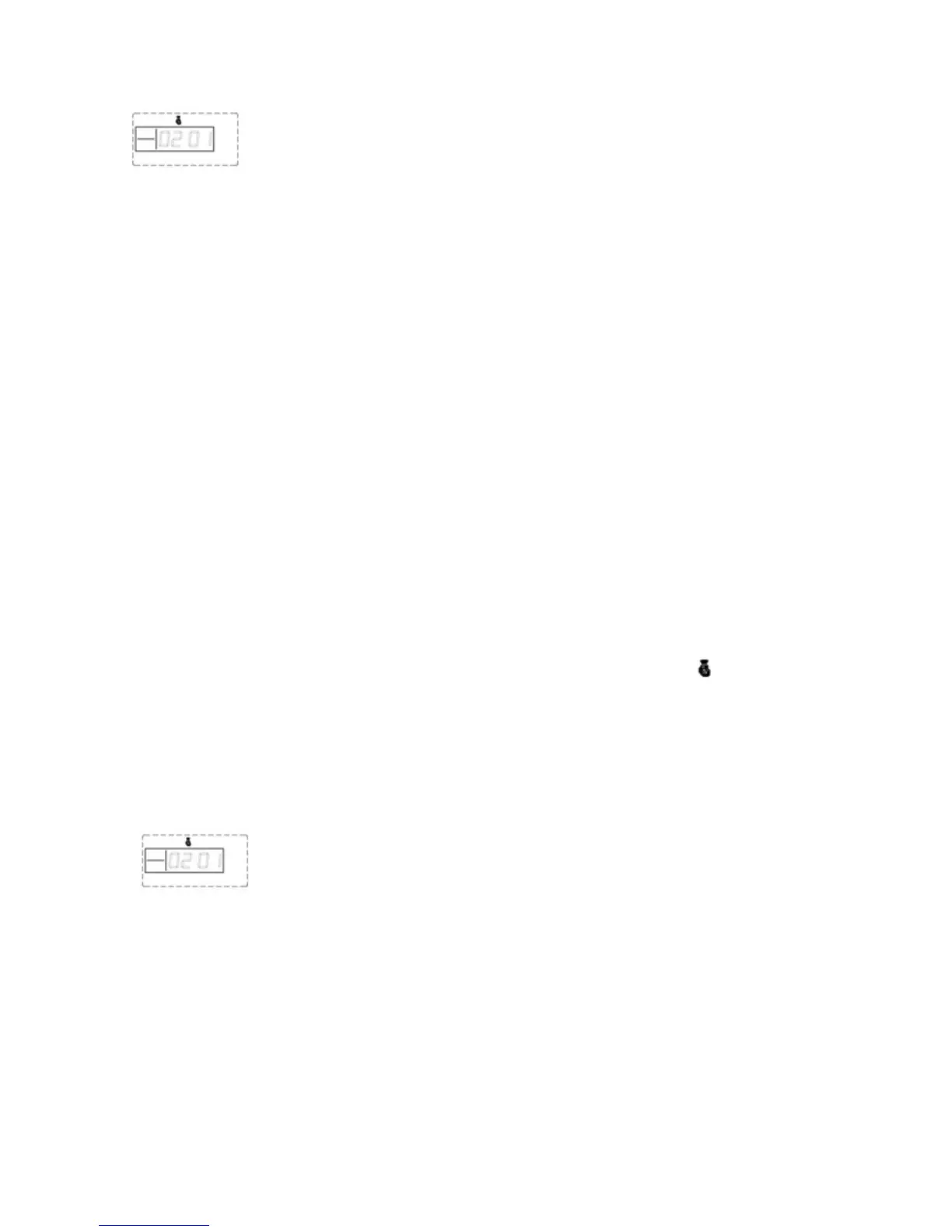
LCD display:
5. Delete Remote Controller
The remote controller can’t control the main unit after it’s been deleted.
While in settings mode, use the keypad to enter [21], then input the remote controller
number [1-8], and then press [#] to confirm. The main unit emits a long beep and the [Signal]
indicator flickers once. You will hear a voice prompt “delete completed”.
Operating method: [21]+[A]+[#]
A indicates:1~8 remote controllers number.
6. Coding of sensors to zones
Wireless detectors have to be coded to the main unit in order to trigger the alarm. You can add one
or more detectors per zone.
While in settings mode, use the keypad to enter [23], input the defence zone number
you want to code [01~99], and then input [#] to confirm. The main unit emits a long beep and the
corresponding defence zone is displayed on the screen. You will hear a voice prompt “detector
coding”.
Then trigger a wireless detector to emit a wireless signal; after receiving the signal,
the main unit makes a long beep, and you will hear “coding completed” and the [ ] indicator goes
out.
Operating method: [23]+[XX]+[#]
XX indicates: 01 ~99 defence zones number
LCD display:
7. Delete Defence Zone
While in settings mode, use the keypad to enter [24], then enter the defence zone
number you want to delete [01~99], and then input [#] to confirm. The main unit emits a long beep
and the defence zone indicator flickers once. You will hear a voice prompt “delete completed”.
Operating method: [24]+[XX]+[#]
XX indicates: 01 ~99 defence zones number
Page 10 Wolf Secure http://www.wolfsecure-gsmalarms.co.za


 To Next Page