8. Change Passwords
Change user Password
The user password is the password used to arm and disarm the alarm system.
While in settings mode, use the keypad to enter [30], then enter the new 4-digit password, finally
press [#] to confirm. The main unit will make a long beep and you will hear a voice prompt “setting
completed”.
Operating method: [30]+[XXXX]+[#]
XXXX indicates: the new 4-digit password
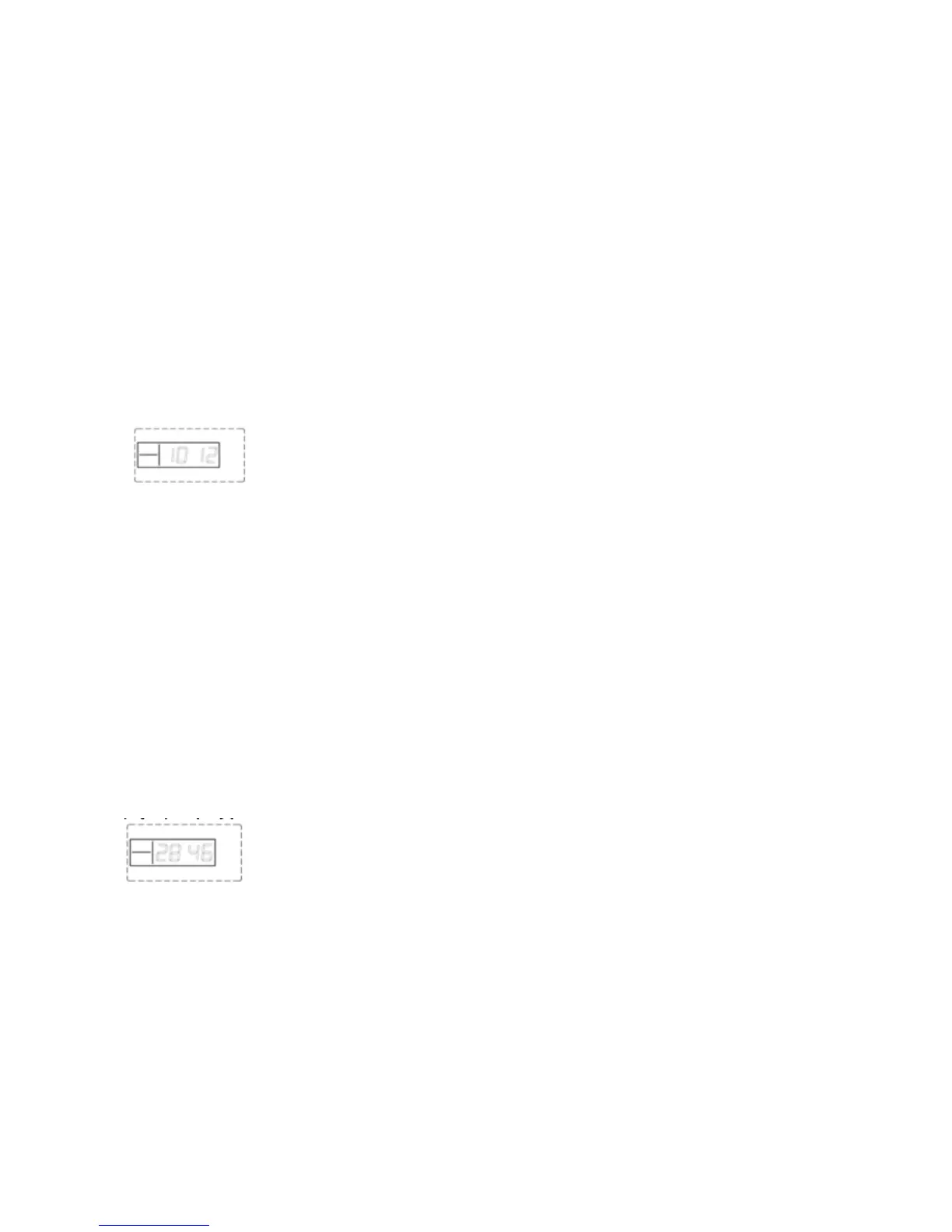
For example: change the system password to 1012
Operating method: [30]+[1012]+[#]
LCD display:
Change programming/settings Password
The programming/settings password is the password used in order to setup the system.
While in settings mode, use the keypad to enter [31], then enter the new 4-digit password, and then
press [#] to confirm. The main unit will make a long beep and you will hear a voice prompt “setting
completed”.
Operating method: [31]+[XXXX]+[#]
XXXX indicates: the new 4-digit password
For example: change the system password to 2846
Operating method: [31]+[2846]+[#]
LCD display:
Note:the user password and the settings password can not be the same
.
9. Clock Setting
While in settings mode, use the keypad to enter [32], then enter the last 2 digits [AA] of the present
year, the two digits [BB] of the month, the two digits [CC] of the day, the two digits [DD] of the
hour, the two digits [EE] of the minute, the two digits [FF] of the second, and finally enter [#] to
Page 11 Wolf Secure http://www.wolfsecure-gsmalarms.co.za


 To Next Page