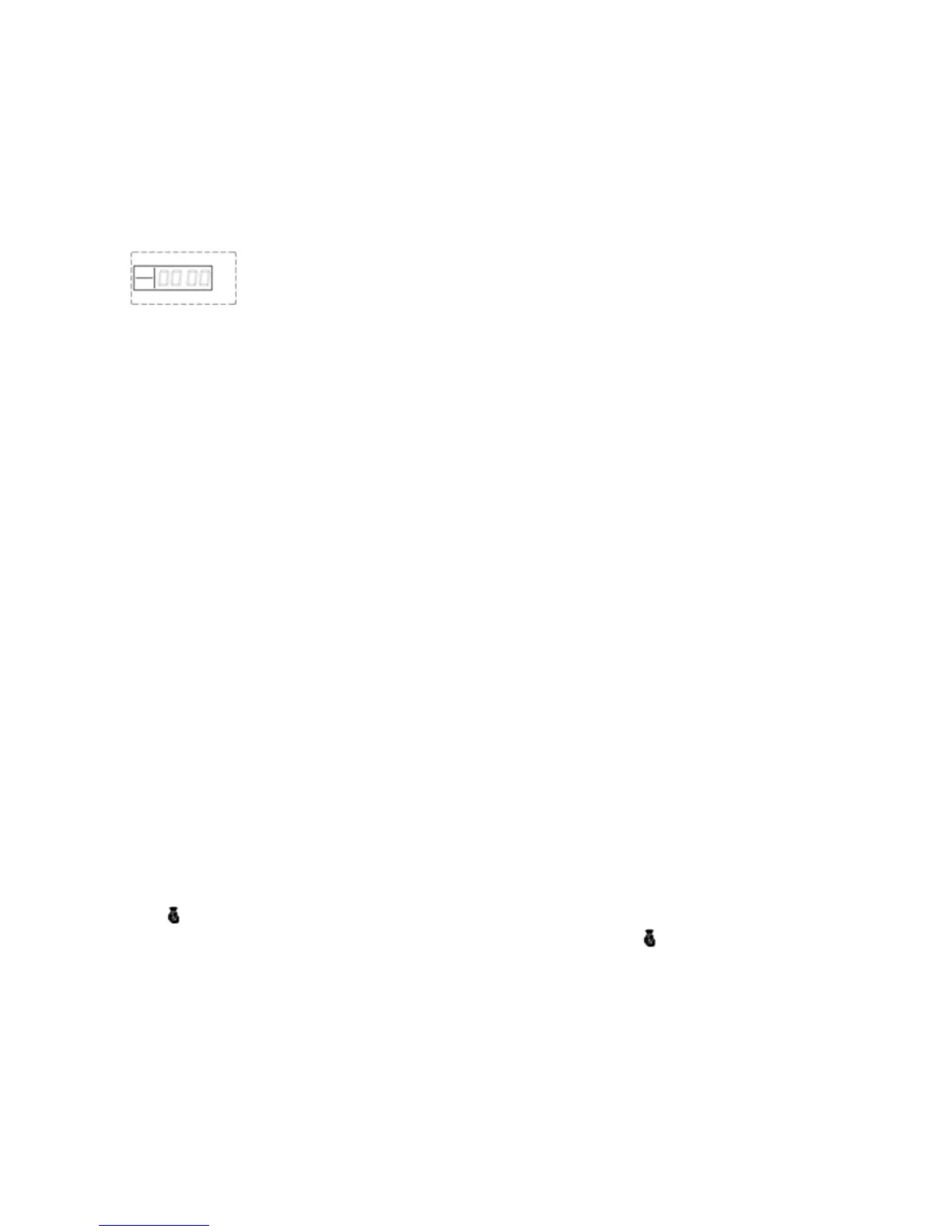
The [SET] indicator will be on and [0000] will displays on the screen when in settings mode. You
can perform different settings repeatedly as long as the system keeps in setting status.
Operating method: [XXXX] + [#]
X indicates the 4-digit system password.
LCD display:
Exiting settings mode
The system will automatically exit setting mode and return to disarm status if you don’t press any
keypad button for 40 seconds.
To manually exit settings mode press [*] and [#] buttons, the main unit emits a long beep and exit
settings mode.
The [SET] indicator will go off and the system returns to disarm state.
Operating method: [*] + [#]
3. Factory Reset
In some instances it is easier to clear all settings and redo all settings.
While the alarm is in disarm status, use the keypad to input [95175308246] and press [#] to
confirm, all the LED indicators will be on for 2 seconds and you will hear a long beep. The main
unit's settings will be cleared and restores to its factory settings successfully.
Operating method: [95175308246] + [#]
4. Coding of Remote Controllers
The remote controllers need to be coded to the alarm host in order to work with the alarm system.
.
In settings mode, use the keypad to enter [20] then input the remote controller number [1~8], and
then press [#] to confirm. The main unit emits a long beep and you will hear “remote control
coding”.
The [ ] indicator is on without flashing; press any button on the wireless remote controller, the
main unit makes a long beep and you will hear “coding completed”, the [ ] indicator goes out,
indicating the remote controller is successfully coded.
Operating method: [20]+[A]+[#]
A indicates:1~8 remote controllers number.
Note: You can add maximum 8 remote controllers.
Page 9 Wolf Secure http://www.wolfsecure-gsmalarms.co.za


 To Next Page