beeps(seconds. The [OUT ARM] indicator will be on without flashing. It means Out Arm is set
successfully.
Keypad Operation: Press [Out Home ] button, the system will enter arm status 100 seconds later.
Remote control operation: Press the button
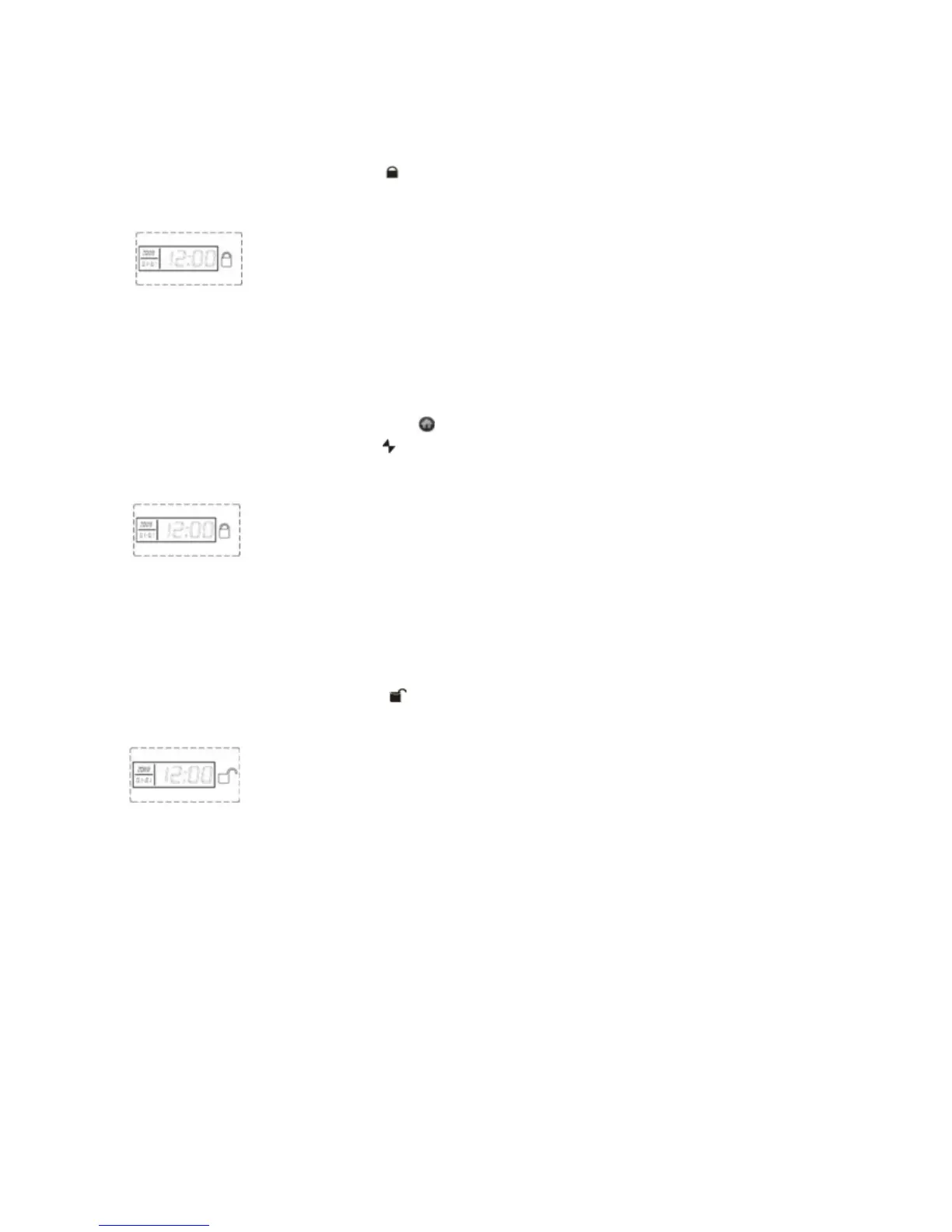
LCD display:
Activate Home Arm using the alarm keypad
While somebody is at home, you might want to have some zones active and some not.
Main Unit Operation: Press [At Home ] button on the keypad
Remote control operation: Press the button
LCD display:
Disarm
Main Unit Operation: Use the keypad to input the user password, then press [#] button. [Out
Home] or [At Home] lights will go off.
Remote Control Operation: Press the button on remote controller
LCD display:
13
3. Cellular / phone operation
Receiving a call from the alarm system.
When the alarm is triggered, it will dial the preset numbers. If no one answers the first number
dialled, the system will call the next user number automatically. The system will call each preset
numbers 3 times in order or until the phone is answered.
If you answer the call, you will hear the pre-recorded voice recorded as explained earlier as well as
an artificial voice that gives the zone number that triggered the alarm..
You can set the alarm system via your telephone or mobile phone keypad.
Page 20 Wolf Secure http://www.wolfsecure-gsmalarms.co.za


 To Next Page