14 3064810_201804
7. Casing
Casing
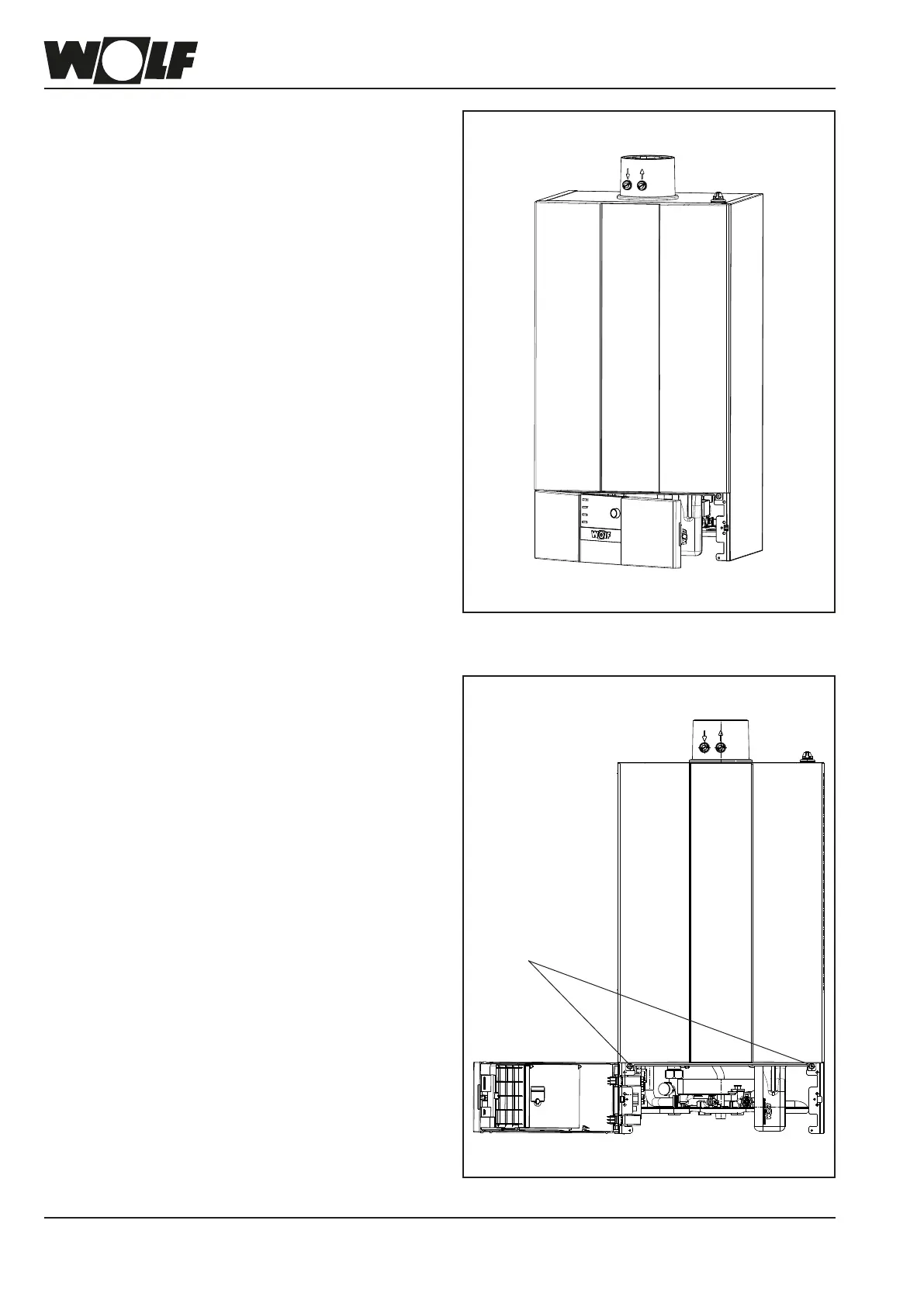
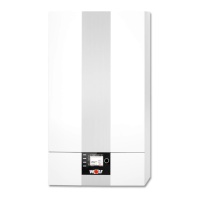
First, grip the control unit cover on the r.h. side and swivel to
the side. Then undo the two screws on the r.h. and l.h. sides
of the front casing. The front casing can then be released at
the top and removed.
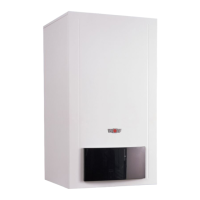
Fig: Front view, control unit cover fully open
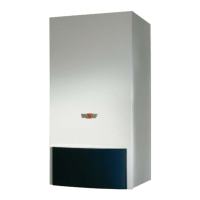
Fig: Front view, control unit cover slightly partially open
Allen screws SW 4



 To Next Page