3064810_201804 33
17.Display/programmingmodule
installation
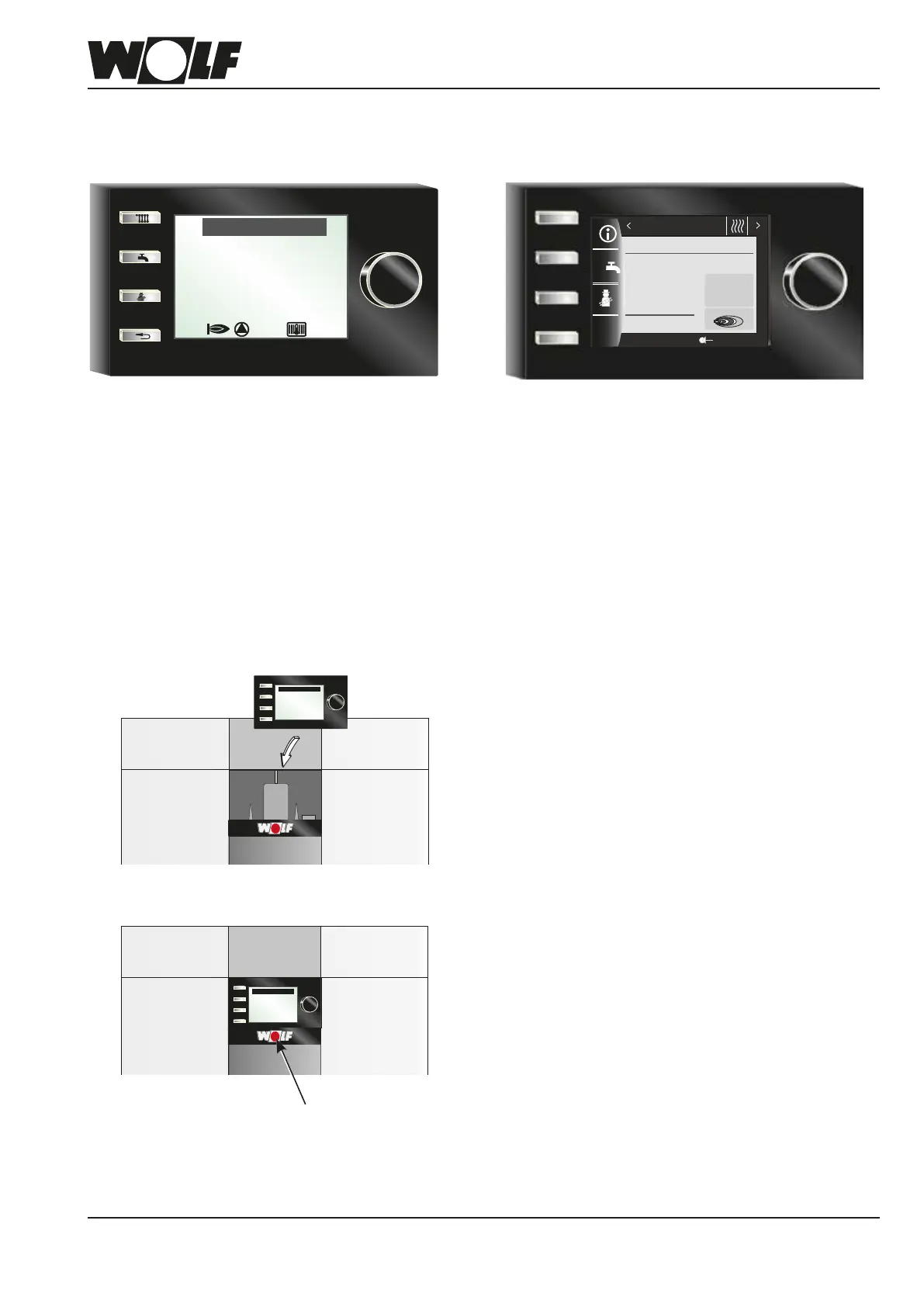
Either an AM display module or a BM-2 programming module must be installed for operating the gas combi boiler.
The BM-2 (programming module) communicates with
the boiler and all connected extension modules via
eBUS.
Specication:
• 3.5" colour display, 4 function keys, 1 rotary selec-
tor with pushbutton function
• microSD card slot for software update
• Central programming unit with weather-compen-
satedowtemperaturecontrol
• Time program for heating, DHW and DHW circula-
tion
The AM functions solely as a display module for the
boiler.Boiler-specicparametersandvaluescanbe
programmed and displayed.
Specication:
• 3" LCD screen
• 4 quick start keys
• 1 rotary selector with pushbutton function
Pleasenote:
• Use when BM-2 is deployed as a remote control or
in a cascade circuit
• AM is always in the boiler
AM BM-2
Operatingmode
Heatingmode
Burnerstatus
ON
Status
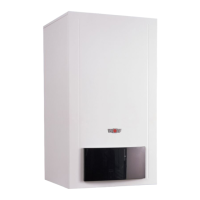
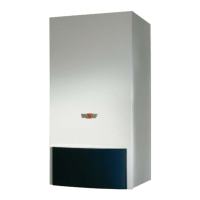
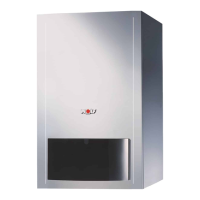
Insert the AM or BM-2 in the slot above the ON/OFF
switch (Wolf logo).
Both modules can be plugged into this slot. Further
commissioning or address assignment measures spe-
cictotheBM-2canbefoundintheBM-2installation
instructions.
Status
Betriebsart
Brennerstatus
Heizbetrieb
Softstart
Switch on the power supply/MCB and switch the
ON/OFF switch on the appliance to ON.
Status
Betriebsart
Brennerstatus
Heizbetrieb
Softstart
ON/OFF switch
14:12
20.01.15
1.5
bar
25.2
°C
1
x
Boiler water tem-
perature
Boiler
Heatingmode
Pressure
Burner ON



 To Next Page