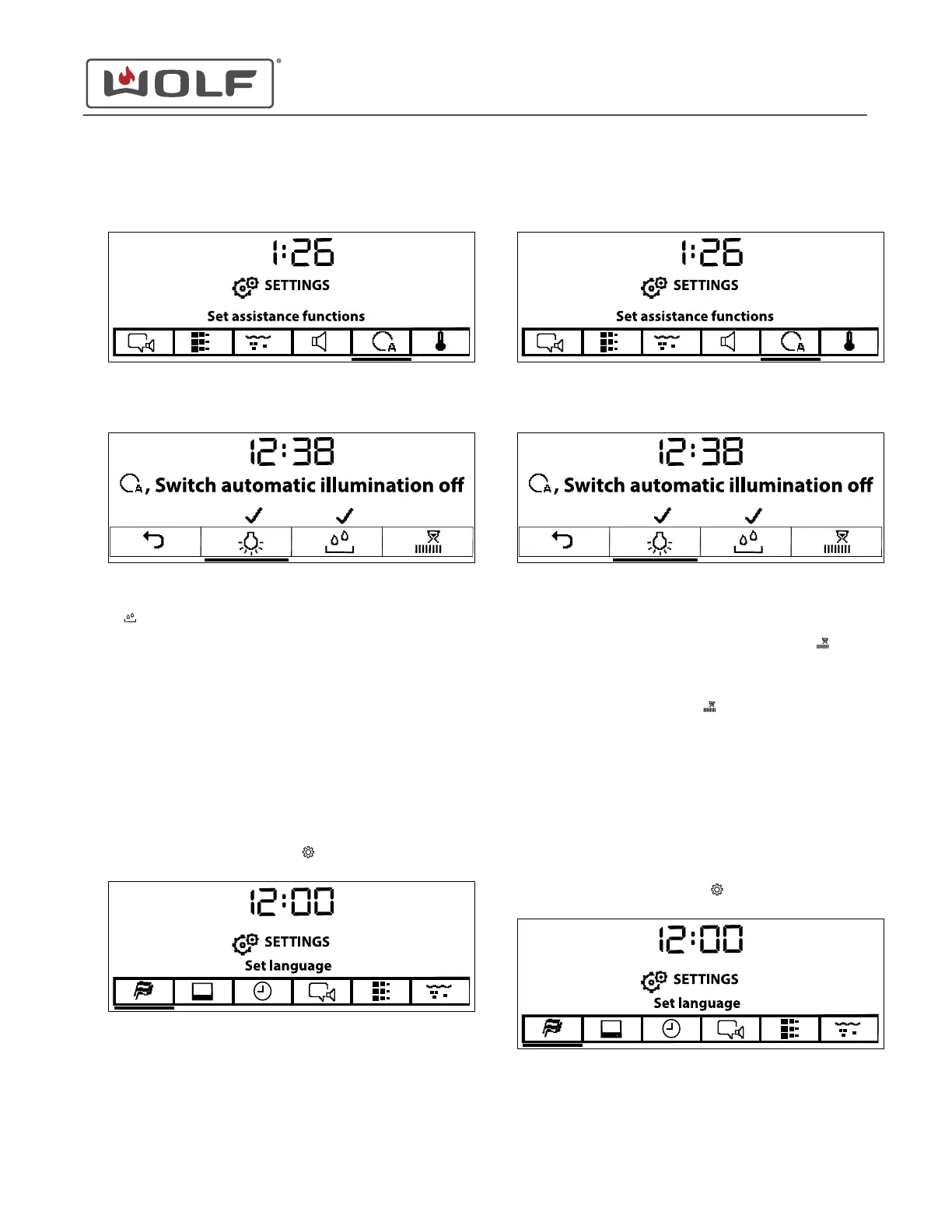
2 Touch the right arrow key to move to Set Assistance
Functions.
3 Touch Enter. The Assistance Function screen appears.
4 Use the arrow keys to underline Automatic Water Tank on or
off .
• Automatic water tank opens the water tank when it is
out of water.
• A check mark means that the automatic water tank is
on.
5 Touch Enter to turn automatic water tank on or off.
6 Use the arrow keys to move to Back.
7 Touch Enter to return to the Settings screen.
Set Press and Go
1
Touch Settings twice. The Settings
menu appears.
2
Touch the right arrow key to move to Set Assistance
Functions.
3 Touch Enter. The Assistance Function screen appears.
TIP: If the Press and Go time is set to off, the appliance
does not start any mode automatically.
4
Use the arrow keys to underline Set the Press and Go
.
• Press and Go sets the amount of time before the
appliances starts automatically.
5
Touch Enter on Set Press and Go
.
6 Use the arrow keys to adjust the time from off to 1 minute
before the unit starts automatically.
7 Use the arrow keys to move to Back.
8 Touch Enter to return to the Settings screen.
Configure Temperature Units
1
Touch Settings twice. The Settings
menu appears.
CSO (SWS #13543126)
Settings
CONFIGURE AUTOMATIC WATER TANK (continued)
service.subzero.com
827703 REV B.1
42



 To Next Page