English
13
To listen to music, simply use the
Wren Play-Fi App on your Android
device to select the music you
want to play.
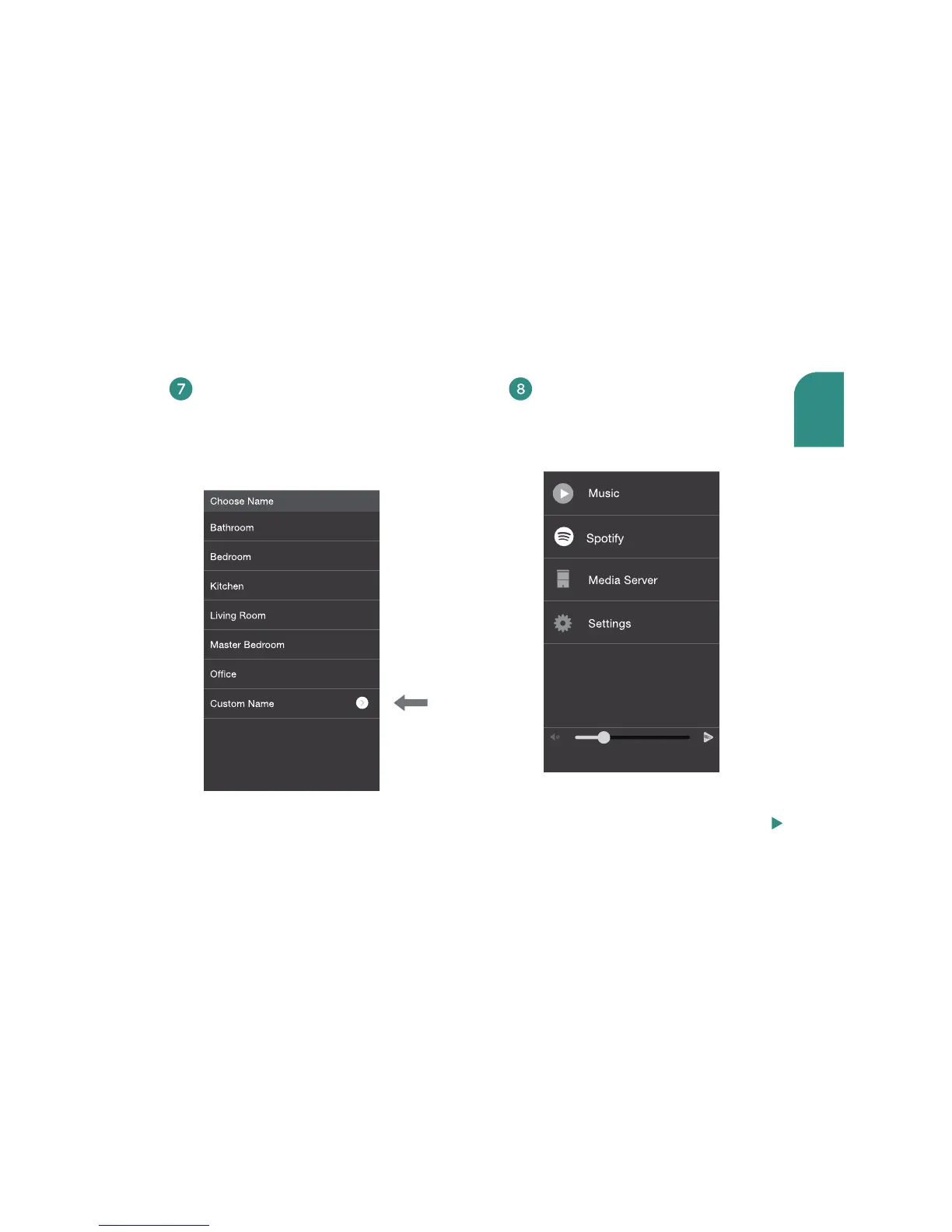
The Wren Play-Fi App will ask you
to name your speaker. Choose from
preselected names or create your
own by choosing “Custom Name”
at the end of the name list.
To move your speaker to a dierent location, power it o, move it to where you want to
listen, and power it back on.
Step 8 continued, next page



 To Next Page