English
19
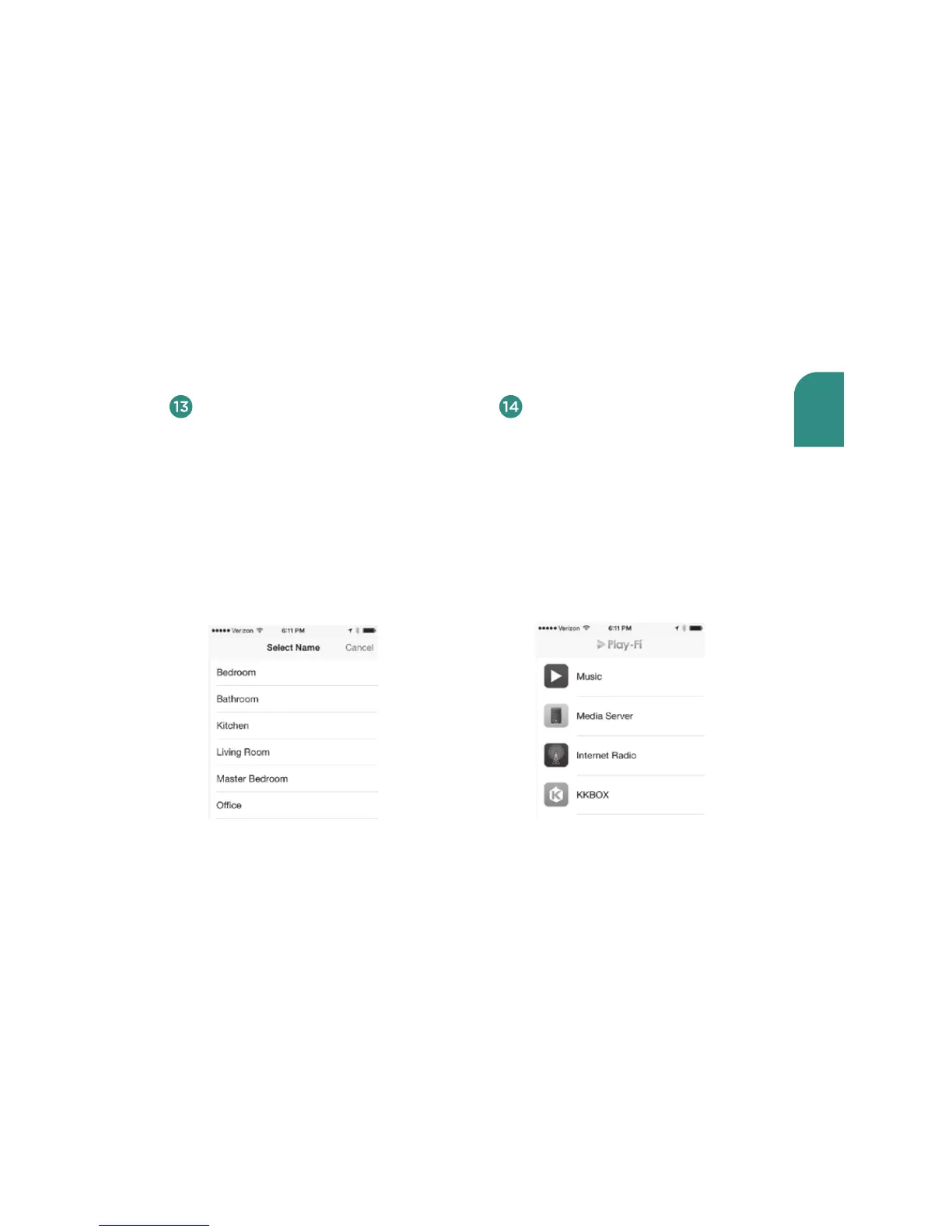
Upon connecting successfully, you
will be prompted to assign a name
to your V5US. This is especially
useful if you have more than one
Play-Fi speaker on your network,
as it will enable you to distinguish
them and to stream music to up to
eight speakers simultaneously when
using the Play-Fi App on your iOS
device or iTunes running on a Mac
or Windows PC.
After you name your Wren speaker,
the Play-Fi Main Menu will appear.
To use the Play-Fi App on your
iOS device, follow the directions
in “Using the Play-Fi App on Your
Android or iOS Device” on page
15. To use AirPlay on your V5US,
exit the Play-Fi App and follow
the directions in “Using AirPlay on
Your iOS Device (iPad, iPhone, iPod
Touch)” on page 21.
To move your speaker to a dierent location, power it o, move it to where you
want to listen, and power it back on.



 To Next Page