English
23
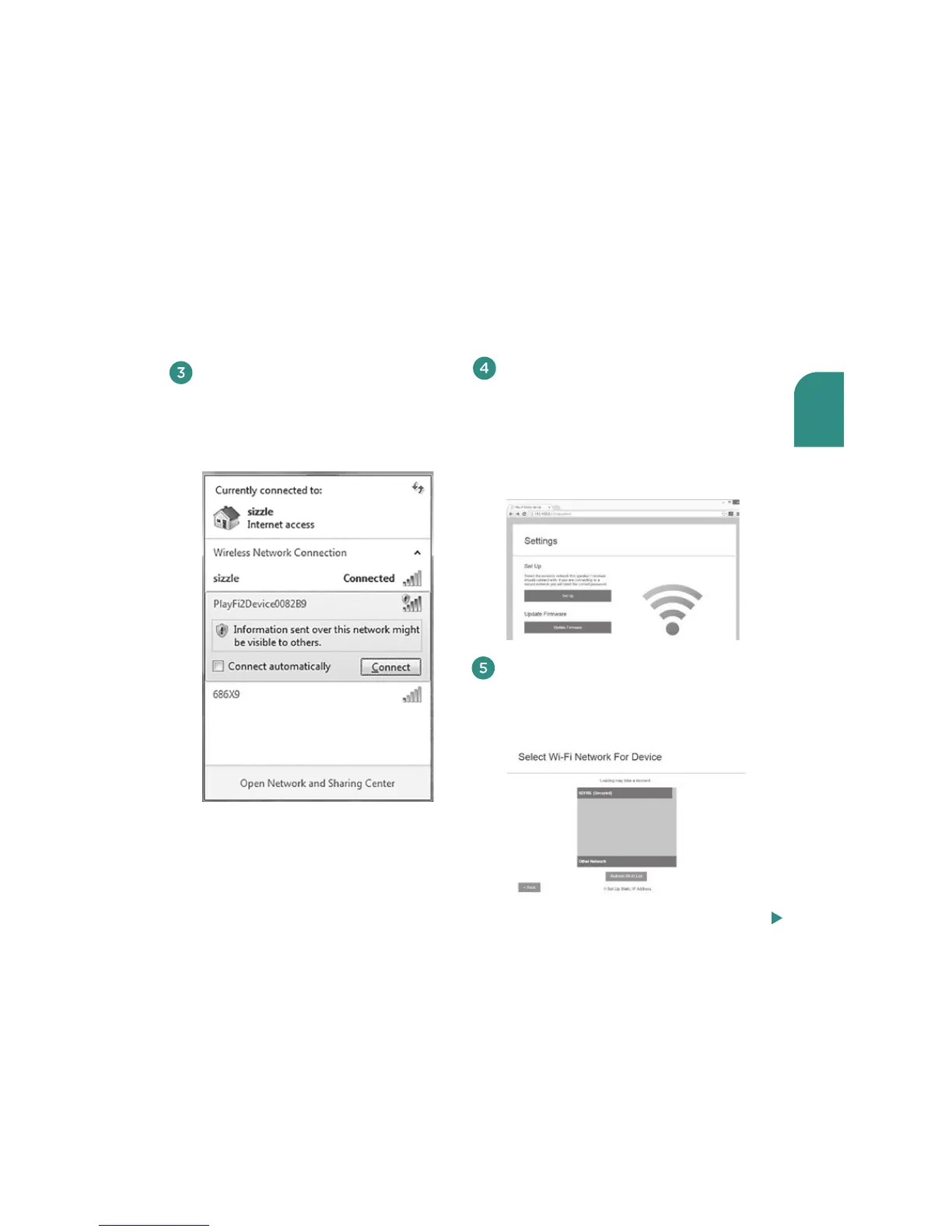
After you select Set Up, the next screen
asks you to select the network you
want to use to connect to your V5US.
Click on your preferred network.
Using your iOS device or computer,
navigate to your WiFi network
selection window and select
the network with the words
“PlayFiDevice.”
Launch your web browser (e.g., Safari®,
Internet Explorer®, Chrome® or Firefox®)
and type 192.168. 0.1 in the address bar.
Then press Enter. This will take you to
the Settings page. Select “Set Up.”
Note: If the web page is not initially available
or becomes unresponsive, reload it.
Steps 6-8, next page



 To Next Page