Page 28
4.1 Disassembly.
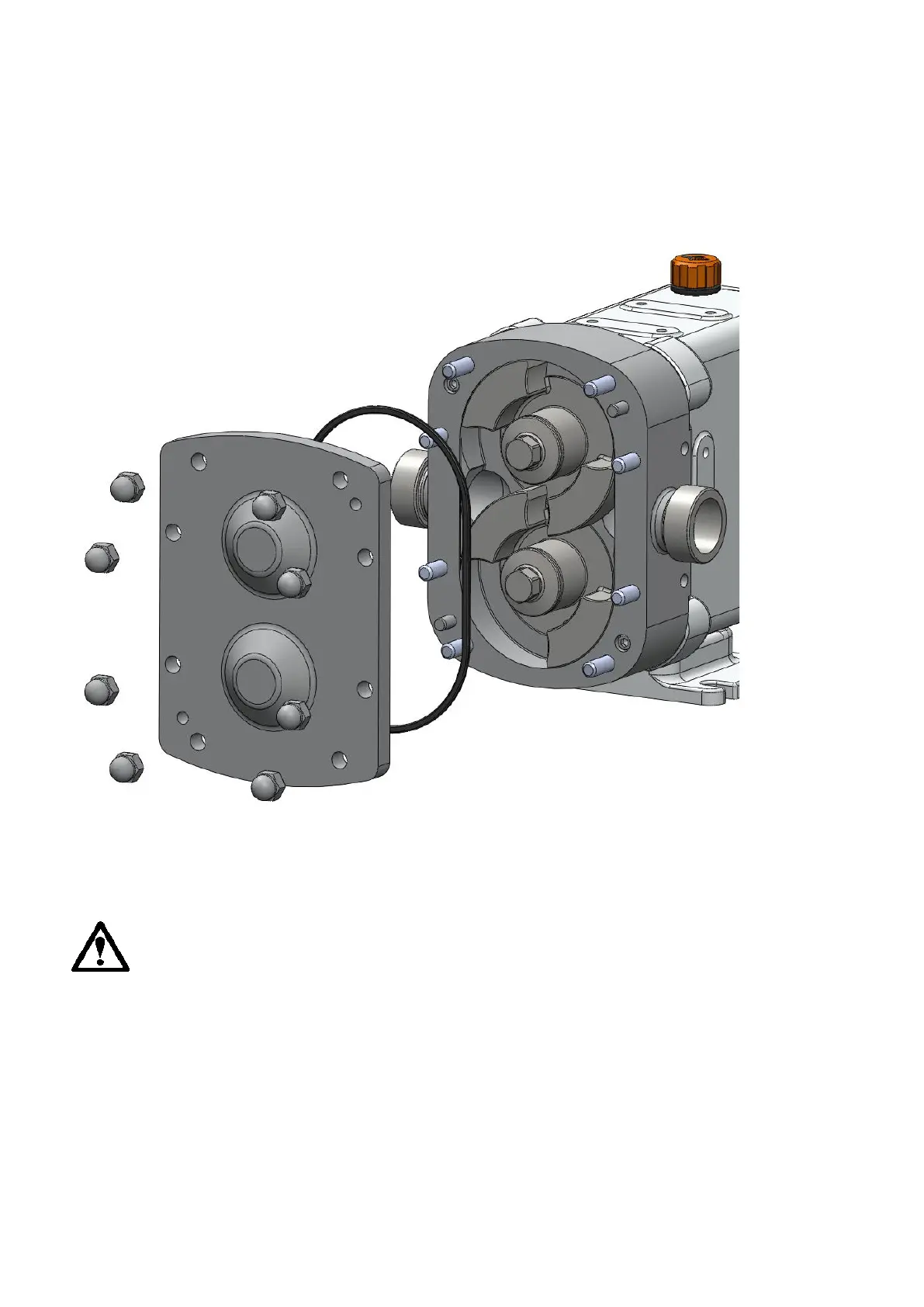
4.1.1 Front Cover and Rotor Removal.
Fig 15.1
• Remove the front cover dome nuts.
• Remove the front cover and the front cover o-ring.
• Remove the rotors by unscrewing the rotor retaining bolts and o-rings,
remove 3 bolts and rotor retainer plates and o-rings, taking care not to
damage the product seal components.



 To Next Page