Installation LF 170
82
ba54104d09 11/2010
3.4 Connecting a conductivity measuring cell
3.4.1 Measuring cell types and connection options
Note
Ordering information on the respective articles (connection cables,
adapters, terminal boxes etc.) is given in chapter 7 A
CCESSORIES.
3.4.2 Measuring cells with 7-pin plug adapter
This section describes the connection of the following conductivity
measuring cells:
z TetraCon
®
700
z TetraCon
®
700 (SW)
z LRD 01
z LRD 325
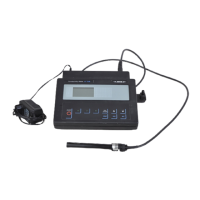
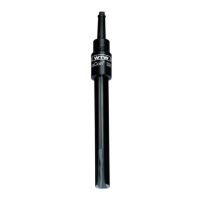
Connection Connect the plug adapter of the sensor connection cable with the
sensor input jack of the monitor:
Measuring cell Connection type Connection cable/
adapter
See
page
TetraCon
®
700
TetraCon
®
700 (SW)
LRD 01
LRD 325
Connect the plug adaptor of the
connection cable with the sensor input
socket
-82
TetraCon
®
325
TetraCon
®
325/C
LR 325/01
LR 325/001
Connect the conductivity measuring cell
to the sensor input socket using an
adapter
ADA/AMPH-LAB-LF 83
TetraCon
®
DU/T
TetraCon
®
DU/TH
Connect the conductivity measuring cell
to the sensor input socket using a
connection cable and an adapter
KKDU 325 +
ADA/AMPH-LAB-LF
83


 To Next Page