Operation LF 170
88
ba54104e09 11/2010
4.4 Configuration
4.4.1 Call up configuration level
Call up the configuration level from the operating level as follows:
Note
If an incorrect password is entered or after pressing the <ESC> key
during password entry, access to the configuration is only possible in
view mode, i.e. settings can be viewed but not changed.
1 Press <DOWN>.
2 Press <ENTER>.
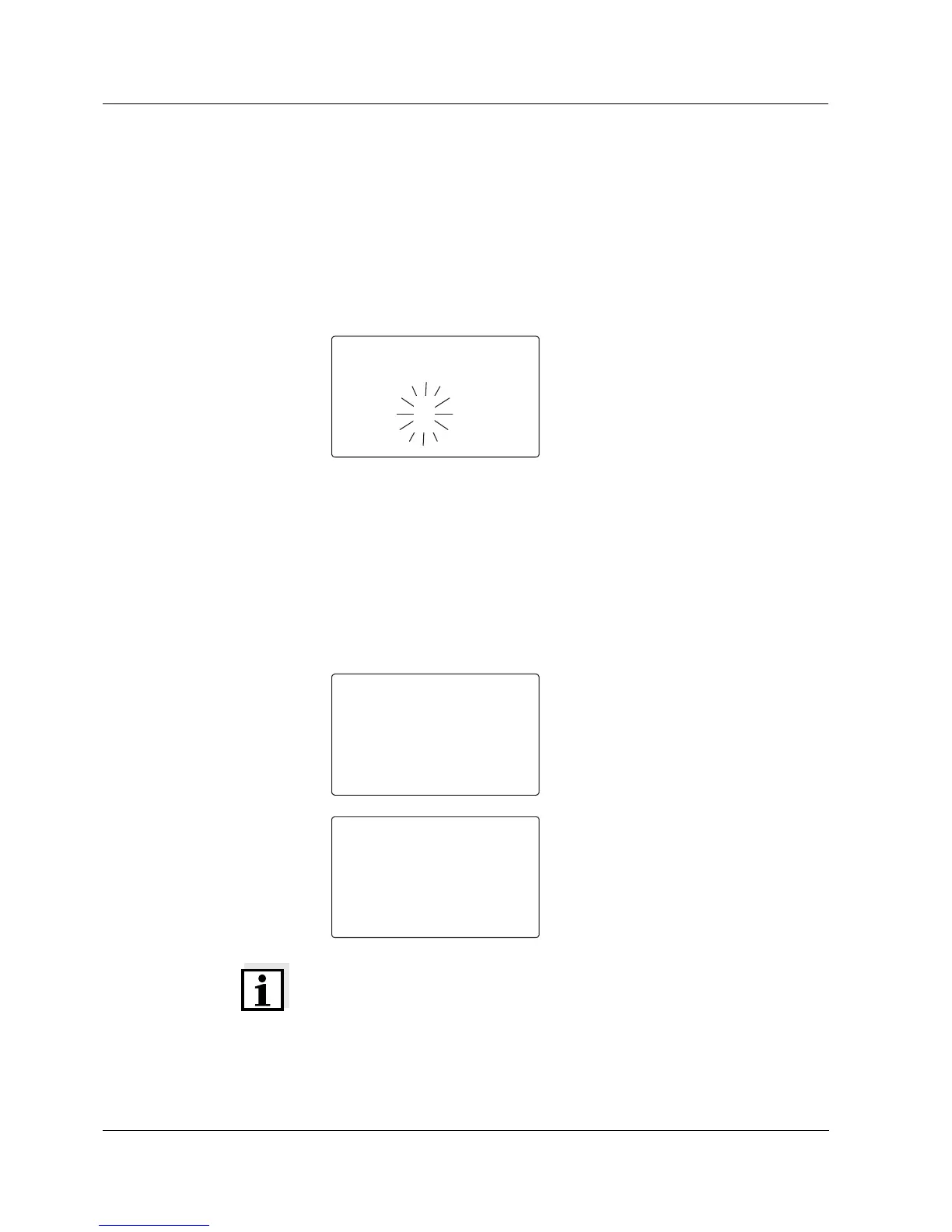
3 The menu for the password prompt
appears.
When delivered, no password
protection is set up. In this case
proceed to the next operating step
by pressing <ENTER> three times.
If password protection is set up,
the password must be entered in
order to change settings. Enter the
password as follows:
– Set the first (flashing) digit with
<UP><DOWN> and confirm
with <ENTER>.
– Set the other two digits in the
same way.
4 After the last digit you reach the
parameterization level first.
5 Press <UP> or <DOWN>.
You are now at the starting point of
the configuration level. From here
you can reach the settings with
<ENTER> (see section 4.4.2).


 To Next Page