CI6X SERIES SPECTROPHOTOMETER
58
6. Continue with additional sample measurements if required.
To measure a different standard:
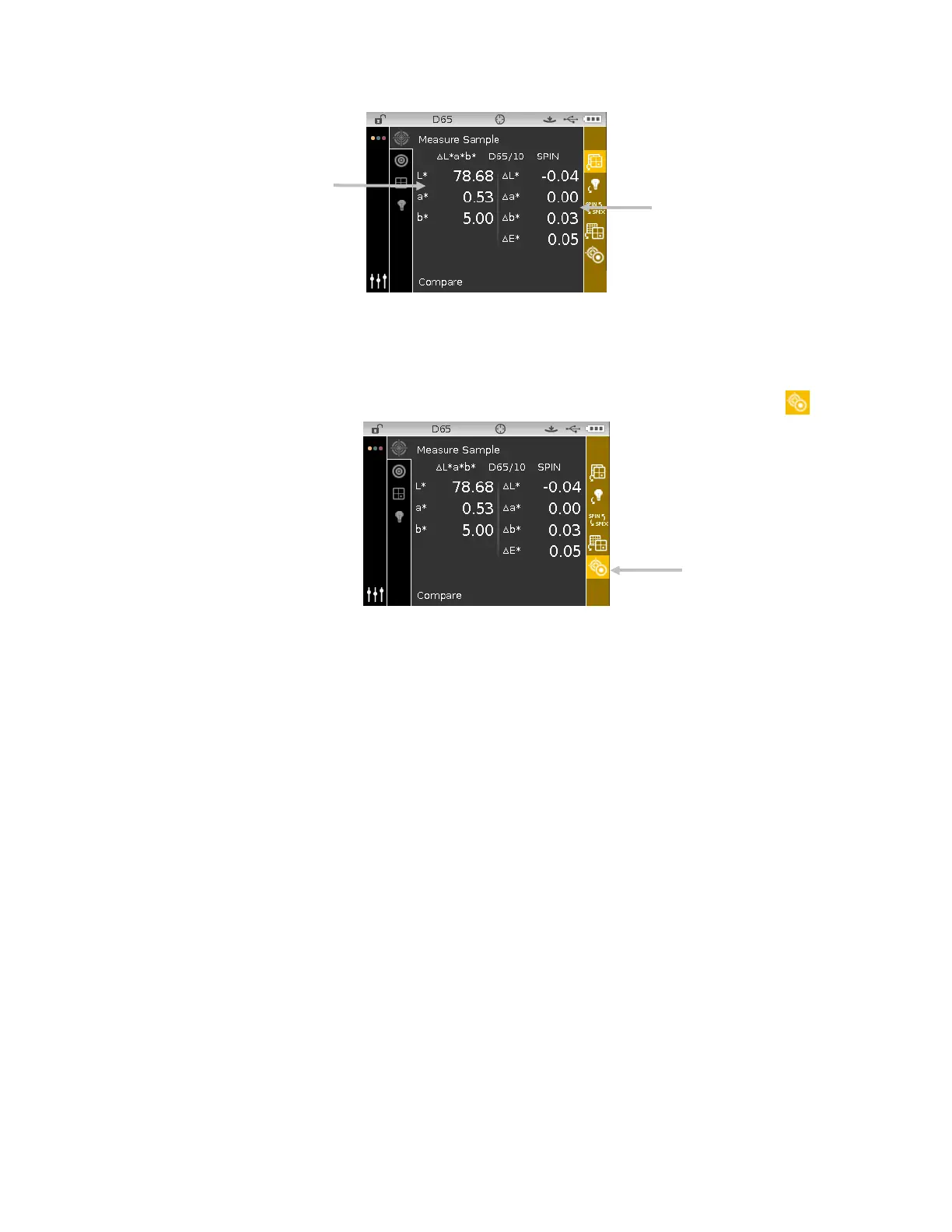
1. Tap the Right navigation button to highlight the Progress column.
2. Use the Up or Down navigation buttons to select the Standard/Sample toggle icon
.
3. Tap the Select button to change to the Measure Standard screen.
4. Measure the standard.
Tapping the Select button with the Standard/Sample icon highlighted will toggle the
measurement screen between Measure Standard and Measure Sample.
toggle icon












 To Next Page