CI6X SERIES SPECTROPHOTOMETER
57
COMPARE MODE
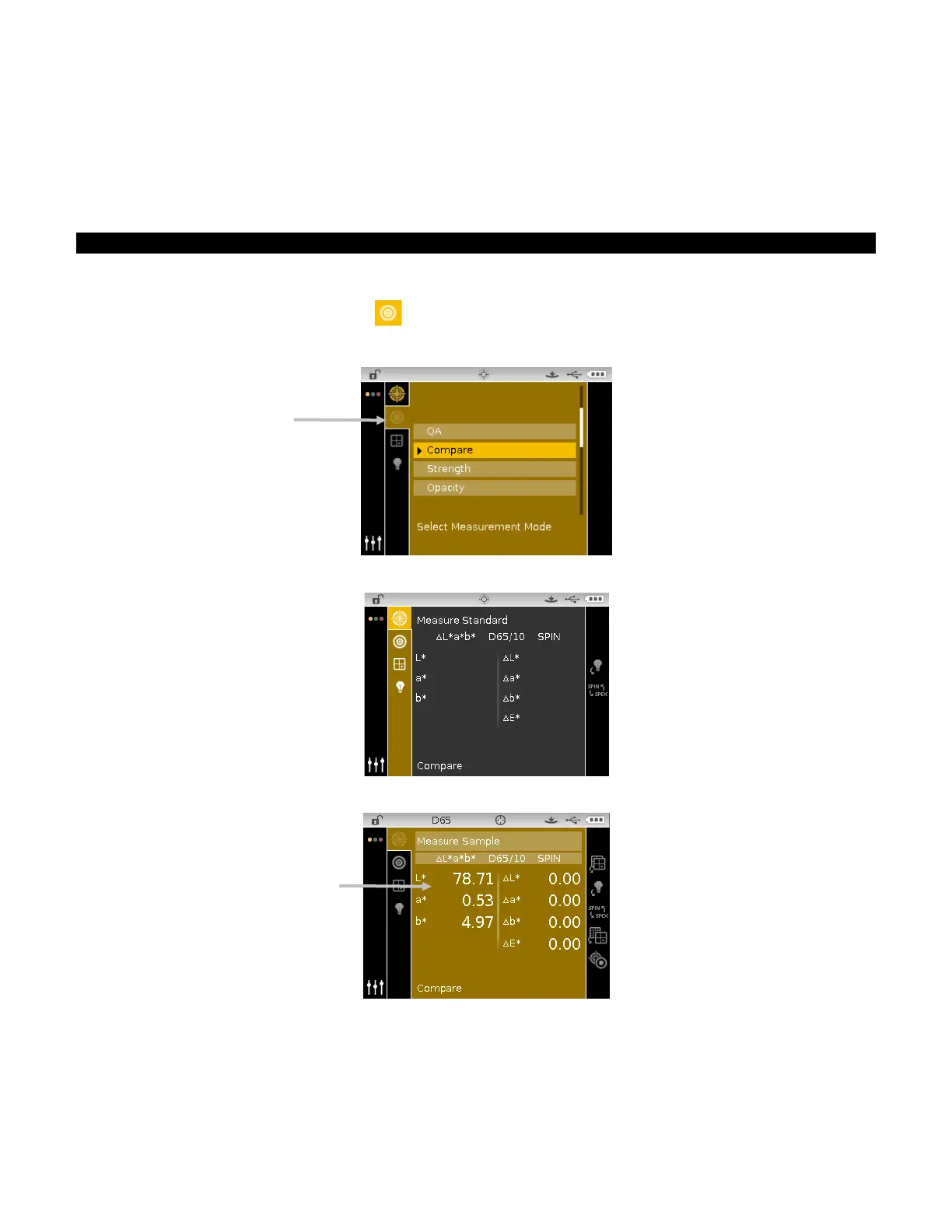
The Compare mode is a quick method for comparing measurements without storing the data.
After entering the mode, the first measurement is set as the standard and each measurement
thereafter is compared to it. The standard can be remeasured whenever desired.
Compare Measurement
To perform a compare measurement:
1. From the Measure screen, use the Up or Down navigation buttons to move the highlight focus
to the Measurement Mode icon
.
2. Select the Compare mode as previously explained.
3. Select the illum/obs and color space as previously explained.
4. Position the instrument on the standard and take the measurement.
5. Position the instrument on the sample to compare and take the measurement.












 To Next Page