CI6X SERIES SPECTROPHOTOMETER
72
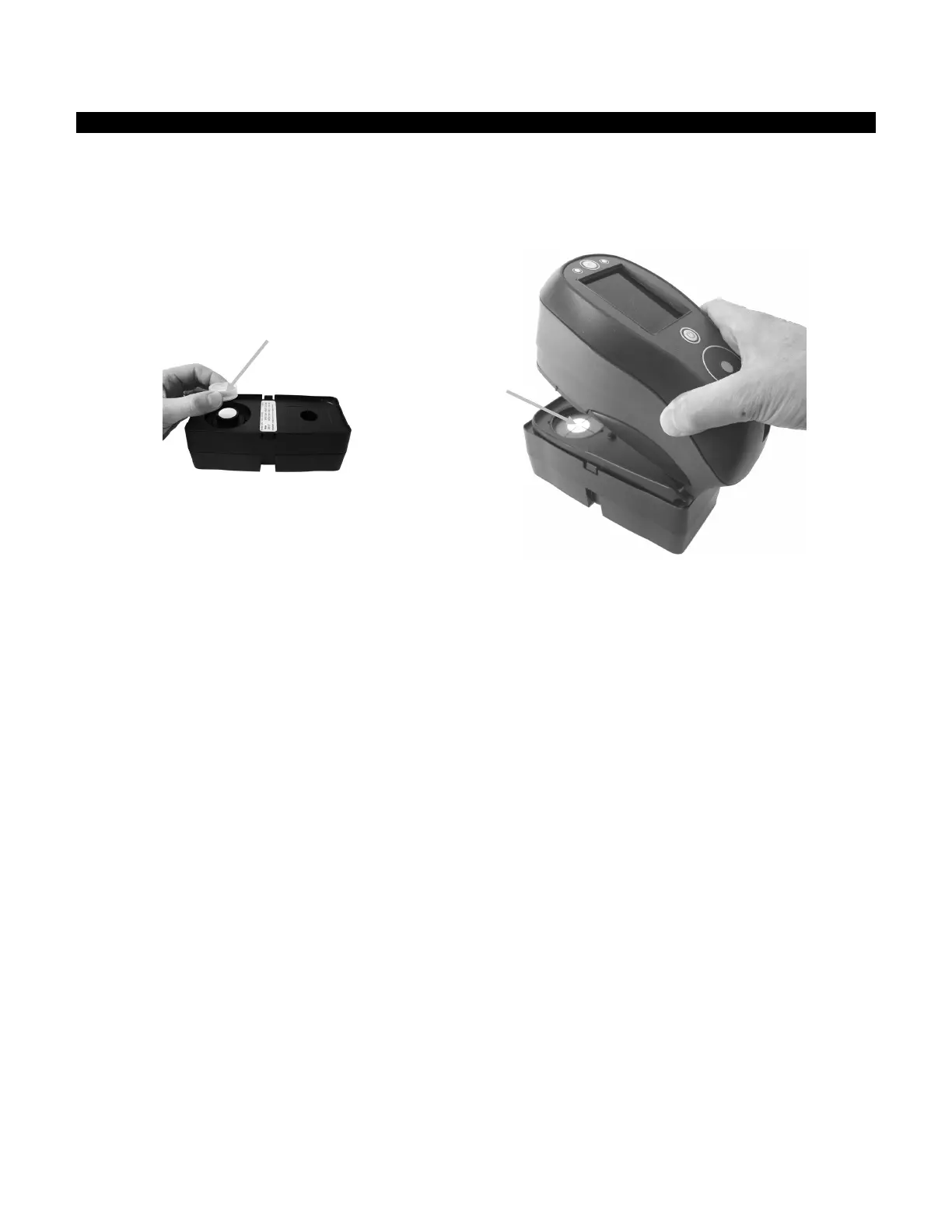
Green Tile Color Check (Ci62/Ci64 only)
1. Perform a calibration procedure if you have not already done so. Refer to the Calibrating section.
2. Select the appropriate option in the application to initiate the green tile color check.
3. Remove the protective cap from the green tile in the calibration reference.
4. Position the instrument’s target window over the green tile.
5. Press the instrument firmly to the shoe. Hold steady until the display indicates that reading is
complete.
6. Release the instrument.
7. Reinstall the protective cap on the green tile.
8. Store the calibration reference in a dry, dust free area, away from direct exposure to light.












 To Next Page