CI6X SERIES SPECTROPHOTOMETER
64
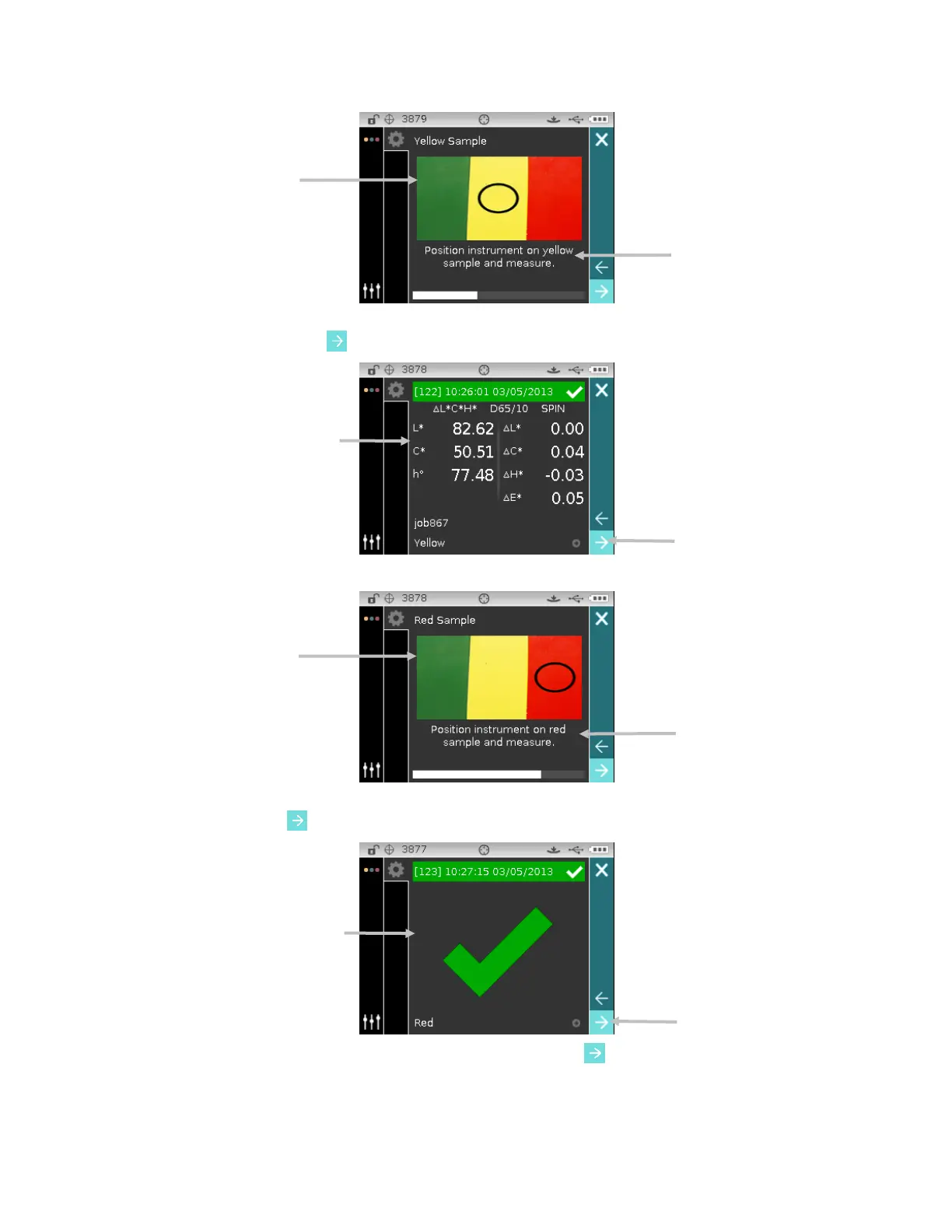
6. Data for the second measurement appears on the display in the color space selected. Make
sure the Next arrow icon
is selected and tap the Select button.
7. Position the instrument on the sample as described on the screen and take the measurement.
8. Data for the third measurement appears on the display in the color space selected. Make sure
the Next arrow icon
is selected and tap the Select button.
9. The job is now completed. Make sure the Next arrow icon
is selected and tap the Select
button to return to the main job screen.
2
nd
step measurement results
3
rd
step measurement results












 To Next Page