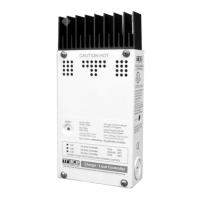
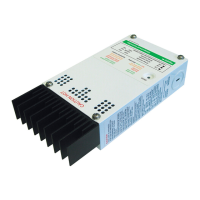
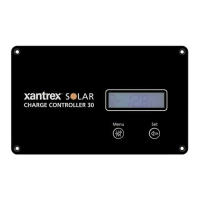
To change the temperature unit setting:
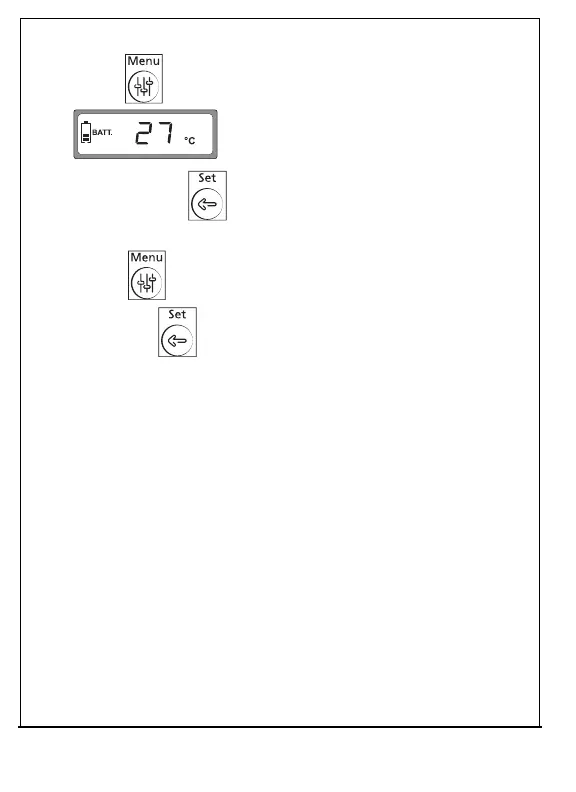
1.
Press repeatedly until the temperature
device screen is displayed.
2.
Press and hold for 5seconds until the temperature
screen flashes.
3.
Press to browse the desired temperature unit, °C or °F,
then press to confirm your selection.
30 975-1012-01-01 Rev B
Oct 2019


 To Next Page
 Loading...