Printer Commands
ColorQube 8570/8870 Color Printer
System Administrator Guide
98
Input Trays
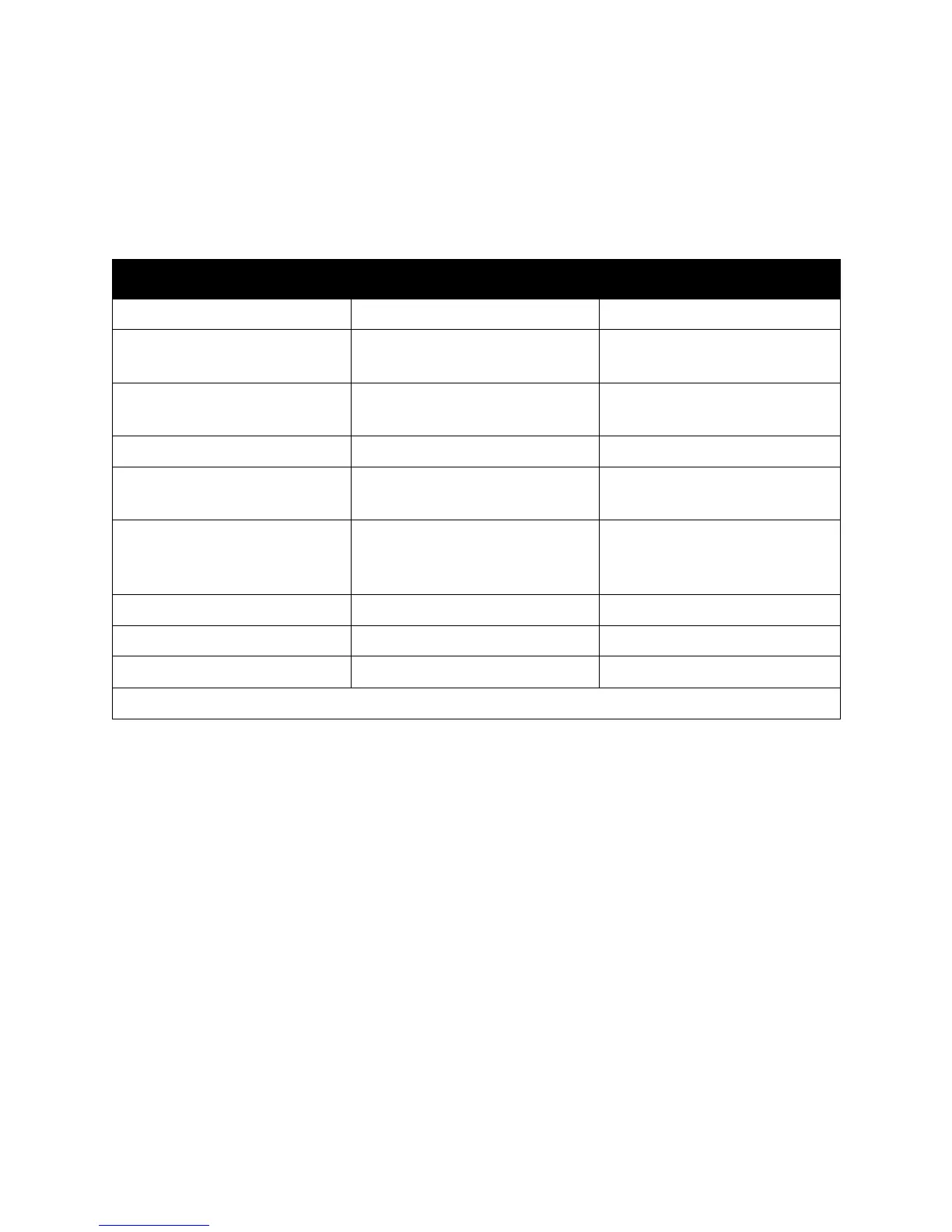
The following table lists the most common PCL commands for the input trays supported by your
printer. The Alternate Tray is used if the optional input tray is not installed.
Note: When more than one command is listed, you can use eisther command.
Input Tray PCL 5 Command Alternate Tray
Tray 1 n/a n/a
Tray 1 in multi-sheet mode <Esc>&l4H
<Esc>&l6H
n/a
Tray 1 in manual feed mode <Esc>&l2H
<Esc>&l3H
n/a
Tray 2 <Esc>&l1H n/a
Tray 3 <Esc>&l5H
<Esc>&l23H
Tray 2
Tray 4 <Esc>&l8H
<Esc>&l20H
<Esc>&l24H
Tray 1
Tray 5 <Esc>&l21H Tray 1
Autoselect <Esc>&l7H n/a
Current tray/page eject <Esc>&l0H n/a
*The character that follows the “&” in the command is the lowercase letter “L.”



 To Next Page
 Loading...