Installation Xerox
®
DocuMate
®
6460 / 6480
User Guide 15
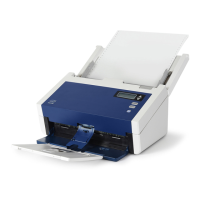
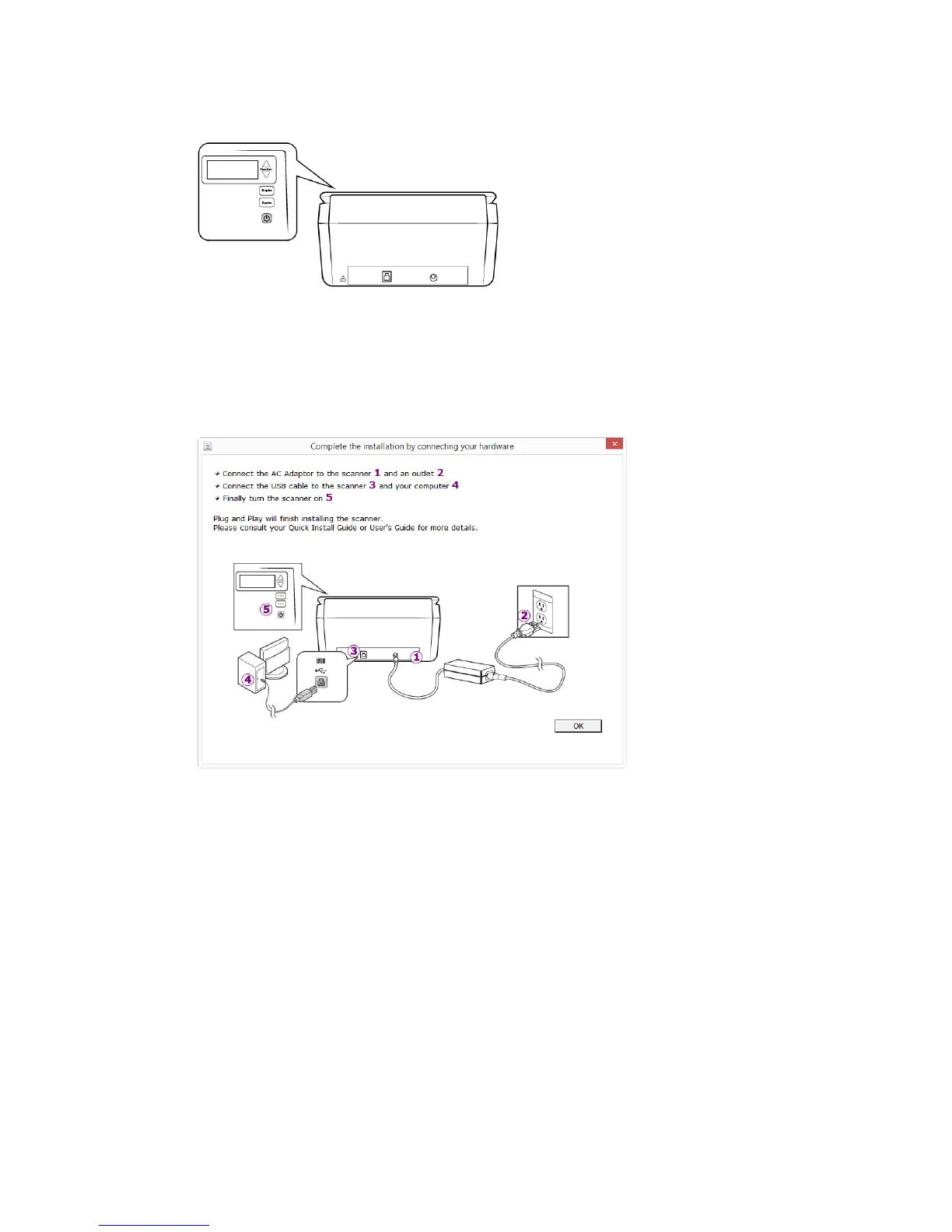
3. Turn on the scanner power.
The status light comes on and flashes indicating that the scanner is receiving power.
Your computer recognizes that a scanner has been plugged into the USB port and
automatically loads the appropriate software to run the scanner.
4. When you’re certain that the software has completely loaded, return to the “Complete the
installation by connecting your hardware” window.
5. Click OK to complete the installation process.


 To Next Page
 Loading...