Control Panel Menus
Phaser 6500 Color Laser Printer
User Guide
90
Navigating the Control Panel Menus
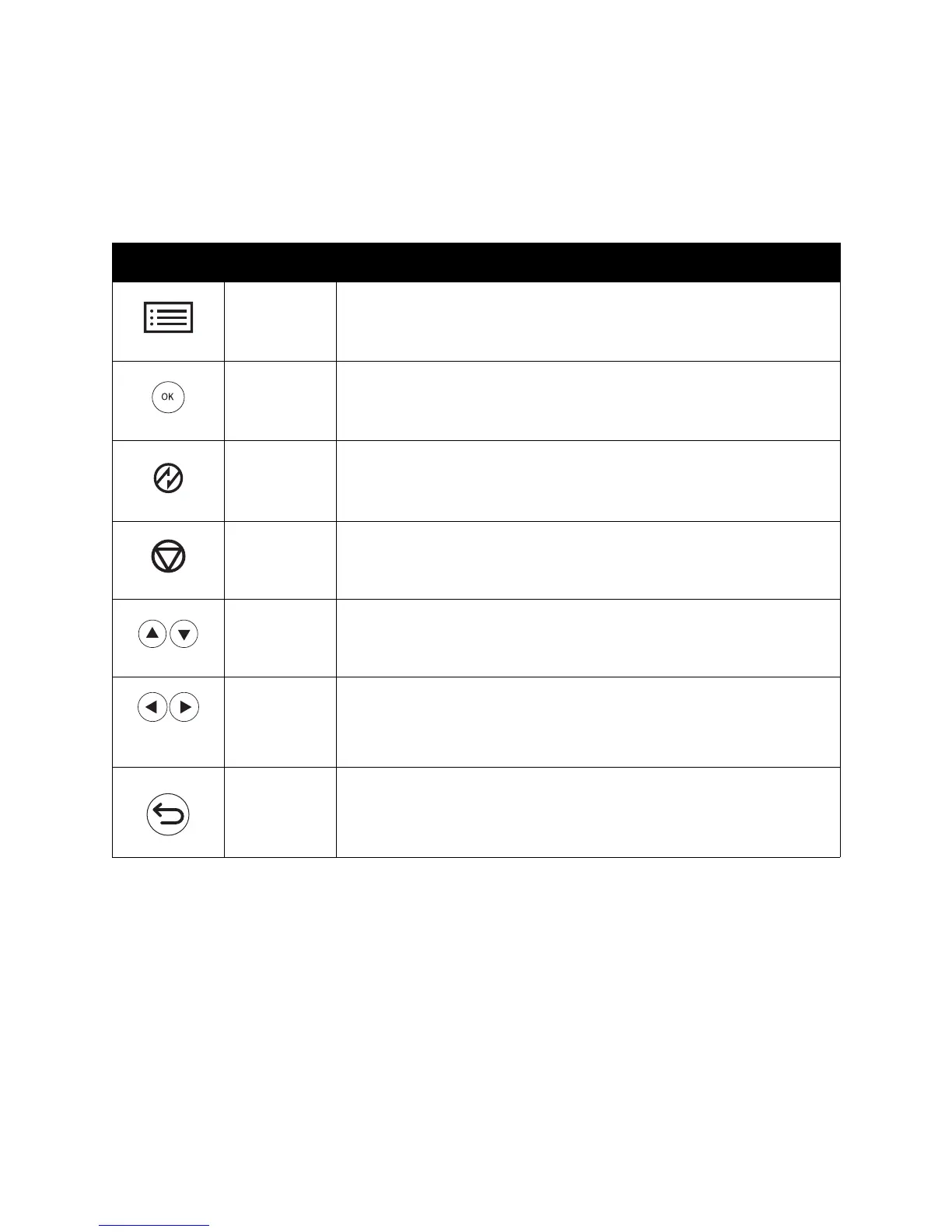
The following table describes the navigation and function buttons on the control panel used to select
menu options and operate certain printer features.
Icon Name Description
Menu Controls access to the menus or the print screen.
OK Select or execute the option or function displayed on the screen.
Power Saver Lighted button. Controls entry and exit from Energy Saver mode. Light on
indicates the printer is in Energy Saver mode. Light off indicates the printer
is awake and ready to print.
Stop/Cancel Stops the current printer operation or cancels the current print or copy job.
Up/Down
Arrows
Moves the menu options up or down in the display screen.
Back/Forward
Arrows
Moves the selection point back and forward through the displayed menu
options.
The Back Arrow button displays the Walk-Up Features menu if you press it
before pressing any other buttons.
Back/Return Navigates up one menu level.















 To Next Page