22
Basic Operation
Selecting Options and Navigating
Screens
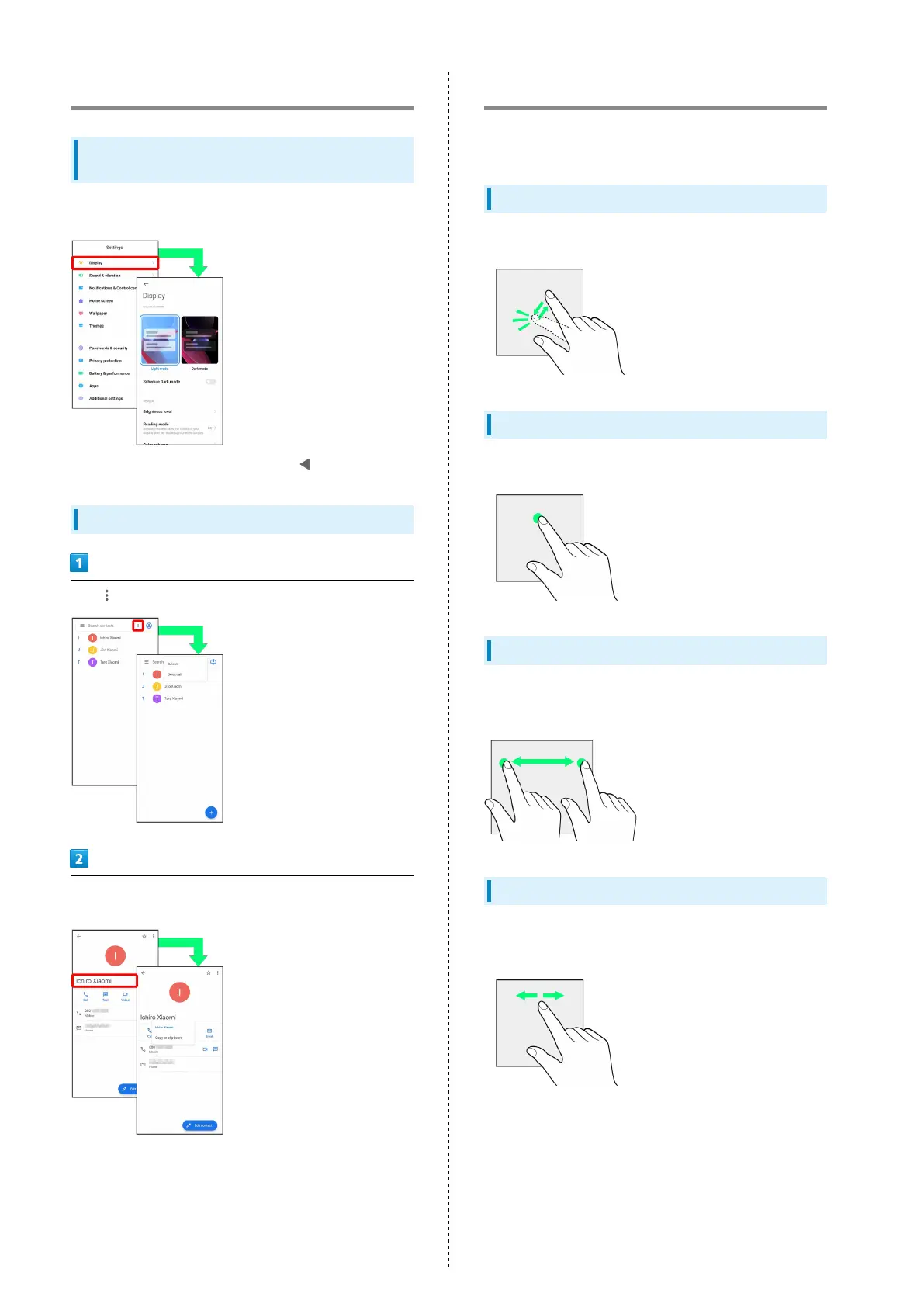
Tap items, icons, onscreen keys, etc. to open assigned items.
・
To return to the previous screen, Tap .
Menu Operations
Tap for available settings and items.
Screens may also have settings and items that are available by
Touching & Holding Display.
Using Touchscreen
Handset uses a touchscreen-type Display. Operate with your
fingers on Display.
Tap
Contact Display lightly and briefly.
Touch & Hold
Contact Display lightly; release finger when screen changes.
Drag
Touch icon or other item lightly, move it where desired, and
release finger.
Swipe/Flick
Contact Display lightly, then brush screen up/down or left/
right.














 To Next Page