65
Wi-Fi Bluetooth
Redmi Note 9T
Using Bluetooth
®
Function
Connect to a Bluetooth
®
-capable wireless phone, etc. for calls
or to a hands-free device such as a headset.
Hints
Q. Cannot use Bluetooth
®
A. Is handset in Airplane mode? If in Airplane mode,
Bluetooth
®
function is disabled. Bluetooth
®
function
can be enabled again after placing handset in Airplane
mode.
Bluetooth
®
Function Cautions
Information may not appear correctly on both devices
depending on the transferred data.
Enabling Bluetooth
®
Function
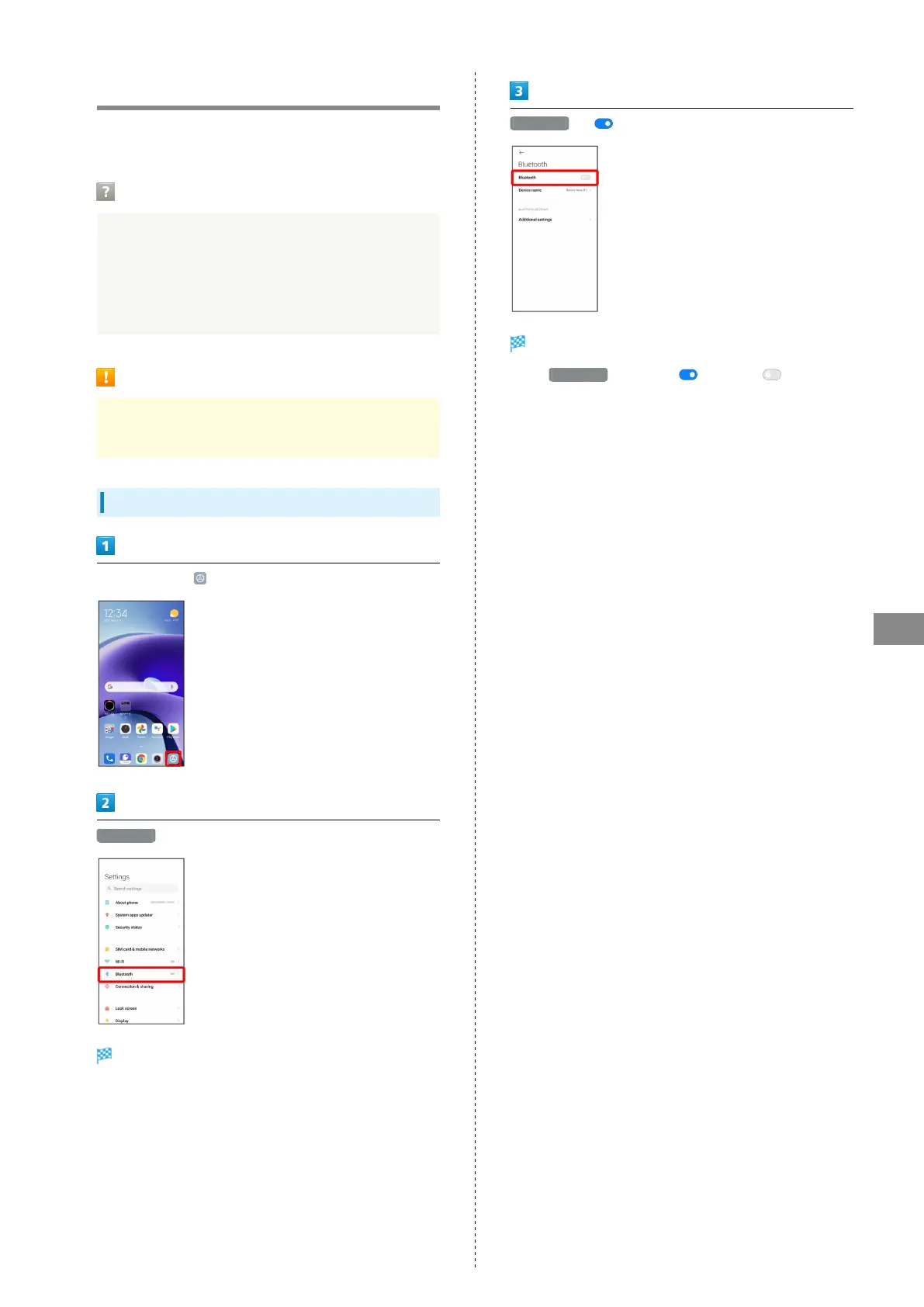
In Home Screen, (Settings)
Bluetooth
Bluetooth
®
menu opens.
Bluetooth ( )
Bluetooth
®
function is enabled.
・
Tap Bluetooth to enable ( )/disable ( ).














 To Next Page