23
Basic Operations
Redmi Note 9T
Pinch/Spread
Contact Display lightly, then close/widen fingers.
Silent Mode
Mute ringtones and other handset sounds to avoid disturbing
others around you.
Silent Mode Cautions
Camera shutter, video start/stop tones, Alarm, video/
music, etc. sound even in Silent mode.
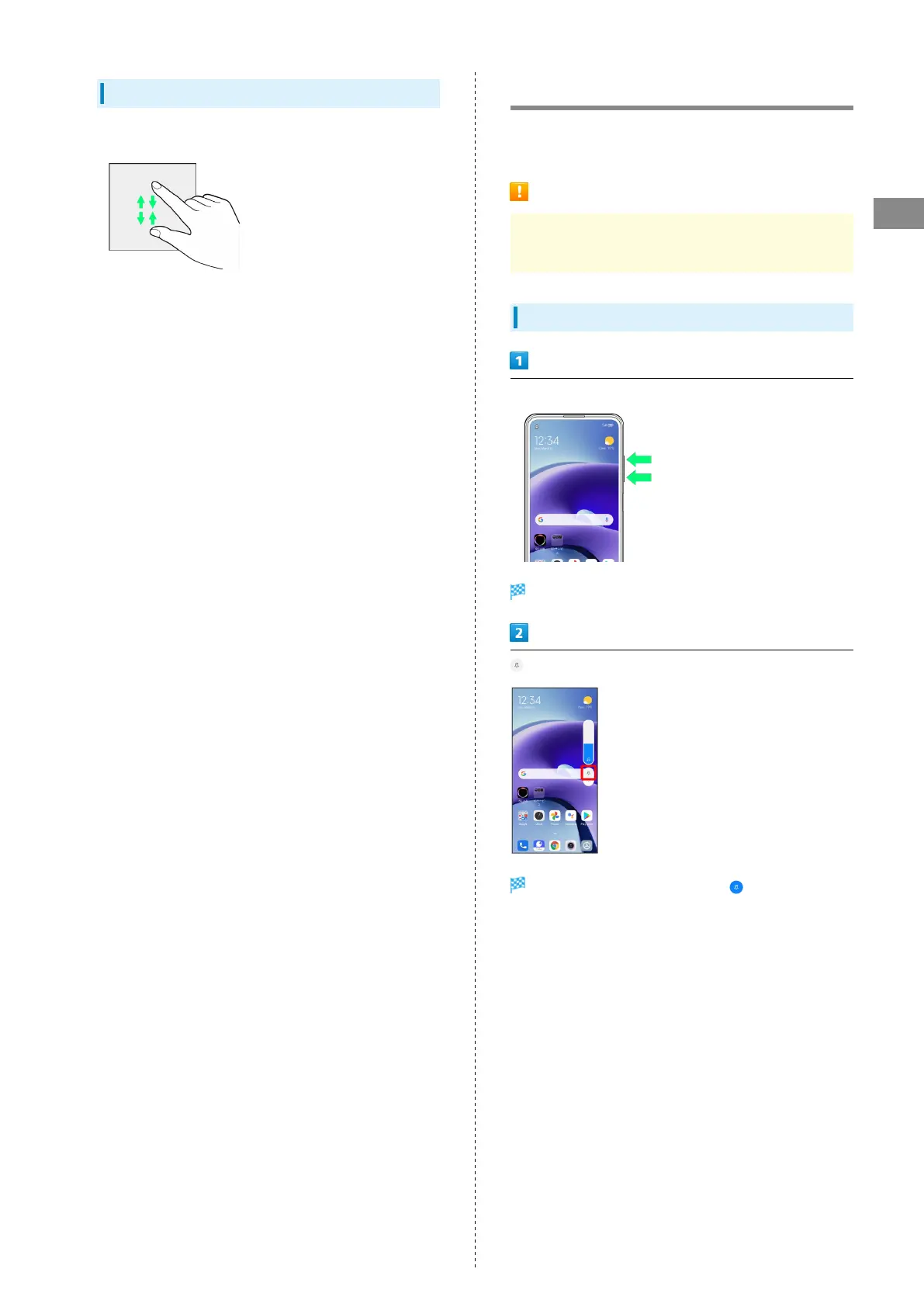
Using Silent Mode
Press Volume Key
Volume adjustment bar appears.
Icon on volume adjust bar turns to (blue) and handset
enters Silent mode.
・If confirmation appears, follow onscreen prompts.















 To Next Page