13
Getting Started
Redmi Note 9T
Power On/Off
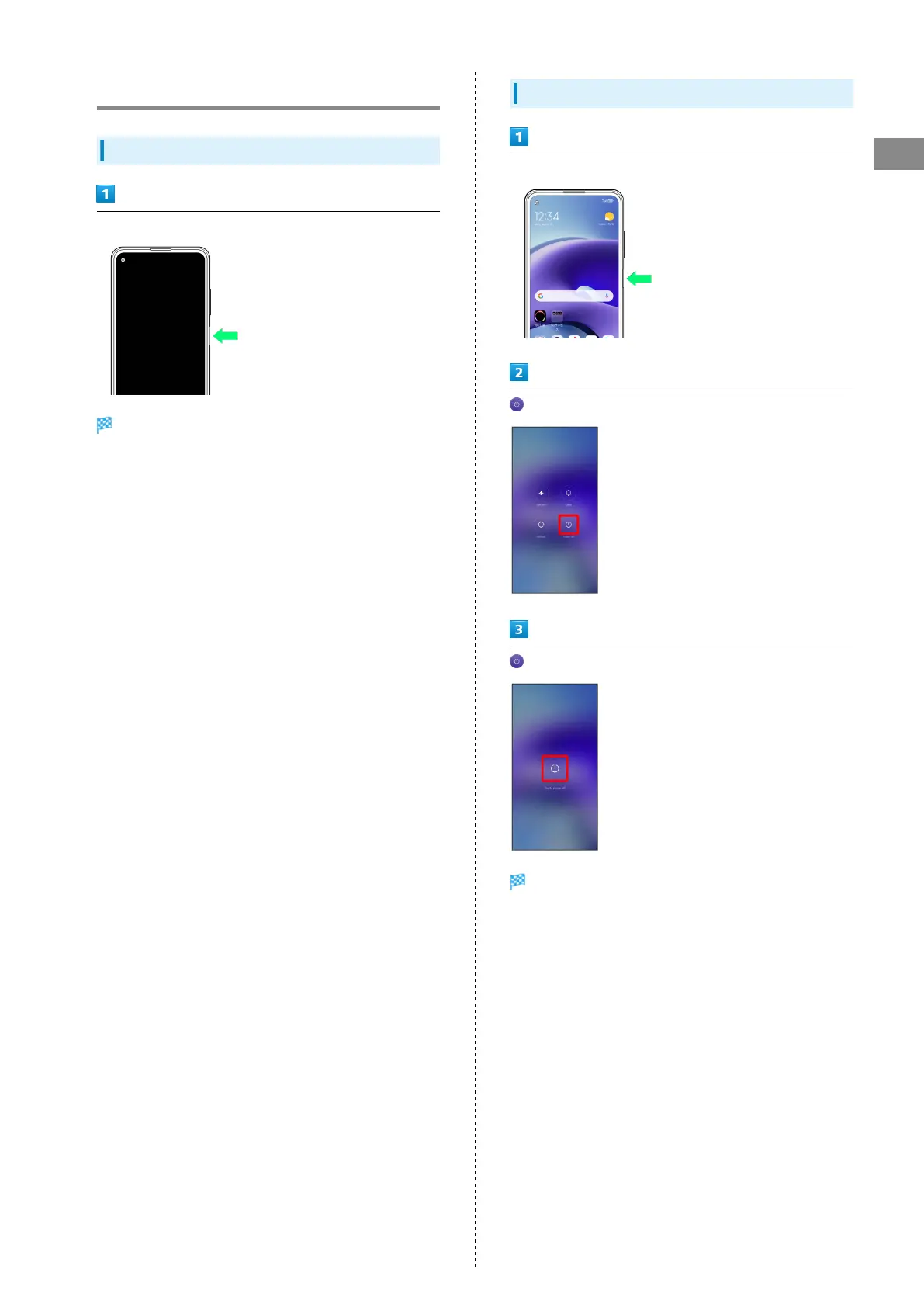
Powering On
Press and hold Power Key for at least 5 seconds
Lock screen appears.
・For details on unlocking screen, see "Unlocking Screen."
・Startup screen appears for the first time handset is
powered on. For details on initial settings, see "Making
Initial Settings."
Powering Off
Press and hold Power Key for at least 1 second
(Power off)
(Tap to power off)
Handset powers off.















 To Next Page