56
Viewing Captured Still Images/
Videos (Gallery)
Showing Still Images/Videos
Show captured or downloaded still images and videos.
Supported file formats are as follows.
Type File Format
Still image
JPEG, HEIF, GIF, PNG, BMP, WBMP, WEBP,
DNG
Video
MP4, MKV, AVI, WMV, WEBM, 3GP, ASF,
MOV, TS
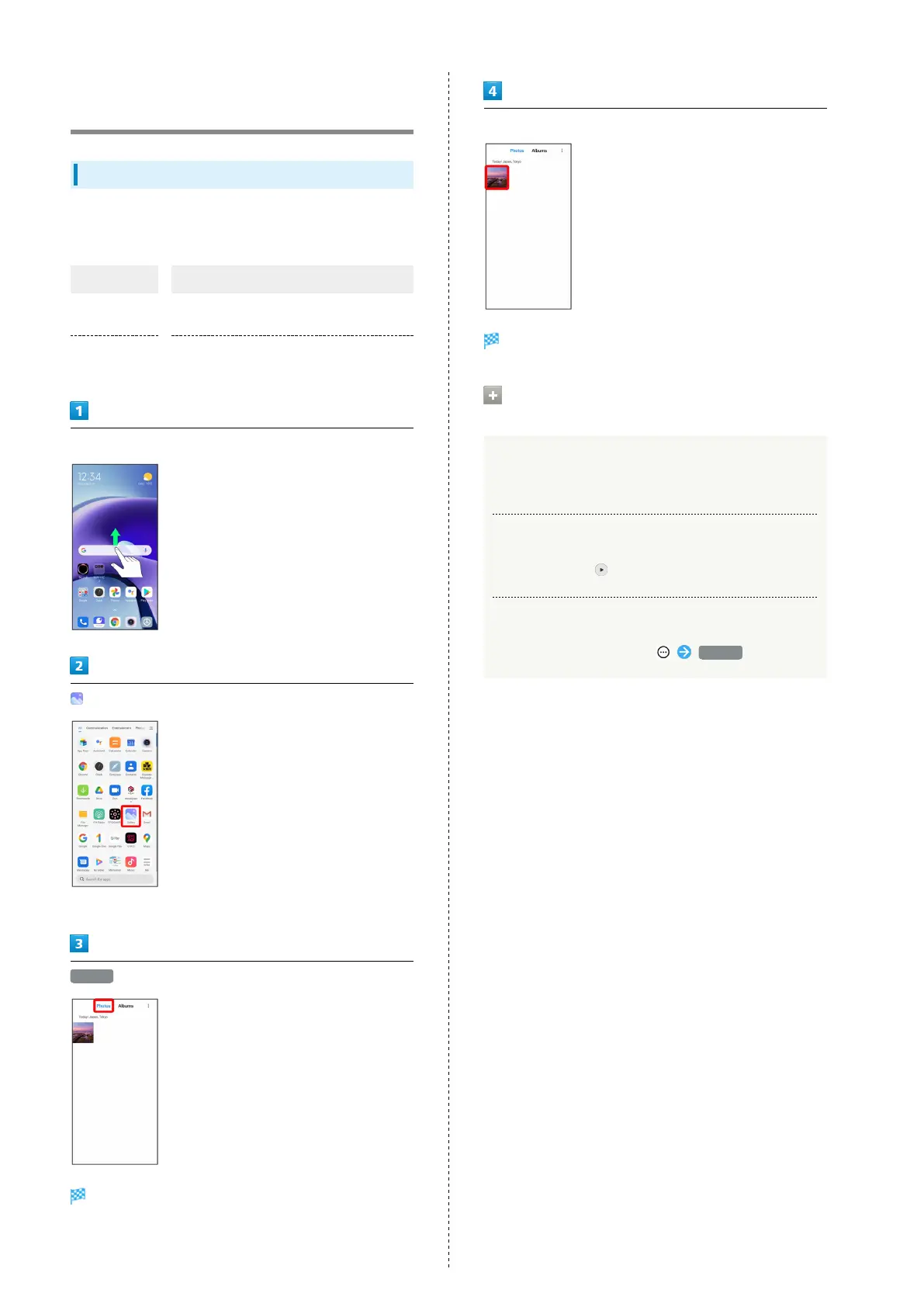
Swipe/Flick Home Screen up
(Gallery)
・If confirmation appears, follow onscreen instructions.
Photos
Still image/video list opens.
Tap still image/video
Still image/video window opens.
Operations when Viewing Still Images/
Videos
Zooming In/Out on Still Images
In still image window, Tap Display twice or Pinch/Spread.
Playing Videos
In video window,
Viewing Still Image/Video Details
In still image/video window, Details














 To Next Page