55
Camera
Redmi Note 9T
Capturing Videos
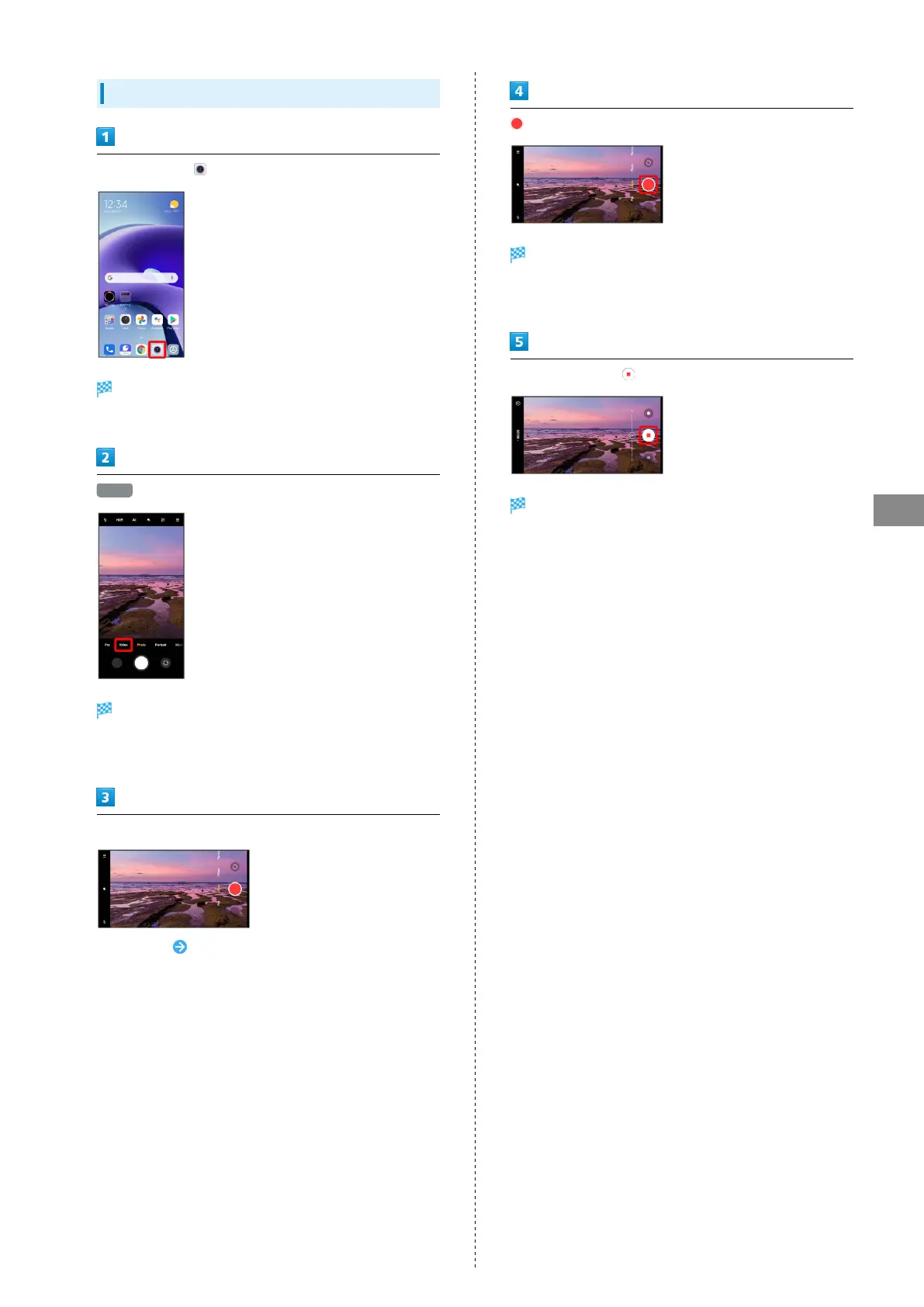
In Home Screen, (Camera)
Photo Viewfinder appears.
・If confirmation appears, follow onscreen instructions.
Video
Video Viewfinder appears.
・Alternatively, Drag shooting mode to the right for Video
Viewfinder.
Aim Camera at subject
・
Tap Display Swipe/Flick Display up/down to adjust
brightness.
・Pinch/Spread to zoom out/in.
・Tap subject to focus. Touch & Hold for focus lock.
・Depending on setting, press Volume Key to zoom.
Video recording starts.
・Depending on setting, press Volume Key to start/stop video
recording.
To stop recording,
Video recording stops and video is saved.















 To Next Page